



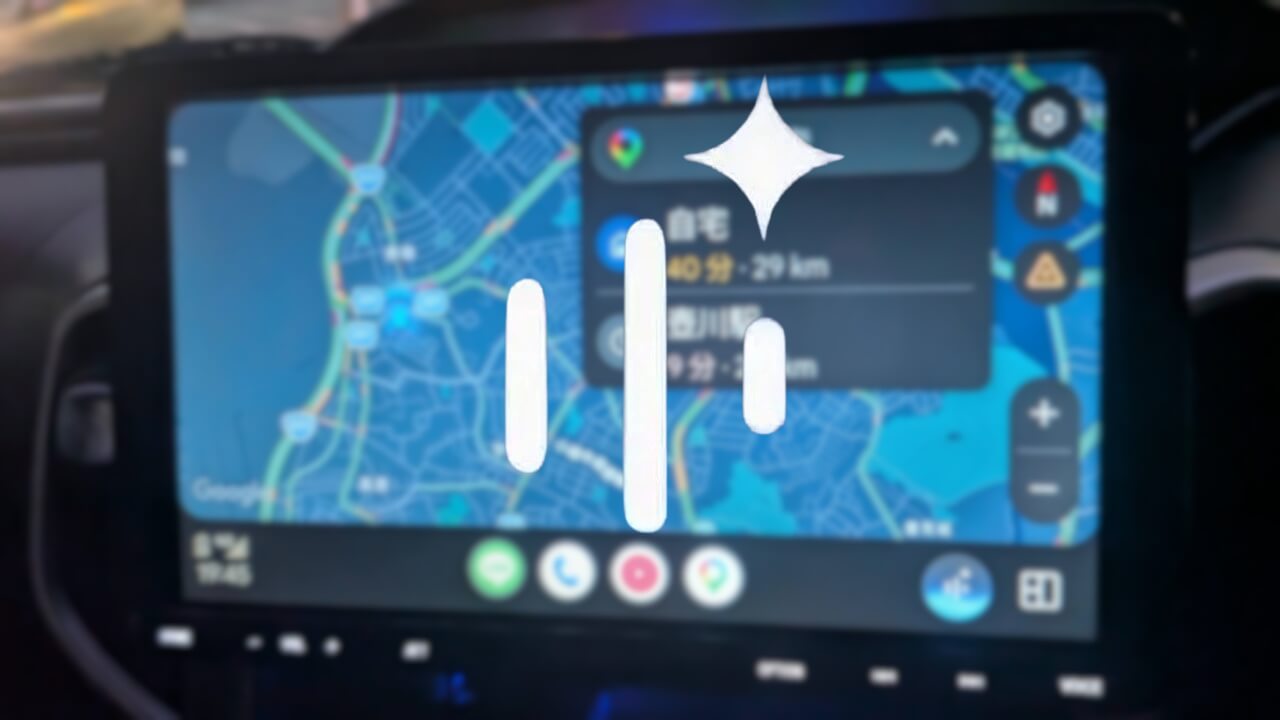

- “Gemini Live” for “Android Auto” was finally released between early and mid-July 2026.
- Once “Gemini Live” is enabled, a “Gemini” button appears on the right side of the menu bar at the bottom of the “Android Auto” screen.
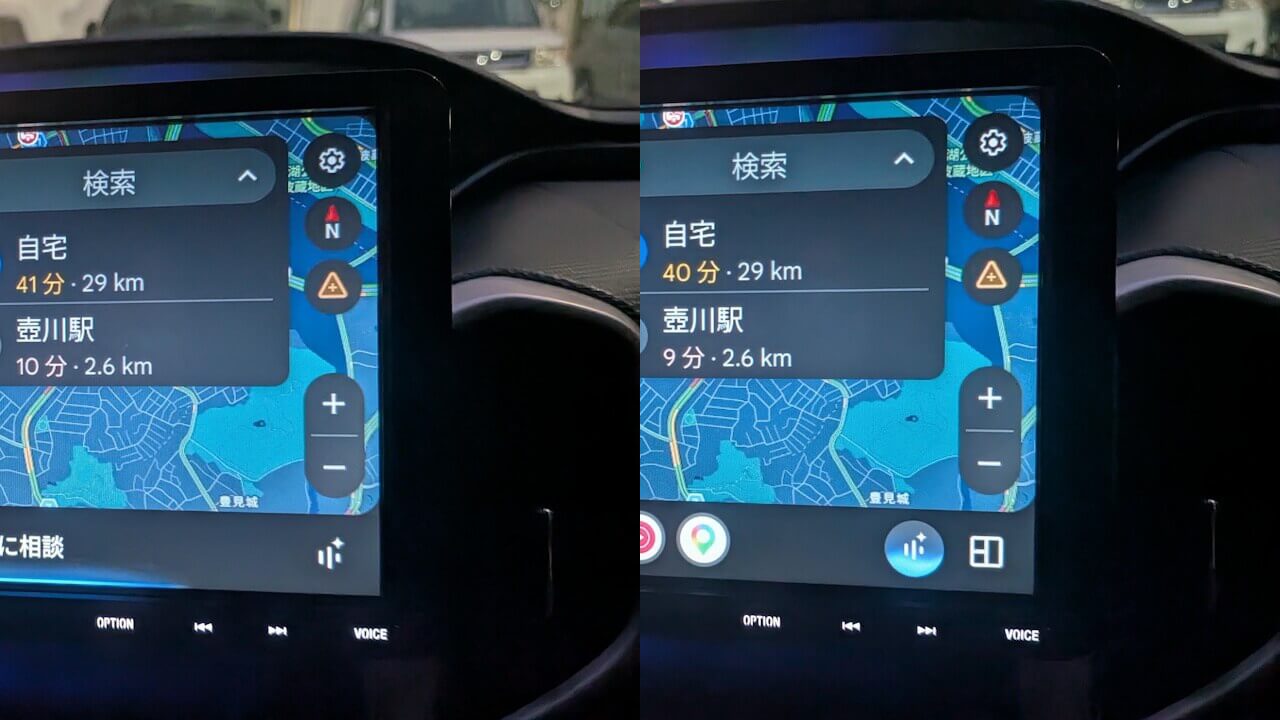
- Tapping the “Gemini” button launches “Gemini,” which then switches to a “Gemini Live” button; tapping that button launches “Gemini Live.”
Around Wednesday, May 6, 2026, two months ago, “Gemini” for “Android Auto” was launched in Japan with Japanese language support.
However, initially, it was simply an update from “Google Assistant” to “Gemini,” and the intuitive conversational service “Gemini Live” was not yet available. Finally, between early and mid-July 2026, “Gemini Live” was officially released for “Android Auto.”
I have confirmed that “Gemini Live” is now available in my car (Solio + Sony XAV-AX8000).

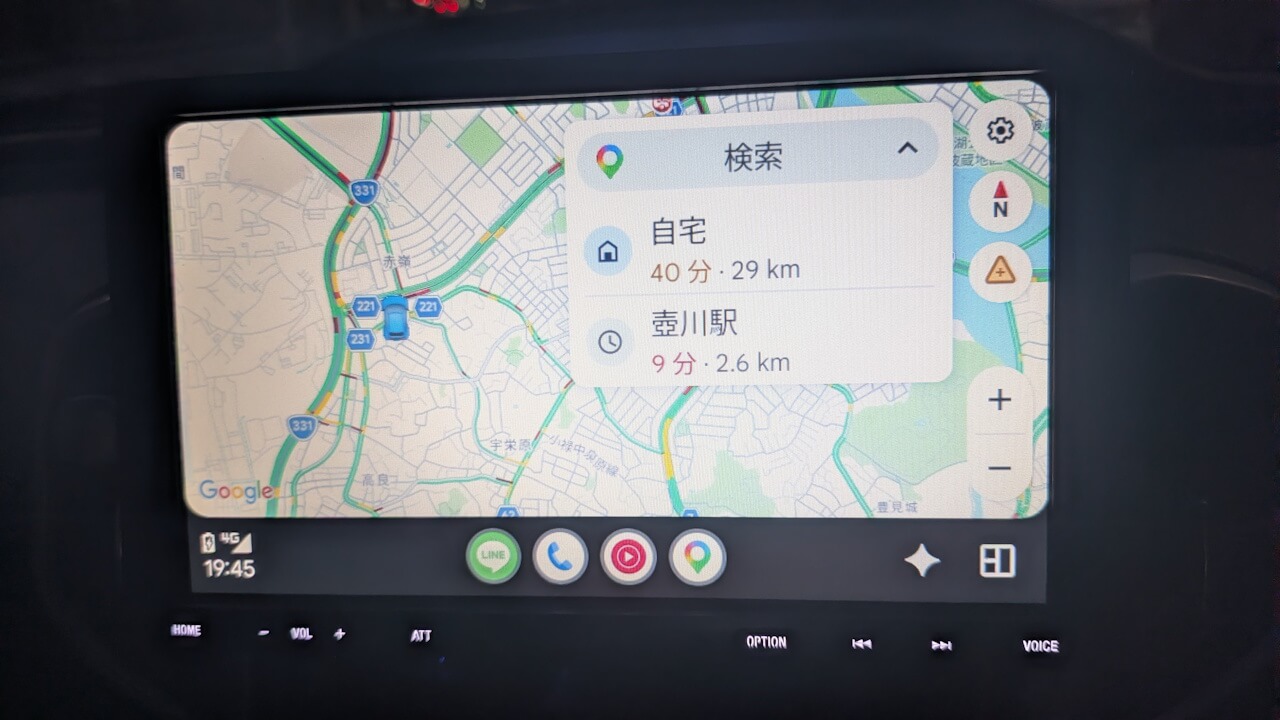
Once “Gemini Live” is enabled, a “Gemini” button appears on the right side of the menu bar at the bottom of the “Android Auto” screen. Tapping this “Gemini” button launches “Gemini,” which then switches to a “Gemini Live” button. Tapping that “Gemini Live” button will then launch the “Gemini Live” service.
Note that “Gemini Live” cannot be launched simply by saying “OK Google, let’s talk” or “OK Google, launch Gemini Live”; it is designed to require a manual tap on the “Gemini Live” button. In other words, you must tap the “Gemini Live” button to start it while the vehicle is parked or stopped.
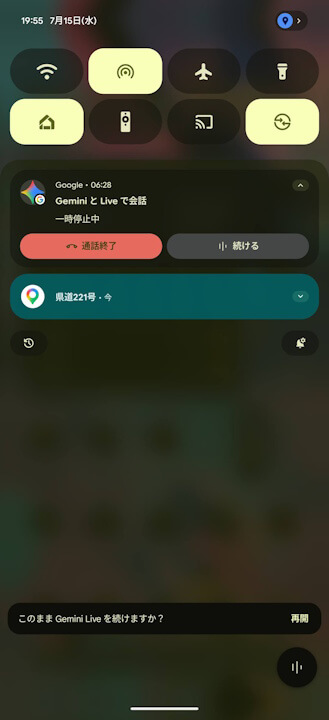
By the way, “Gemini Live” on “Android Auto” technically works by launching “Gemini Live” on your host Android device and casting it to the “Android Auto” interface. While there is no specific “Interrupt Gemini Live response” setting within “Android Auto” itself, because it is running via the host Android device, it inherits the “Interrupt Gemini Live response” settings from that device.
Chat Live with Gemini
You can have a free-flowing, natural conversation with Gemini when you tap Microphone on the screen and say, “Let’s talk Live.” When you chat Live with Gemini in your car, you can do things like:Discuss a topic that interests you, like music artists or quantum theory.
Talk with Gemini in your car – Gemini App Help
Ask Gemini for entertainment, like trivia questions, jokes, or help finding a podcast.
Get travel info, like discussing a destination or asking about landmarks you pass by.
Tip: To stop your Live conversation, say “Stop.” For now, you can only start and stop Live with your voice.
“Android Auto” App Link

Source: Google