



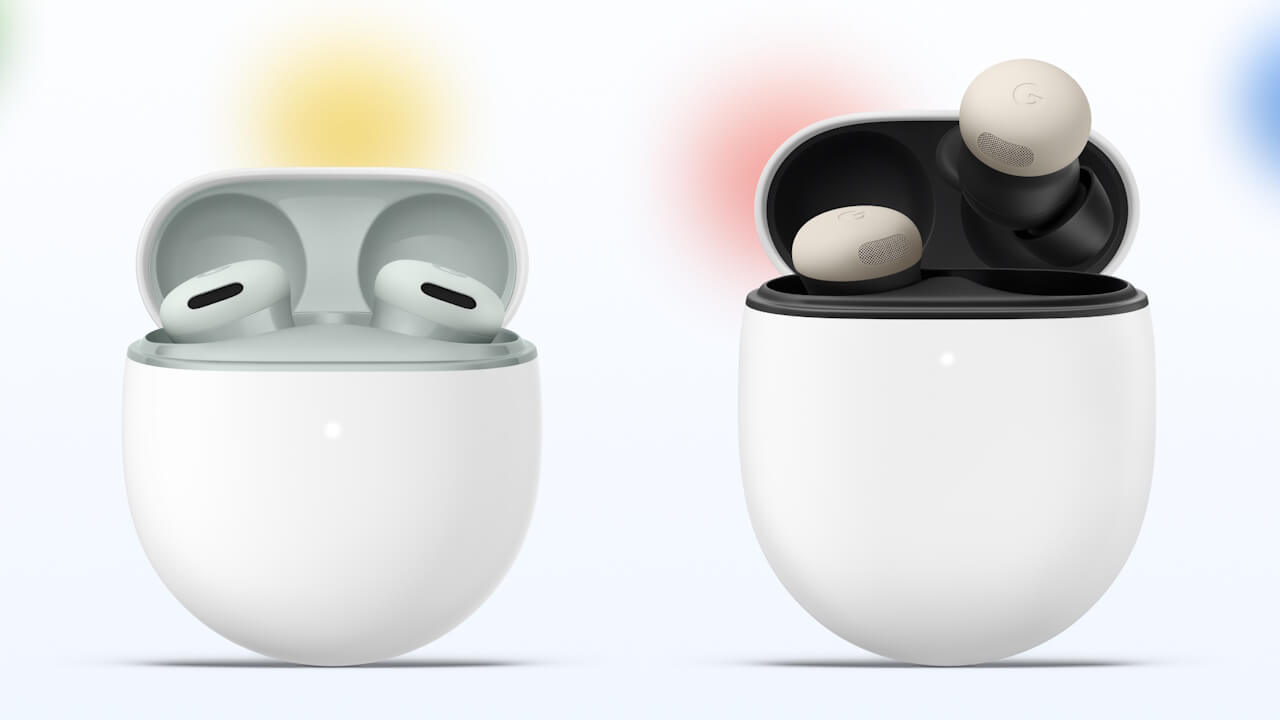

- Google has released the firmware version v6.144 update for two models: the Pixel Buds Pro 2 and Pixel Buds 2a.
- This v6.144 firmware update is a major release that introduces several new features, including AI-powered capabilities.
- New features include muting and unmuting the microphone by tapping the earbuds during a phone call, among others.
On Tuesday, October 6, 2026 (local time), Google began rolling out the firmware version v6.144 update for two Google Pixel Bluetooth earbud models: the Pixel Buds Pro 2 and Pixel Buds 2a.
This v6.144 firmware update is a major release adding multiple new features, including AI-powered functions. While the v5.203 firmware released on Tuesday, June 2, 2026 focused solely on general bug fixes and performance improvements, the v6.144 update introduces a wealth of features that directly impact daily usability, such as translation, phone calls, and bedtime operations.
| Target Models | Pixel Buds Pro 2, Pixel Buds 2a |
|---|---|
| Firmware | v6.144 |
| “Dynamic Active Noise Cancellation” | Automatically adjusts sound quality and noise cancellation based on the earbud seal (ear tips) *Pixel Buds Pro 2 only |
| Enhanced “Real-time Translation” | Start “Real-time Translation” (Conversation mode / Listening mode) in the Google Translate app with just a tap on the earbuds |
| Settings Changes via “Gemini” Voice Commands | Control Active Noise Cancellation ON/OFF, adjust the equalizer, and enable touch controls using your voice |
| Tap to Mute | Mute or unmute the microphone by tapping the earbuds during a call *Only available when connected to a Google Pixel device |
| Automatic Media Pause at Bedtime | Automatically pauses playback, turns off touch controls, and silences notifications when sleep is detected by the Google Pixel Watch series |
A new feature exclusive to the Pixel Buds Pro 2 is “Dynamic Active Noise Cancellation.” Sound quality and noise cancellation are now automatically adjusted based on how well the earbuds seal in your ears (ear tips).
As a new feature available on both the Pixel Buds Pro 2 and Pixel Buds 2a, “Real-time Translation” has been enhanced. You can now start “Real-time Translation” simply by touching your earbuds, even while your Android device remains in your pocket.
In addition to face-to-face conversations, it supports listening mode for picking up surrounding foreign language speech, working in conjunction with the Google Translate app. Please note that available countries and languages are limited.
Additionally, you can now change your Pixel Buds settings using Gemini voice commands. You can turn Active Noise Cancellation ON, adjust the equalizer, or enable touch controls using just your voice.
Using this feature requires the Google Pixel Buds app, paired with a supported Android device that has access to the Gemini app and a Google Account, along with an internet connection. Availability is also restricted to certain countries and languages.

 jetstream.blog
As reported in our app teardown coverage—an original app file analysis feature by our site “Jetstream”—you can now mute and unmute the microphone simply by tapping the earbuds during a phone call. However, this feature is only available when connected to a Google Pixel device.

Furthermore, support has been added for automatic media pausing at bedtime in conjunction with the Google Pixel Watch series. When the Google Pixel Watch series sleep detection feature detects that you have fallen asleep, your Pixel Buds will automatically pause music playback, turn off touch controls, and silence notifications.
To use the newly announced features for the Pixel Buds Pro 2 and Pixel Buds 2a, you will need to update the respective firmware, the Google Pixel Buds app, and the OS of the connected Android device to their latest versions. In general, firmware updates for the Pixel Buds Pro 2 and Pixel Buds 2a are installed automatically when connected to a Google Pixel device running Android 10 or later, or an Android device running Android 6.0 Marshmallow or later with the Google Pixel Buds app installed.
If connected to a Google Pixel / Android device that meets the above conditions, you can also apply the update manually.
Google Pixel Buds App Link

Source: Google (https://support.google.com/googlepixelbuds/thread/470579319/a-huge-pixel-buds-update-is-coming-your-way)