




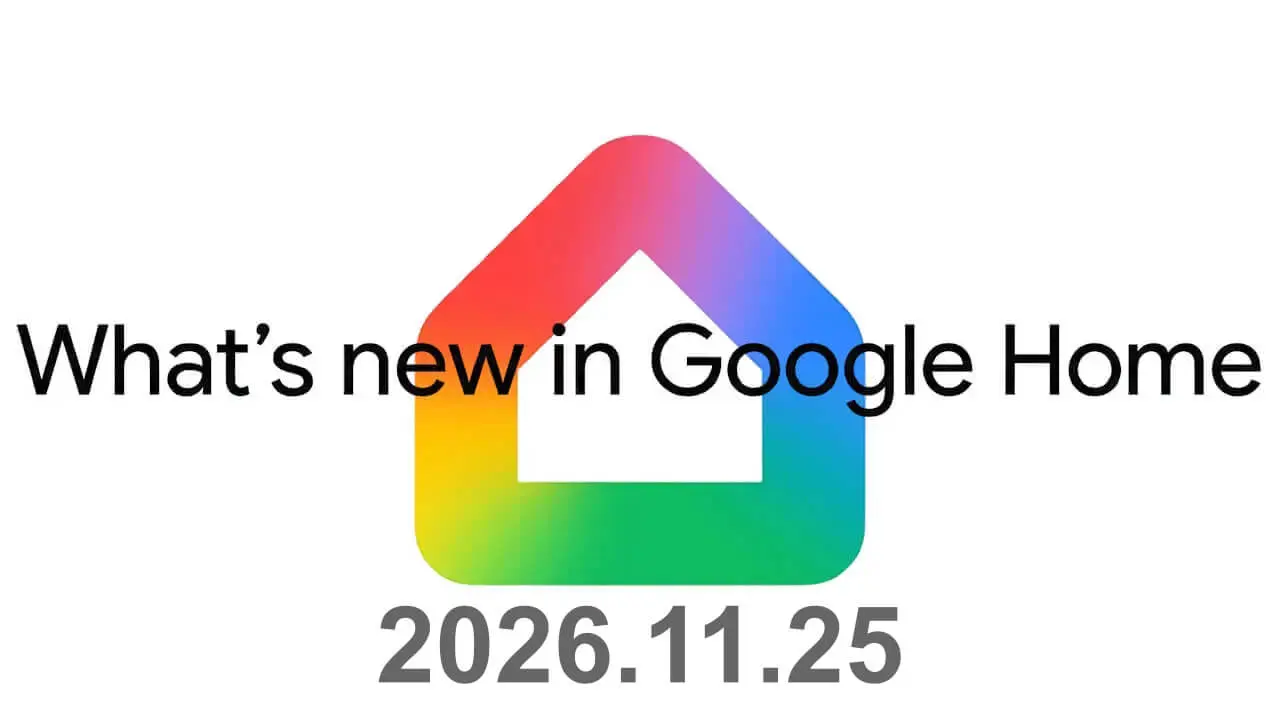

- Google、現地時間 2026 年 11 月 25 日(水)に、「Google Home」関連サービスに対して展開している新機能や改善をまとめた最新情報「What’s new in Google Home」を公開。
- 「Gemini for Home(早期アクセス)」における高速かつ自然な「Gemini Live」体験やストーリーテリング機能展開、スマートディスプレイでの情報ソース表示対応、「Google Home」アプリの屋外カメラ向けリモートサイレン制御、サーモスタットの週間スケジュールコピー機能追加など。
- 多数の機能強化や不具合修正が発表。
Google は現地時間 2026 年 11 月 25 日(水)、スマートホームサービス「Google Home」関連サービスに対して展開している新機能や改善をまとめた最新情報「What’s new in Google Home」を公開しました。
今回の「What’s new in Google Home」では、「Gemini for Home(早期アクセス)」における高速かつ自然な「Gemini Live」体験やストーリーテリング機能展開、スマートディスプレイでの情報ソース表示対応、「Google Home」アプリの屋外カメラ向けリモートサイレン制御、サーモスタットの週間スケジュールコピー機能追加など、多数の機能強化や不具合修正が発表されています。
Release notes for 2026
November 25, 2026
Gemini for Home (Early Access)
Voice Assistant
- A faster and more natural Gemini Live experience: Over the coming weeks we’re rolling out the improved Gemini Live that we recently announced. Try saying “Hey Google let’s chat” for a more responsive conversation. Gemini Live now supports all your daily actions, from setting timers to turning off the lights.
- “Hey Google, tell me a story”: Also rolling out starting today, Gemini now brings stories to life with more expressive storyteller voices and dynamic pacing. You can also steer the story as Gemini tells it. Try saying, “Hey Google, make the main character have magical powers.”
- Quicker smart home commands: We’ve fully rolled out a set of substantial performance improvements to many of Gemini for Home’s smart home device control capabilities; responses & actions for most common commands should feel snappier.
- Smoother smart home follow-ups: Fixed an issue where Gemini could occasionally lose track of context in follow-up queries like “turn them back on” after “turn off the living room lights.”
- Fewer “nothing is playing” replies when you say “stop”: Fixed an issue where Gemini would respond “nothing is playing” when asked to “stop” music or other media.
- See Gemini’s sources on smart displays: When Gemini answers a question with information from the web, you can tap “Sources” on supported smart displays to see the websites behind the answer.
Google Home App
Camera
- Feedback improvements: Video clip feedback is now available to homes with multiple admins in supported regions. You can share feedback about your video clips with Google to help us improve your experience and troubleshoot issues, and you can also choose to share the clips themselves, which helps improve Gemini for Home’s video understanding. Learn more here.
- Remote siren controls on supported outdoor cameras: Added remote siren controls in the Google Home app to activate or stop a 30-second security siren while watching live video on Nest Cam Outdoor (wired, 2nd gen), onn Outdoor Camera Plug-In, and onn Floodlight Camera Hardwired.
- Familiar Faces with onn Outdoor cameras: The onn Outdoor Camera Plug-In and onn Floodlight Camera Hardwired now support Familiar Face alerts in the Google Home app with a Google Home Premium subscription.
- Restored event notification previews on Android 17 (Android): Fixed an issue on Android 17 phones where camera event notifications could appear without video clip previews or image thumbnails across widescreen Nest and partner cameras.
- More reliable event-based video history playback (Android): Reduced “Couldn’t play video” playback errors when watching event-based video history on Android.
- Cleaner landscape camera controls on Pixel phones (Android): Fixed an issue where camera controls and event descriptions in full-screen landscape view could overlap the front camera cutout on Pixel phones.
Lighting
- Set your lights to the perfect color (iOS): Fixed an issue ensuring that full-saturation light colors are now easier to select thanks to an updated color wheel.
Energy
- Copy thermostat schedules across days: You can now copy a single day’s temperature schedule and apply it to multiple days of the week in the Google Home app, making it faster to set up or update your weekly routine on Nest Learning Thermostat (4th gen) and Nest Thermostat.
Media
- Smoother Google Home Speaker setup: Fixed a brief screen flash after device scanning completes during setup (iOS), updated speaker image layout on setup screens (iOS), and restored the “Update finished” confirmation and animation after speaker software updates complete (Android).
- More reliable stereo pair and speaker group controls (Android): Fixed an issue where the controller screen could show a blank loading state immediately after setting up a Google Home Speaker stereo pair, and kept speaker group controls responsive.
- Google TV audio output setup & status improvements: Pre-selected already-paired speakers and handled TV switching cleanly during setup (Android), showed “TV Audio (Default)” in settings when audio output is switched back to the TV on the TV UI (iOS), fixed missing/”null” device text on the confirmation screen when restoring TV audio output (Android & iOS), and updated the setup help link to point directly to the Google TV audio output guide.
- More consistent music transfer between speakers and displays (Android): Fixed an issue on Android when moving music to another speaker or display. This also makes adding and removing speakers from the cast controls more reliable.
Home Growth & Subscriptions (HP)
What’s new in Google Home – Google Nest Help
- One-step camera feature setup for Google Home Premium (US): Google Home Premium subscribers setting up a new camera can enable their premium camera features in one step instead of configuring each feature separately. Your existing camera settings remain unchanged when you add a new device, and you can customize or opt out specific cameras or features before finishing setup.
「Gemini for Home(早期アクセス)」
音声アシスタント
「Google Home」スマートスピーカーおよびスマートディスプレイ向けの Google AI「Gemini」において、より高速で自然な会話ができる改良版「Gemini Live」の展開が今後数週間かけて開始されます。
改良版「Gemini Live」では、“OK Google、おしゃべりしよう” と話しかけることで応答性の高い会話を楽しめるほか、タイマーの設定や照明の消灯といった日常のあらゆるアクションにも対応します。また、“OK Google、お話を聞かせて” とリクエストすると、表現力豊かな声とダイナミックなテンポで物語を語り、途中で “主人公に魔法の力を持たせて” のようにストーリーの展開を指示することも可能です。
さらに、スマートホームデバイス制御のパフォーマンス大幅な改善が完了し、一般的なコマンドへの応答やアクションがより軽快になりました。あわせて、“リビングの照明を消して” の後に “また点けて” と続けた際に文脈を見失う不具合や、音楽などのメディア再生中に “ストップ” と指示すると “何も再生されていません” と誤応答する不具合も修正されています。
スマートディスプレイでは、WEB 情報をもとにした回答の根拠となるサイトを確認できる「ソース(Sources)」ボタンも追加されました。
「Google Home」アプリ
カメラ機能
サポート対象地域において、複数の管理者が登録されているホームでもビデオクリップのフィードバック送信が可能になり、クリップ自体を共有して「Gemini for Home」の映像理解精度向上に協力できるようになりました。
また、第 2 世代「Nest Cam Outdoor(電源アダプター式)」や「onn Outdoor Camera Plug-In」「onn Floodlight Camera Hardwired」のライブ映像視聴中に、アプリから 30 秒間の防犯サイレンを作動 / 停止できるリモートサイレン制御が追加されています。「onn」製の対象屋外カメラ 2 機種では、「Google Home Premium」加入時の「おなじみの顔(Familiar Face)」アラートにも対応しました。
Android 版「Google Home」アプリでは、「Android 17」搭載スマートフォンでワイドスクリーンカメラのイベント通知に動画クリップのプレビューや画像サムネイルが表示されない不具合や、イベント履歴再生時の “動画を再生できませんでした” エラーが改善されています。さらに、Google Pixel デバイスでの全画面横向き表示時に、カメラコントロールやイベント説明文がフロントカメラのパンチホールと重なる不具合も解消されました。
照明 / エネルギー / メディア / 「Google Home Premium」
照明機能では、iOS 版「Google Home」アプリにてカラーホイールが更新され、彩度の高い照明カラーをより簡単に選択できるようになりました。
エネルギー管理では、第 4 世代「Nest Learning Thermostat」および「Nest Thermostat」において、1 日分の温度スケジュールをコピーして他の曜日に一括適用できる機能が追加されています。メディア関連では、iOS 版「Google Home」アプリにおける「Google Home Speaker」のセットアップ画面レイアウト改善や、Android 版「Google Home」アプリでのソフトウェア更新完了時アニメーション復元、ステレオペア設定直後に読み込み空白画面が表示される不具合の解消が実施されました。
また、「Google TV」のオーディオ出力設定においても、Android 版「Google Home」アプリでのペアリング済みスピーカーの事前選択や、Android / iOS 版「Google Home」アプリの双方で確認画面に “null” と表示される不具合の修正などが行われています。さらに、Android 版「Google Home」アプリでのスマートスピーカー / スマートディスプレイ間の音楽転送や、キャスト操作時のデバイス追加 / 削除の安定性も向上しました。
このほか、米国向けに、「Google Home Premium」加入者が新しいカメラをセットアップする際、既存のカメラ設定を維持したままプレミアム機能を 1 ステップで一括有効化できる機能も導入されています。
「Google Home」アプリリンク


Source:Google





コメントを残す