




- A new feature for the “Connected Camera” on the Pixel 9 and Pixel 10 series quietly began rolling out on Monday, December 15, 2025.
- This new feature is a fixed microphone input setting called “Use Connected camera audio.”
- With the “Pixel Camera Services” app v3.0.789951047.04 update, released on Monday, December 15, 2025, the new “Use Connected camera audio” setting has been added, allowing you to lock the microphone input to the host Google Pixel device’s microphone.
Google announced the “Connected Camera” feature as part of the March 2025 “Pixel Drop” for Google Pixel devices, initially rolling it out for the “Pixel 9,” “Pixel 9 Pro,” “Pixel 9 Pro XL,” and “Pixel 9 Pro Fold.”
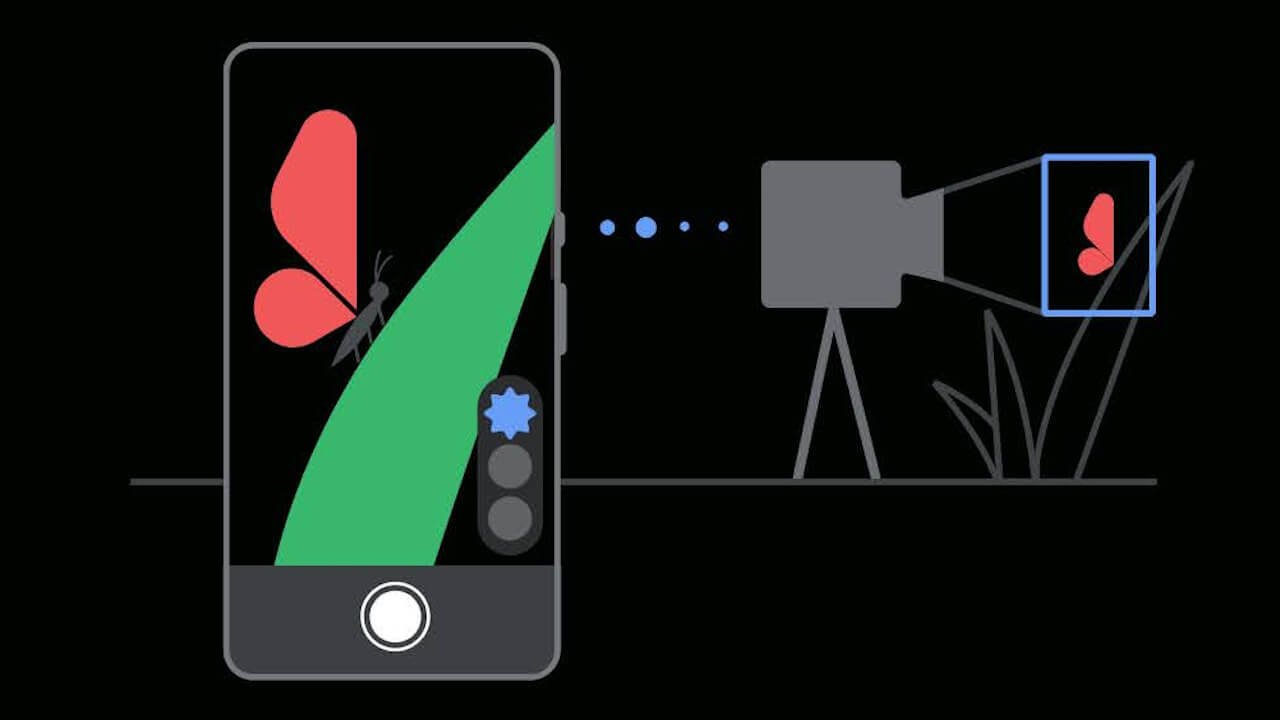
“Connected Camera” is a feature that allows you to wirelessly connect Google Pixel devices from the “Pixel 6” onwards or GoPro cameras from the “GoPro 10” onwards to a “Pixel 9” series device as the host, enabling seamless camera switching during video recording or live streaming. Of course, it is also available on the subsequently released new generation of Google Pixel devices: the “Pixel 10,” “Pixel 10 Pro,” “Pixel 10 Pro XL,” and “Pixel 10 Pro Fold.”
 jetstream.blog
A new feature for this “Connected Camera” on the Pixel 9 and Pixel 10 series quietly began rolling out on Monday, December 15, 2025. This new feature is a fixed microphone input setting called “Use Connected camera audio.”
Previously, the “Connected Camera” feature was designed to automatically switch to the microphone of the Google Pixel device or GoPro camera currently capturing the video, and it was not possible to lock the microphone input to the host Google Pixel device’s microphone. However, with the “Pixel Camera Services” app v3.0.789951047.04 update, released on Monday, December 15, 2025, the new “Use Connected camera audio” setting has been added, making it possible to lock the microphone input to the host Google Pixel device’s microphone.

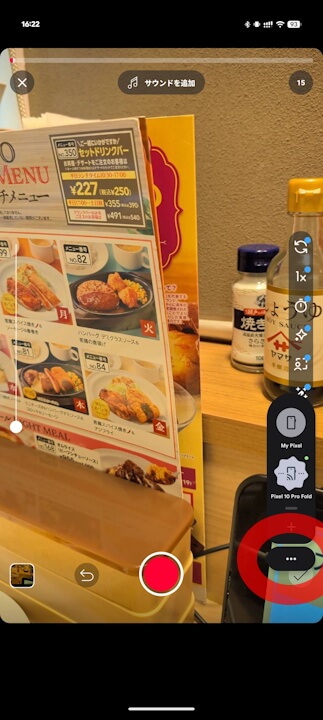
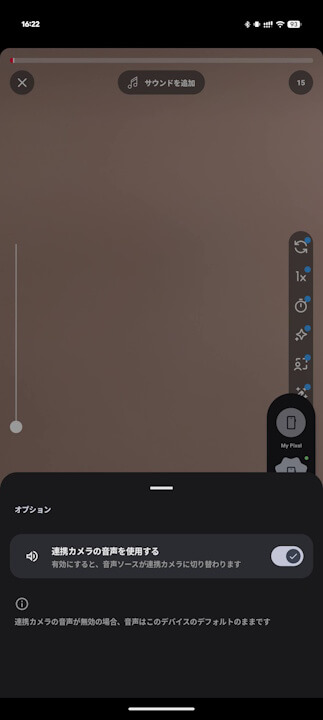
The new “Use Connected camera audio” setting is a new feature discovered by analyzing the in-app code of the “Pixel Camera Services” app. For users, this may be a long-awaited new feature.
<string name="options_bottom_sheet_connected_camera_audio_summary">Audio source will switch to the connected camera when active</string>
<string name="options_bottom_sheet_connected_camera_audio_title">Use connected camera audio</string>
<string name="options_bottom_sheet_footer">If connected camera audio is disabled, audio will remain the default from this device</string>
<string name="options_bottom_sheet_connected_camera_audio_summary">有効にすると、音声ソースが連携カメラに切り替わります</string>
<string name="options_bottom_sheet_connected_camera_audio_title">連携カメラの音声を使用する</string>
<string name="options_bottom_sheet_footer">連携カメラの音声が無効の場合、音声はこのデバイスのデフォルトのままです</string>“Pixel Camera Services” App Link

コメントを残す