



Key Points of This Article
- The initial screen when launching a new notebook in “NotebookLM” has been updated.
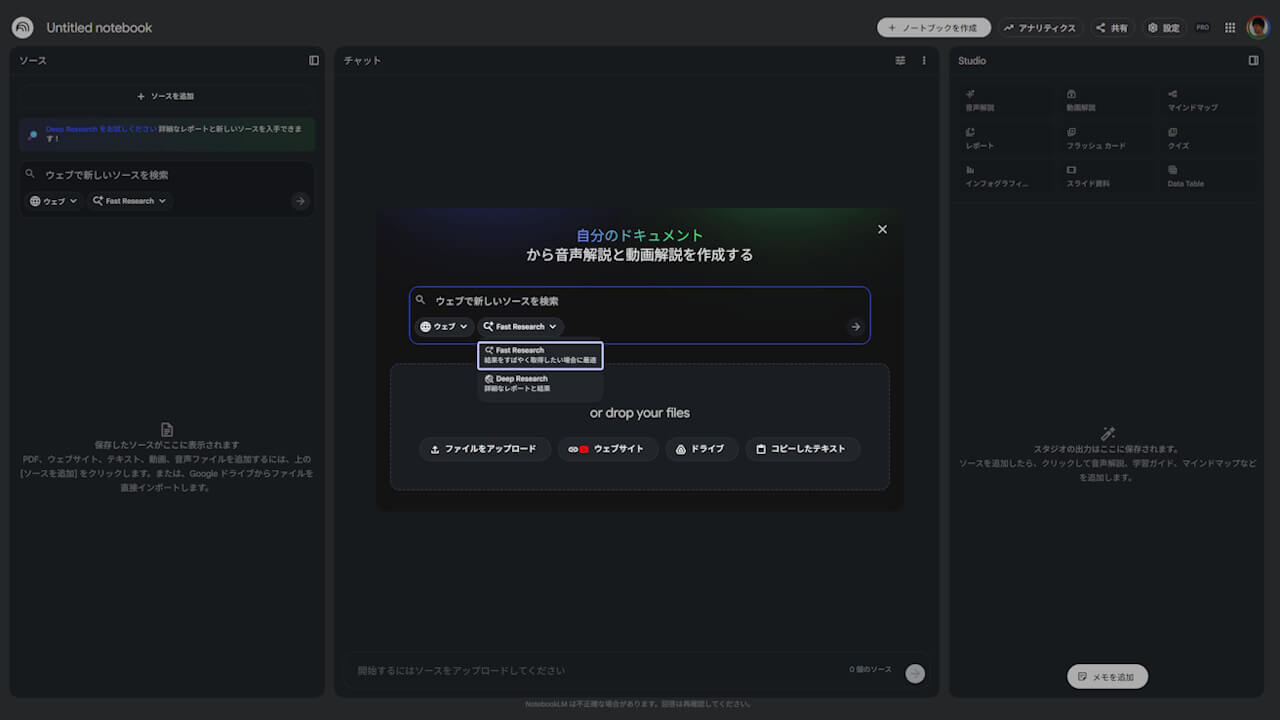
- In the revamped startup screen, the source search bar is now the primary interface element.
- The update is rolling out across the Web, Android, and iOS versions of “NotebookLM (Google NotebookLM).”
The initial screen encountered when launching a new notebook has been redesigned in ” NotebookLM,” the research and writing assistant tool powered by Google AI “Gemini.”
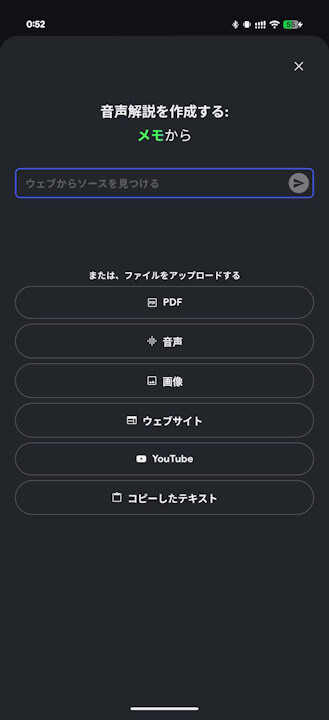
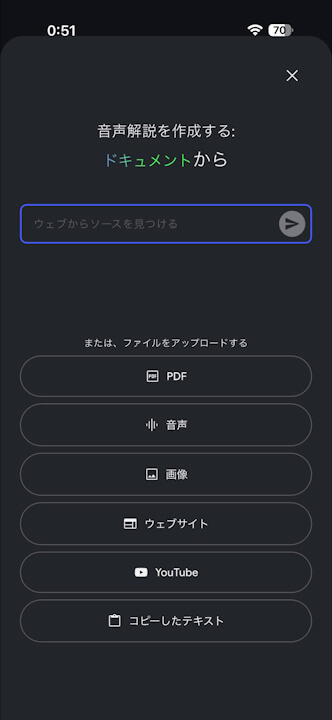
Previously, the main focus was on attaching files or pasting website URLs, but the updated launch screen has shifted to a layout where the source search bar is the central feature. This revamped startup experience is being rolled out across the Web, Android, and iOS versions of “NotebookLM (Google NotebookLM).”
Additionally, the source search bar in the Web version of “NotebookLM” now supports switching between Web and Google Drive as search sources, as well as toggling between “Fast Research” and “Deep Research” search modes.
“Google NotebookLM” App Links


Source:NotebookLM
コメントを残す