



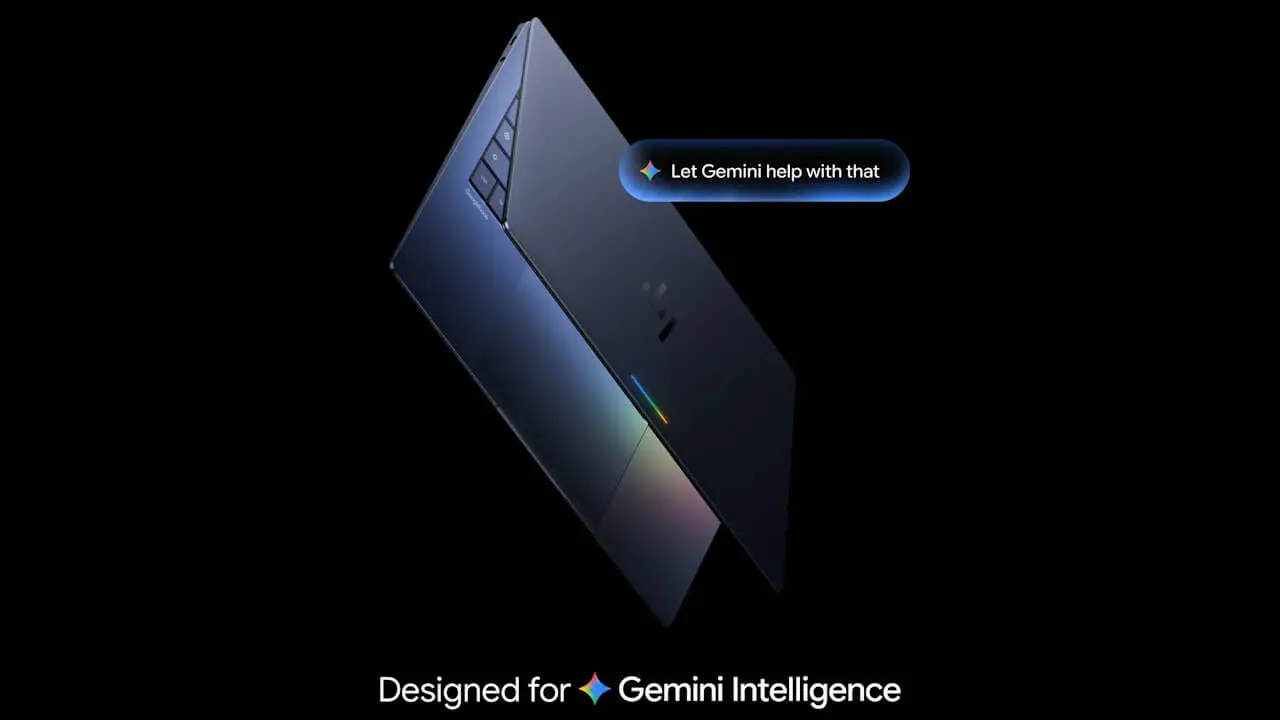

- Google introduces intelligent features coming to its new laptop brand, “Googlebook.”
- Intelligent features include “Magic Pointer,” “Rambler,” “Create My Widget,” and more.
- Anticipates user needs and helps improve daily task efficiency.
On Monday, September 21, 2026 local time, Google introduced the intelligent features built into “Googlebook,” a new laptop brand designed for the next-generation intelligent system “Gemini Intelligence,” which began taking pre-orders in the US and other regions ahead of its October 4, 2026 (Sunday) release.
“Googlebook” is Google’s new laptop brand integrated with “Gemini Intelligence,” the next-generation intelligent system powered by Google AI “Gemini.” Built on the Android technology stack combined with the ChromeOS desktop foundation, it represents a new laptop category positioned separately from Chromebooks.
“Googlebook” comes equipped with intelligent features such as “Magic Pointer,” “Rambler,” and “Create My Widget,” which anticipate user needs and help improve daily task efficiency. Furthermore, it is designed with the premise of seamless integration with Android devices.

“Continue On”
“Googlebook” is built on a shared foundation with Android. Signing in during setup automatically carries over your Android device settings, saved passwords, Wi-Fi networks, and messages.
With “Continue On,” you can seamlessly pick up right from the taskbar on your “Googlebook” where you left off on your Android device. For example, you can immediately resume a project you started on the music creation app “BandLab” during your commute simply by opening your “Googlebook.” You can also view, search, and open files and photos from your Android device using the “Files by Google” app, allowing you to work with them directly on your “Googlebook” without needing to download files from your Android device.
“Cast My Apps” & “Quick Access”
Googlebook also features “Cast My Apps,” which lets you launch apps installed on your Android device without needing to install them on your “Googlebook,” and “Quick Access,” which allows you to manage files from your Android device directly on your “Googlebook.”
However, these features are enabled through integration with Android devices powered by the next-generation Android OS, “Android 17” or later.
“Google Play Store”
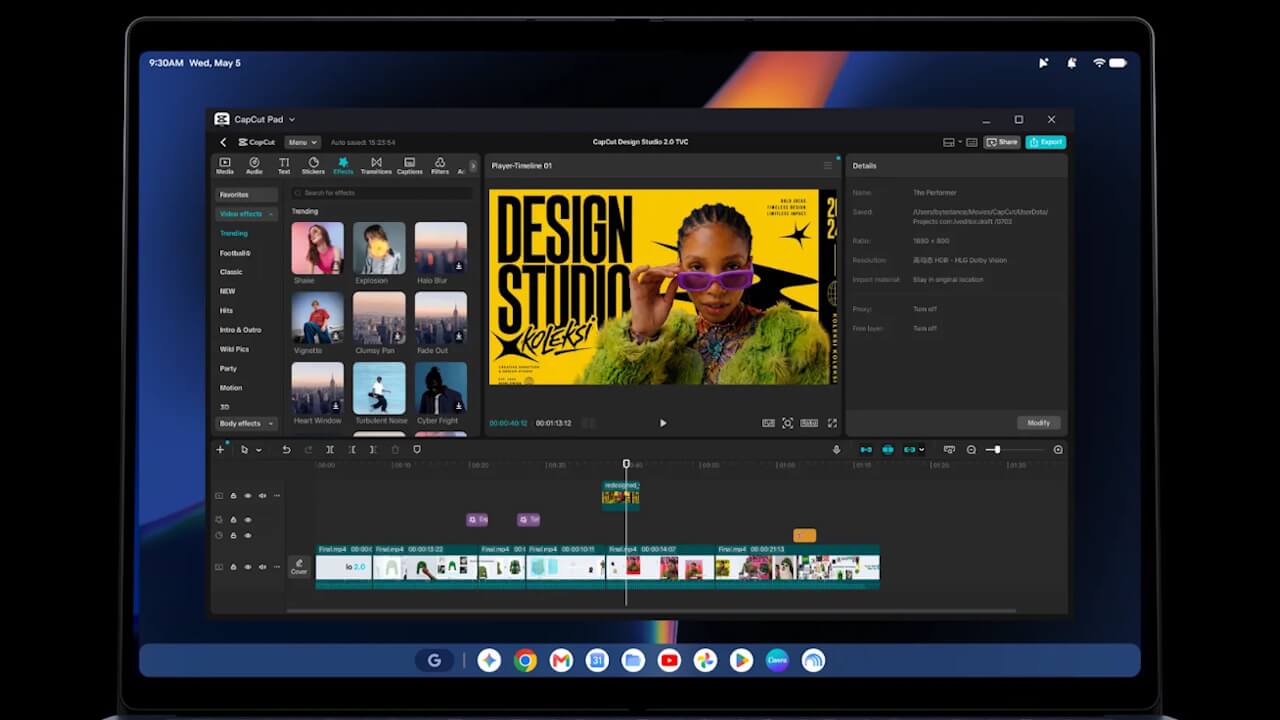
“Googlebook” gives you access to both the desktop version of “Chrome” with extension support and the Android content store, the “Google Play Store.”
Many Android apps are optimized for the large screen and mouse/keyboard controls of the “Googlebook.” You can run creative tools like “Adobe Photoshop,” “Adobe Lightroom,” and “CapCut” natively, and enjoy offline viewing on apps like “Netflix” and “HBO Max.” Additionally, purchasers of “Googlebook” will receive a free one-year subscription to the cloud gaming service “GeForce NOW.”
“Magic Pointer”
“Magic Pointer” is a feature that lets you invoke “Gemini”—which understands the context of text, images, and more on your screen—simply by giving the cursor a gentle wiggle gesture.
For instance, you can highlight a marathon training plan on a web page to register it as an event in “Google Calendar,” hover over a suspicious email to have Gemini determine whether it’s spam based on the body text and images, or select multiple images to generate them into a single image without downloading or uploading, all combined with simple gesture controls. “Magic Pointer” only operates when invoked via the wiggle gesture and remains inactive when not in use, keeping privacy in mind.
“Rambler”
“Rambler” is a voice input feature that removes stutters, slips of the tongue, and filler words to produce polished text simply by pressing a dedicated dictation key and speaking.
It takes unorganized spoken words, like meeting notes, and organizes action items into bullet points while even adding relevant emojis. It features native multilingual support, so switching languages mid-sentence poses no problem.
“Create My Widget”
“Create My Widget” is a feature that allows you to custom-build widgets simply by describing what you want to create in plain language.
You can effortlessly create widgets like a score display for your favorite sports team or a countdown timer for a family vacation without any coding. For those looking to take it a step further, you can directly deploy apps you’ve created using “Google Antigravity,” the AI development platform included with “Googlebook.”
For developers, a full Linux terminal environment is also provided, enabling agentic AI coding with tools like “Claude Code” and the “Antigravity CLI.”
“Gemini” and “Gemini Spark”
“Googlebook” also gives you out-of-the-box access to Gemini features available in Chrome and Android, such as task automation, “Gemini Live,” and proactive suggestions based on your screen content.
With the autonomous AI agent “Gemini Spark,” tasks can be processed in the background even when your “Googlebook” is closed.
Source: Google (https://blog.google/products-and-platforms/devices/googlebook/googlebook-built-in-intelligence/)