



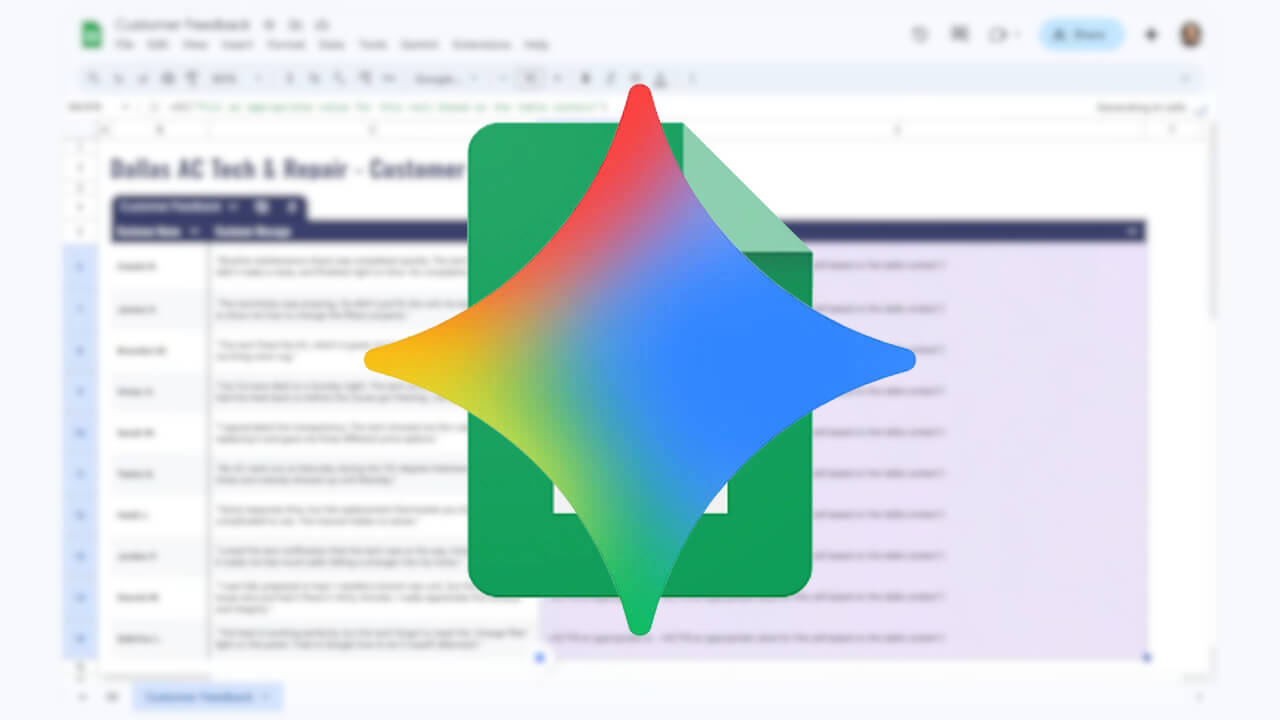

- Google has announced “Fill with Gemini,” a new feature for Google Sheets that simplifies data entry by integrating Google’s AI, Gemini.
- It serves as a next-generation autofill feature, combining the existing autofill functionality in Google Sheets with Gemini’s reasoning capabilities.
- Similar to the standard autofill, users can select the cells they want to populate and drag and drop to target the desired range, allowing Gemini to automatically fill in the data.
On Wednesday, April 22, 2026, Google announced “Fill with Gemini,” a new data entry simplification feature integrated into the Google Sheets service within Google Workspace.
“Fill with Gemini” is a next-generation autofill feature that builds upon the existing autofill functionality in Google Sheets by integrating Gemini’s reasoning capabilities. It is designed to complete data entry for up to 100 cells instantly.
The usage of “Fill with Gemini” is similar to the traditional autofill feature: with existing data present in the sheet, you simply select the cell where you want data to be entered and drag and drop to choose the target cells. Gemini then analyzes the existing data to predict and instantly populate the selected cells.
Additionally, users can select multiple blank cells and use a text prompt via the “Insert” menu to provide specific instructions for data entry.
The new “Fill with Gemini” feature for Google Sheets will be available for Google Workspace accounts, as well as for Google One members subscribed to the “Google AI Pro” or “Google AI Ultra” plans.
Source:Google(https://workspaceupdates.googleblog.com/2026/04/effortlessly-automate-data-entry-in-Google-Sheets-using-Fill-with-Gemini.html)