



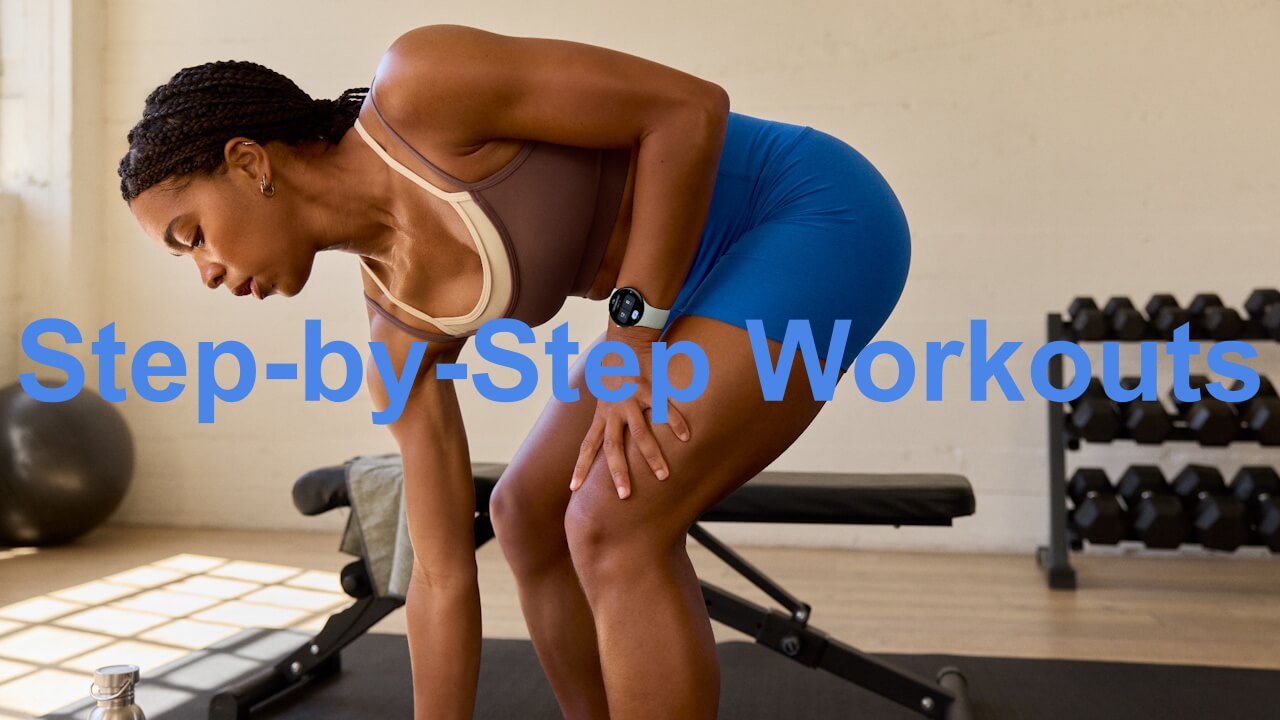

- Google has announced the “Step-by-step Workouts” feature, which provides real-time step-by-step guidance during training, rolling out to Google Pixel smartwatches starting with the Google Pixel Watch 3.
- This new feature was previously teased for a fall 2026 release during the Google Pixel Watch 5 announcement. It allows users to train efficiently in strength training, mixed workouts, and more while following guidance displayed on the Google Pixel Watch series screen.
- Users can choose from plans created by the “Google Health Coach” or create custom plans on the fly through a chat with the “Google Health Coach.”
On Tuesday, November 10, 2026 (local time), Google announced the new “Step-by-step Workouts” feature, which provides real-time guidance during training and is now rolling out to Google Pixel smartwatches starting with the Google Pixel Watch 3.
“Step-by-step Workouts” is a new feature whose fall 2026 release was teased when the Google Pixel Watch 5 was announced. It allows users to efficiently conduct strength training, mixed workouts, and more while checking guidance displayed on the screen of the Google Pixel Watch series.


“Step-by-step Workouts” allows users to choose from plans created by the “Google Health Coach” or create them on the spot via a chat with the “Google Health Coach.” Additionally, you can combine over 1,000 exercises available in the “Google Health” app to create your own multi-exercise routines. Please note that using the “Google Health Coach” requires a paid subscription to “Google Health Premium.”
During a “Step-by-step Workouts” session, each segment displays the current exercise along with its target value and a preview of what is coming up next, ensuring you can smoothly transition to the next movement even in menus combining multiple exercises. Once a set or rest period is complete, you are notified with a visual timer and audio cues, automatically advancing to the next phase. Audio cues and auto-advancement can be easily turned on or off simply by swiping to the left on the screen during a workout.
Weights and repetition counts can be edited directly from your Google Pixel Watch or smartphone even while working out. If you feel a weight is too heavy, you can adjust and record it right on the spot.
Furthermore, “Step-by-step Workouts” are synchronized between your Android device and the Google Pixel Watch series, allowing you to check your progress in real time on both devices. Pausing or ending a workout on either device will instantly be reflected on the other.
You can also leave your Android device in your locker and complete your workout using just the Google Pixel Watch, with post-workout logs accessible on both the app and the watch. Meanwhile, the existing “Structured Runs” feature, which provides hands-free running guidance, remains unchanged—starting a run on your smartphone will automatically launch it on the Google Pixel Watch series as well.
Google Health App Link

Source: Google (https://blog.google/products-and-platforms/devices/pixel/step-by-step-workouts-watch/)