



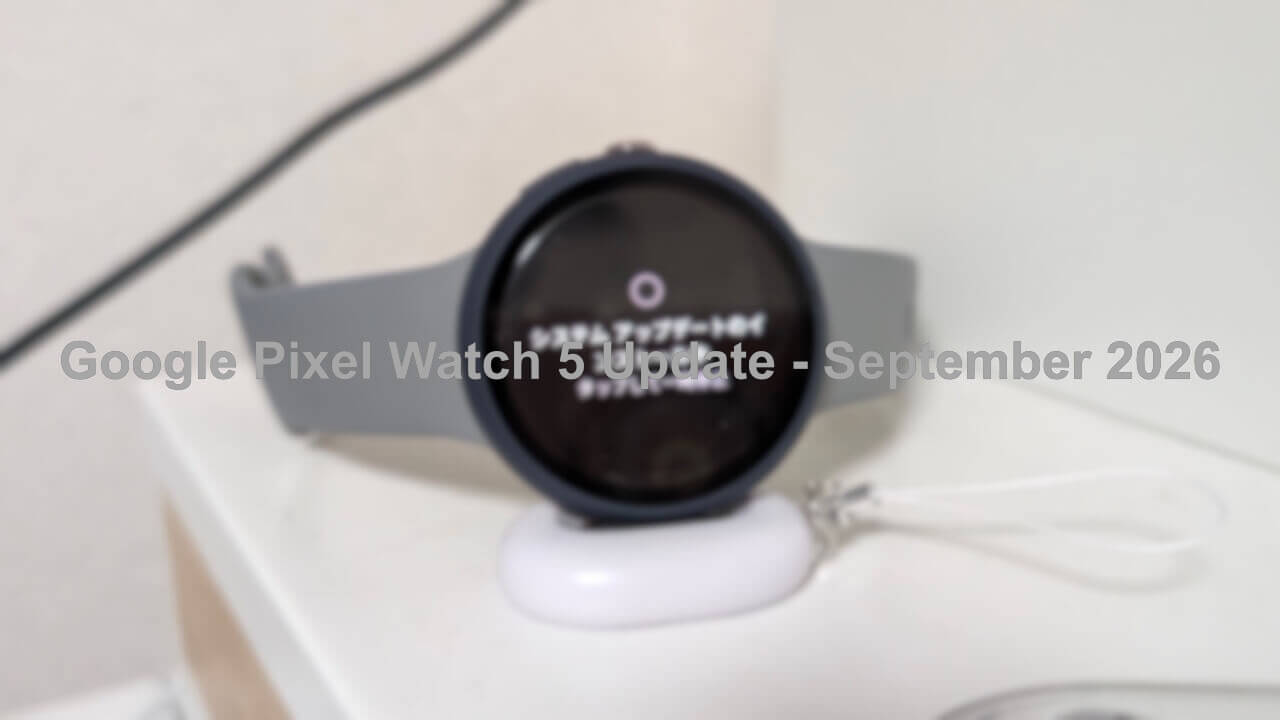

- Google has released the September 2026 software update, based on the new-generation wearable OS “Wear OS 7,” for the new-generation Google Pixel smartwatch “Google Pixel Watch 5.”
- The update includes the latest Android security patch level, along with new features such as enhanced “Gemini”-related capabilities and a significant expansion of hand gesture controls.
- The build number after the update is updated to “CP3A.260905.002.”
On Tuesday, September 1, 2026, Google began rolling out the September 2026 software update based on the new-generation wearable OS “Wear OS 7” for the new-generation Google Pixel smartwatch, the “Google Pixel Watch 5.”
The contents of this September 2026 software update for the “Google Pixel Watch 5” include updates to the Android security patch level, as well as the rollout of new features such as enhanced “Gemini”-related capabilities and greatly expanded hand gesture controls. Details on the applied Android security patch can be found on the “Google Pixel Watch Security Bulletin.”
| ■ Software Version |
|
| ■ Android Security Patch Level |
|
| ■ Target Devices |
|
With the “Wear OS 7” major update, the following new features will be rolled out to the “Google Pixel Watch 5.”
| ■ “Gemini” Personalization Features |
|
| ■ Proactive Suggestions |
|
| ■ Offline “Gemini” |
|
| ■ Improved “Raise to Talk” |
|
| ■ More Accurate GPS Route Tracking |
|
| ■ Expanded Hand Gesture Compatible Apps |
|
| ■ Others |
|
Software updates for the “Google Pixel Watch” series are distributed via “Over the Air (OTA).” You can check whether a software update is available by going to Wear OS Settings → [System] → [System updates].
- Tap [System] in Wear OS Settings
- Tap [System updates]
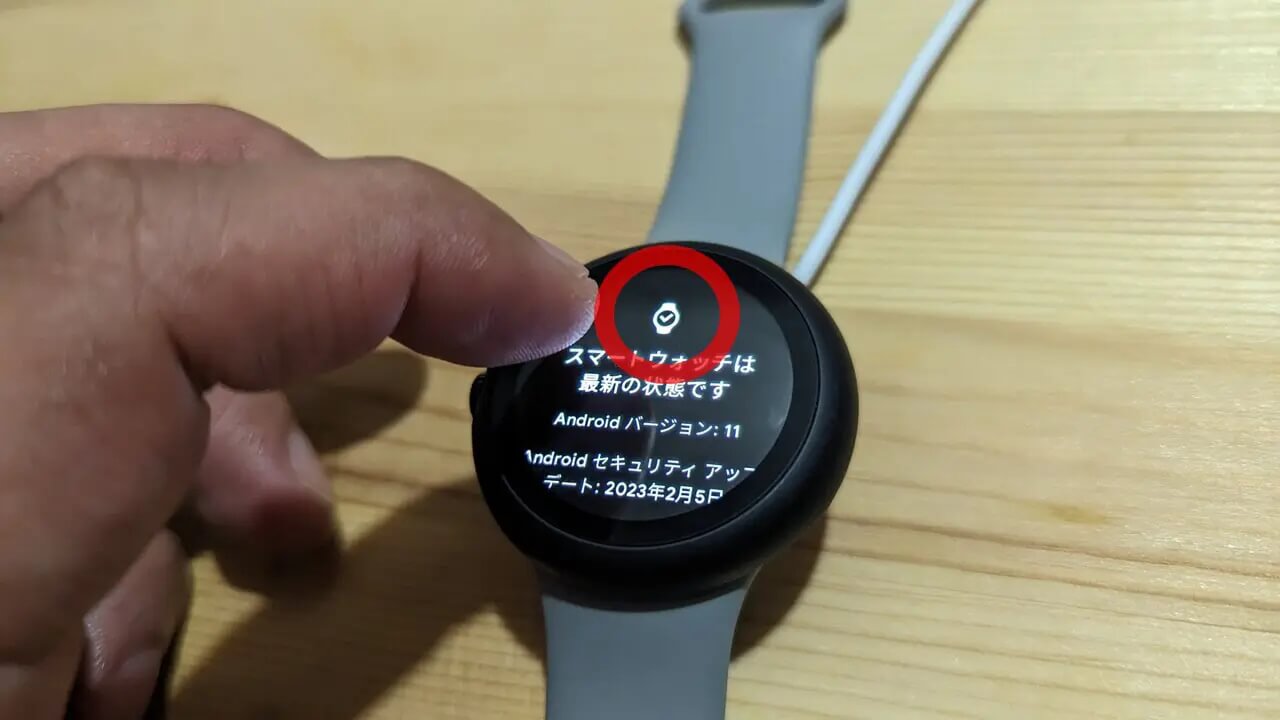
Also, as a little lifehack, repeatedly tapping the watch icon on the [System updates] screen tends to trigger the software update quite quickly. By the way, this trick still works on the “Google Pixel Watch 5.”

“Google Pixel Watch” App Link

Source: Google (https://support.google.com/googlepixelwatch/thread/464268922/google-pixel-watch-update-pixel-watch-5-september-2026)