




- Google has released the July 2026 monthly software update for a total of 21 Google Pixel devices running the new-generation Android OS, “Android 17,” including routine security vulnerability fixes and functional enhancements.
- The July 2026 update includes an Android security patch level update, as well as various bug fixes and performance improvements.
- The July 2026 update resolves the “boot loop” issue that had been causing some Google Pixel devices to repeatedly restart.
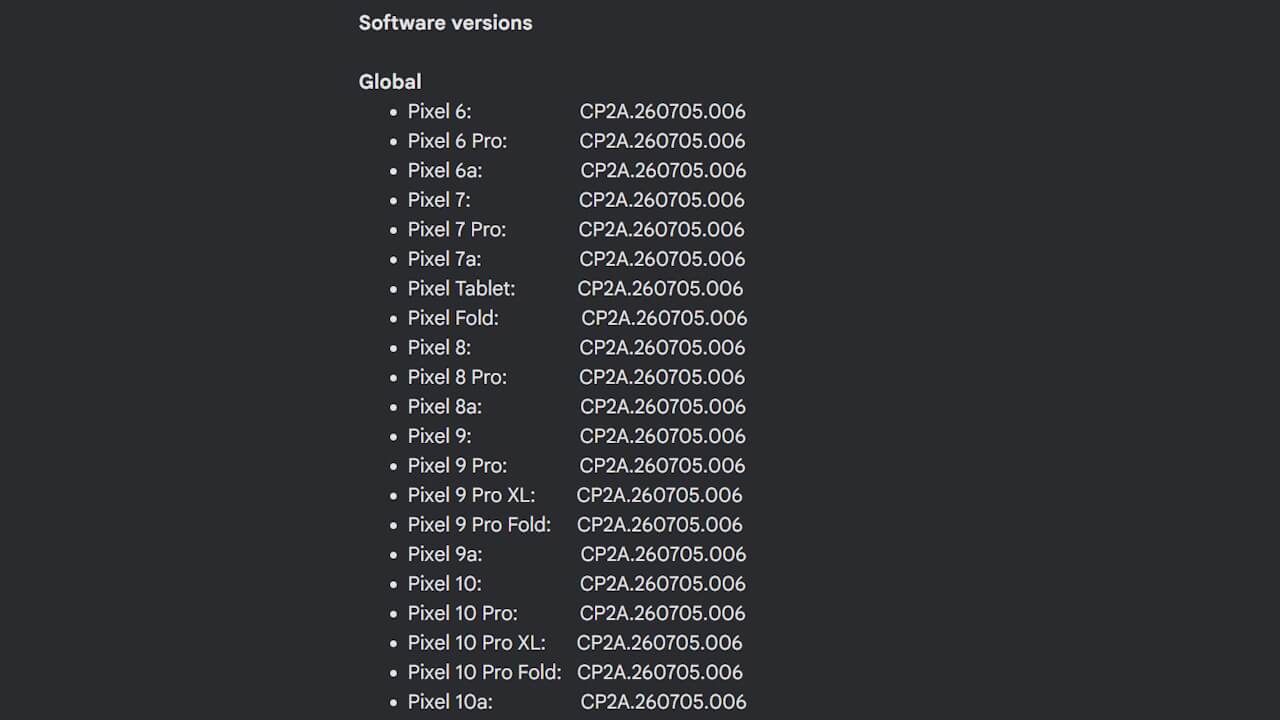
On Tuesday, July 7, 2026 (local time), Google began rolling out its monthly software update for July 2026 to a total of 21 Google Pixel devices powered by the new-generation Android OS “Android 17.” The affected models are the Pixel 6, Pixel 6 Pro, Pixel 6a, Pixel 7, Pixel 7 Pro, Pixel 7a, Pixel Tablet, Pixel Fold, Pixel 8, Pixel 8 Pro, Pixel 8a, Pixel 9, Pixel 9 Pro, Pixel 9 Pro XL, Pixel 9 Pro Fold, Pixel 9a, Pixel 10, Pixel 10 Pro, Pixel 10 Pro XL, Pixel 10 Pro Fold, and Pixel 10a. This update includes the usual security vulnerability patches and functional improvements.
The July 2026 monthly software update for Google Pixel devices includes an Android security patch level update along with a total of five bug fixes and performance improvements.
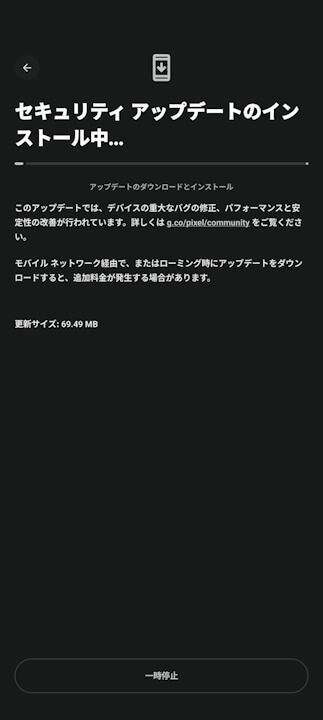
The bug fixes and improvements included in the July 2026 software update are detailed below. Notably, this update addresses the “boot loop” issue, where some Google Pixel devices were experiencing repeated restarts.
| ■ “Pixel 7a”, “Pixel 8”, “Pixel 8 Pro”, “Pixel 8a”, “Pixel Fold”, “Pixel Tablet”, “Pixel 9”, “Pixel 9 Pro”, “Pixel 9 Pro XL”, “Pixel 9 Pro Fold”, “Pixel 9a”, “Pixel 10”, “Pixel 10 Pro”, “Pixel 10 Pro XL”, “Pixel 10 Pro Fold”, “Pixel 10a” |
〇 Apps
|
| ■ “Pixel Fold”, “Pixel 9 Pro Fold”, “Pixel 10 Pro Fold” |
〇 User Interface
|
Following the July 2026 monthly software update, the build number for all devices will be unified to “CP2A.260705.006,” and the Android security patch level will be updated to “July 5, 2026.”
| ■ Android Security Patch Level |
|
| ■ Build Number |
|
The software update for Google Pixel devices will be delivered “Over the Air (OTA)” in stages from today through next week. You can check if the update is available for your device by going to Android Settings, selecting [System] → [Software updates], and tapping [System update].
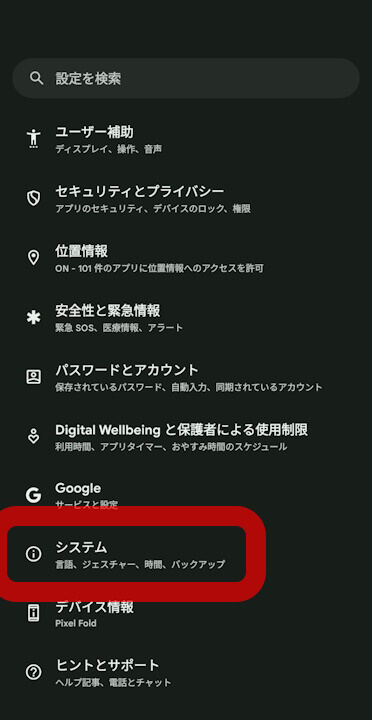
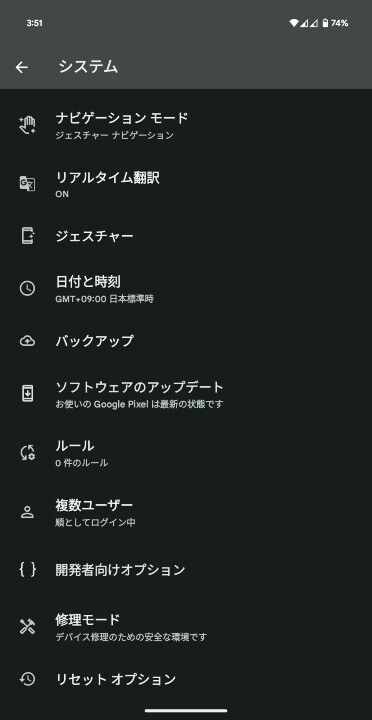
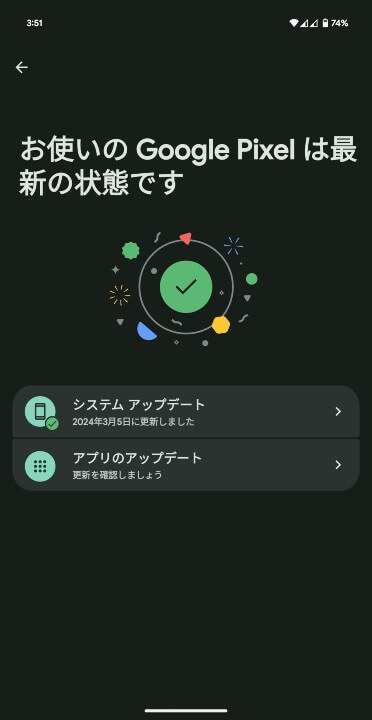
| ①Android 設定の[システム]をタップ | Android 設定内の[システム]をタップします。 |
|---|---|
| ②[システム アップデート]をタップ | 表示されるメニュー内の[システム アップデート]をタップします。 |
| ③[システム アップデート]をタップ | 画面右下の[アップデートをチェック]をタップします。 |
Google Pixel device users should apply the software update as soon as possible.
Source: Google (https://support.google.com/pixelphone/thread/448470698/google-pixel-update-july-2026)