



- Google has released the April 2026 monthly software update for a total of 21 Google Pixel devices running the new-generation “Android 16” OS, including routine security vulnerability fixes and feature enhancements.
- The April 2026 update includes security patch level updates, along with various bug fixes and improvements.
- The update is also available for the Pixel 6, 6 Pro, 6a, 7, 7 Pro, and 7a, which have recently seen some software updates skipped randomly.
On Tuesday, April 7, 2026, Google began rolling out its monthly software update for April 2026 to 21 Google Pixel devices running the new-generation “Android 16” OS: Pixel 6, Pixel 6 Pro, Pixel 6a, Pixel 7, Pixel 7 Pro, Pixel 7a, Pixel Tablet, Pixel Fold, Pixel 8, Pixel 8 Pro, Pixel 8a, Pixel 9, Pixel 9 Pro, Pixel 9 Pro XL, Pixel 9 Pro Fold, Pixel 9a, Pixel 10, Pixel 10 Pro, Pixel 10 Pro XL, Pixel 10 Pro Fold, and Pixel 10a. This update includes routine security vulnerability fixes and feature enhancements.
The April 2026 software update focuses on updating the Android security patch level, as well as addressing bugs and implementing improvements. Notably, this rollout also includes the Pixel 6, Pixel 6 Pro, Pixel 6a, Pixel 7, Pixel 7 Pro, and Pixel 7a, which have experienced inconsistent update delivery recently.
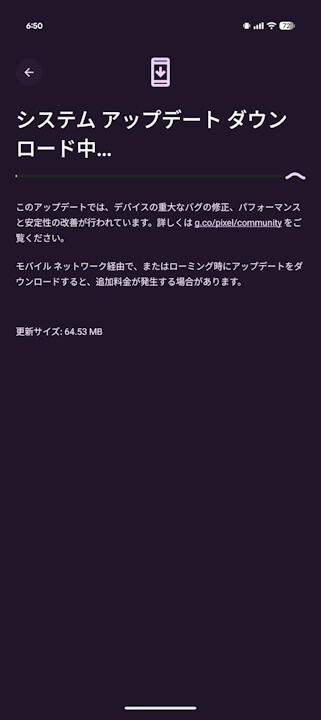
The bug fixes and improvements included in the April 2026 update are listed below. Please note that the “Pixel 10 Pro Fold” is missing from the official list; this is likely an error on Google’s part rather than an oversight by our site.
| ■ “Pixel 6,” “Pixel 6 Pro,” “Pixel 6a,” “Pixel 7,” “Pixel 7 Pro,” “Pixel 7a,” “Pixel 8,” “Pixel 8 Pro,” “Pixel 8a,” “Pixel Fold,” “Pixel Tablet,” “Pixel 9,” “Pixel 9 Pro,” “Pixel 9 Pro XL,” “Pixel 9 Pro Fold,” “Pixel 9a,” “Pixel 10,” “Pixel 10 Pro,” “Pixel 10 Pro XL,” “Pixel 10a” |
〇 Apps
|
| ■ “Pixel 6,” “Pixel 6 Pro,” “Pixel 6a,” “Pixel 7,” “Pixel 7 Pro,” “Pixel 7a,” “Pixel 8,” “Pixel 8 Pro,” “Pixel 8a,” “Pixel Fold,” “Pixel Tablet” |
〇 Apps
|
| ■ “Pixel 9,” “Pixel 9 Pro,” “Pixel 9 Pro XL,” “Pixel 9 Pro Fold” |
〇 Wi-Fi
|
| ■ “Pixel 10,” “Pixel 10 Pro,” “Pixel 10 Pro XL,” “Pixel 10a” |
〇 Display and Graphics
|
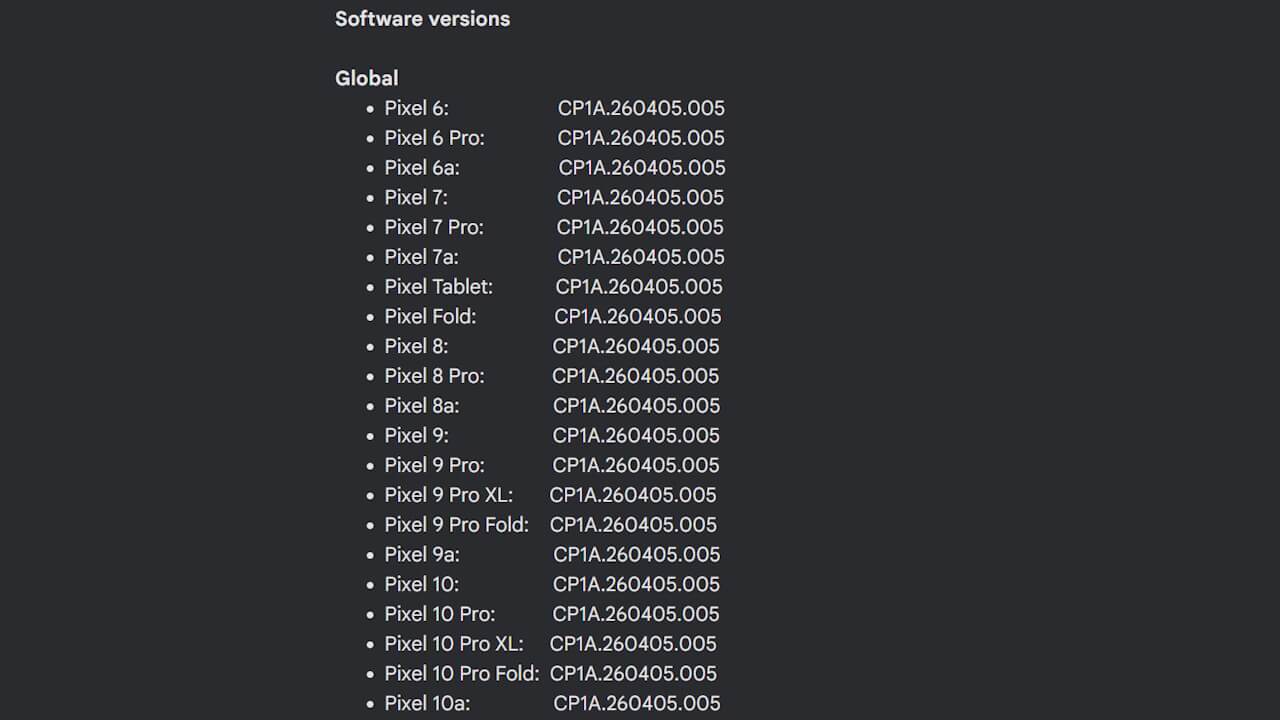
Following the April 2026 software update, the build number for all devices will be standardized to “CP1A.260405.005,” and the Android security patch level will be updated to “April 5, 2026.”
| ■ Android Security Patch Level |
|
| ■ Build Number |
|
The software update for Google Pixel devices is being distributed via Over the Air (OTA) in stages, starting today and continuing through next week. You can check if the update is available by navigating to Android Settings > System > Software update and tapping “System update.”
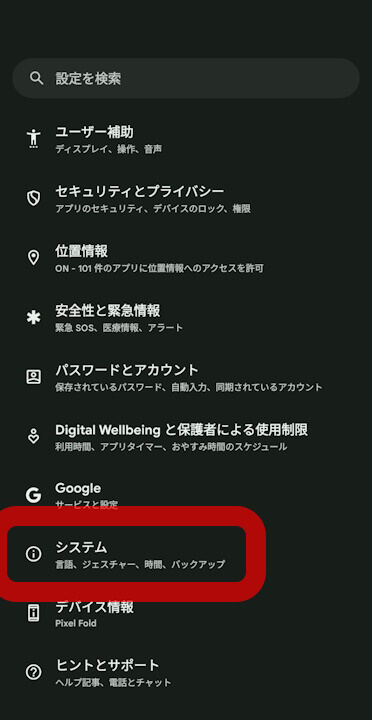
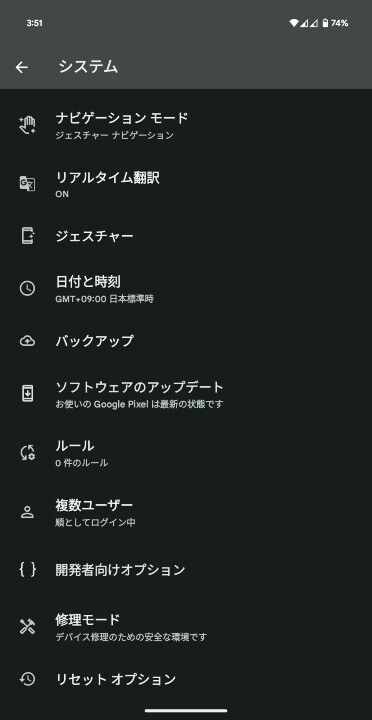
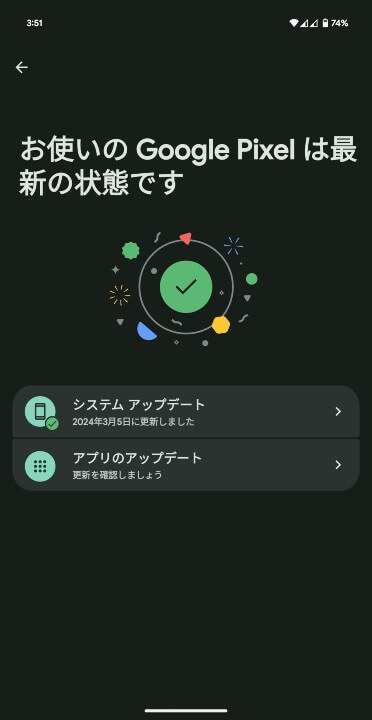
| ①Android 設定の[システム]をタップ |
| Android 設定内の[システム]をタップします。 |
| ②[システム アップデート]をタップ |
| 表示されるメニュー内の[システム アップデート]をタップします。 |
| ③[システム アップデート]をタップ |
| 画面右下の[アップデートをチェック]をタップします。 |
Google Pixel users should apply the software update as soon as it becomes available.
Source:Google
コメントを残す