




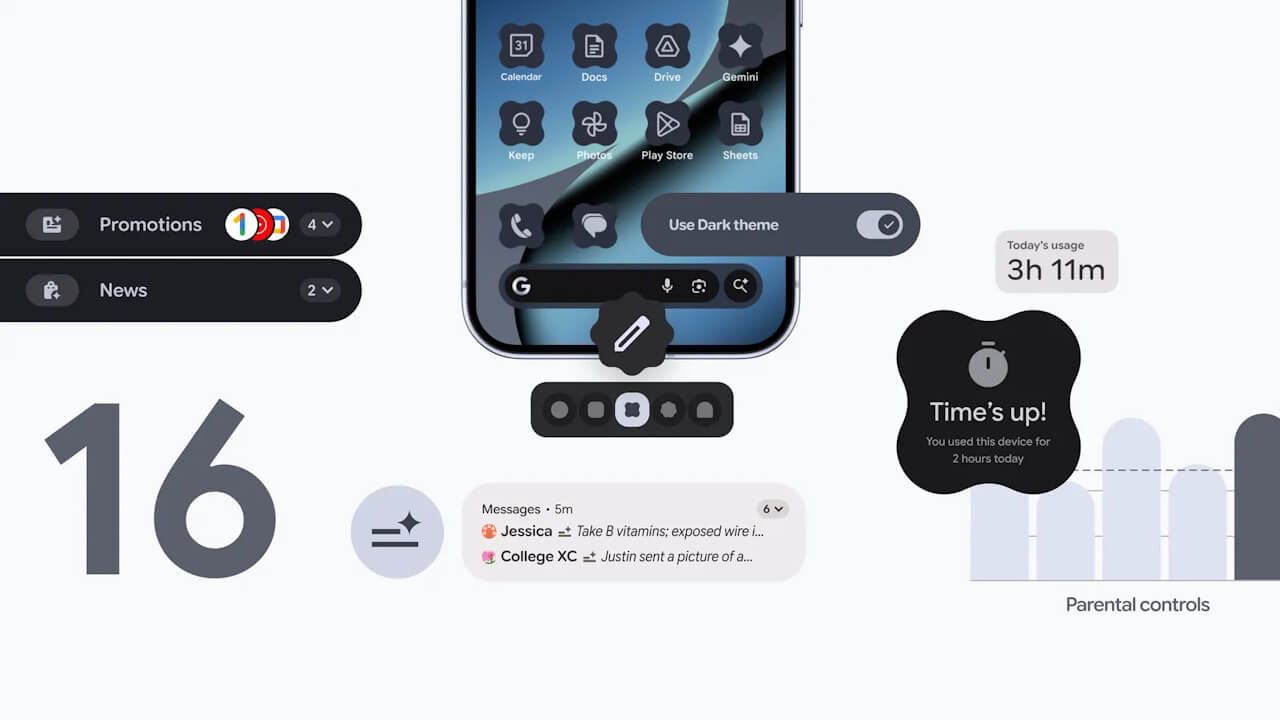
- Google announces a new parental control setting, “Parental controls,” as a new feature rolling out in “Android 16 QPR2,” which also includes a link to the “Google Family Link” app.
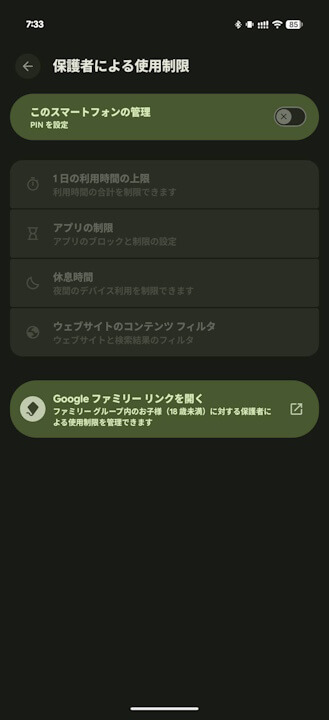
- With the “Parental controls” setting, when giving a Google Pixel device to a child, parents can set “daily time limits,” “app limits,” “downtime,” and “website content filters,” and also apply a 4-digit PIN lock to prevent settings from being changed without permission.
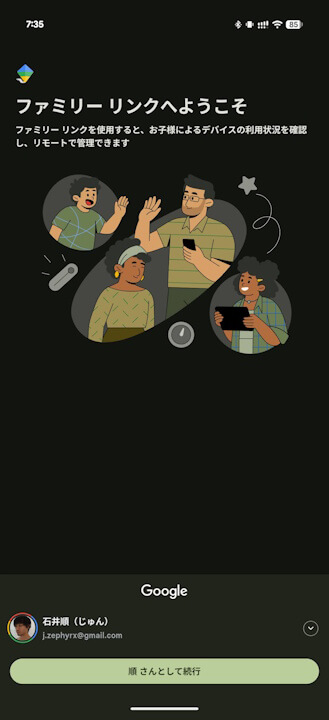
- The “Google Family Link” app allows for monitoring a child’s device usage and managing settings such as “School time,” app purchase approvals, and location alerts.
On Tuesday, December 2, 2025, Google began rolling out the December 2025 monthly software update for Google Pixel devices running the new-generation Android OS “Android 16,” from the “Pixel 6” series to the “Pixel 10” series, including the “Pixel Fold” and “Pixel Tablet.” This update includes the customary monthly security vulnerability patches and feature enhancements.
The December 2025 monthly software update, which has started rolling out to Google Pixel devices, is the release of “Android 16 QPR2,” a minor OS update to the “Android 16” major update released on Tuesday, June 10, 2025. It includes Android security patch updates, bug fixes/improvements, and several new features.
 jetstream.blog
As a new feature rolling out in “Android 16 QPR2,” Google has announced a new parental control setting called “Parental controls,” which also includes a link to the “Google Family Link” app. With the “Parental controls” setting, when giving a Google Pixel device to a child, parents can set “daily time limits,” “app limits,” “downtime,” and “website content filters,” while also applying a 4-digit PIN lock to prevent settings from being changed without permission.
And with the “Android 16 QPR2” update, a link to the “Google Family Link” app has been placed within the “Parental controls” settings, allowing for easy access. This app enables parents to monitor their child’s device usage and manage settings like “School time,” app purchase approvals, and location alerts. This makes it easier to set up and manage the necessary “Parental controls” and “Google Family Link” app settings when giving a Google Pixel device to a child.
Source: Google
コメントを残す