




この記事のポイント
- Google has rolled out a new icon pack called “Disco” for Google Pixel devices.
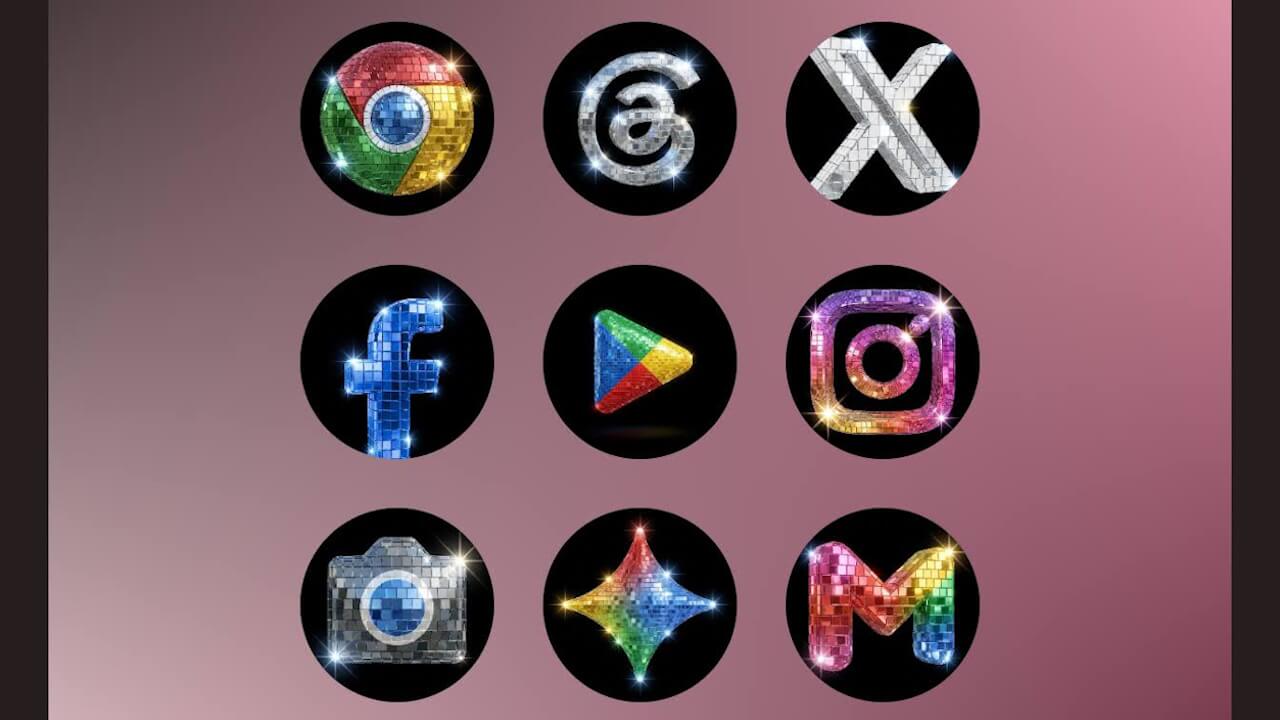
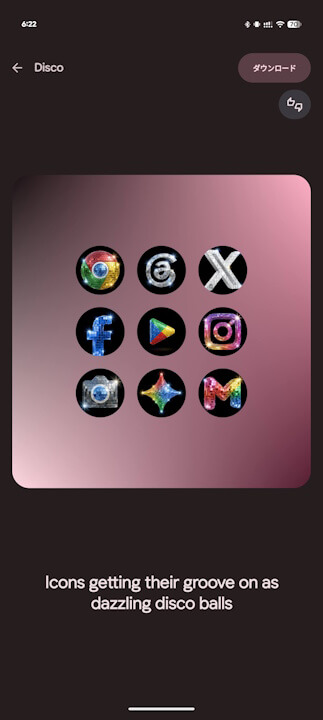
- “Disco” is a party-themed icon pack that turns all app icons into disco balls.
- It applies the disco ball theme not only to Google service apps but also to third-party apps that do not support “themed icons.”
On Friday, May 22, 2026 (local time), Google began rolling out a new icon pack called “Disco” for Google Pixel devices.
The “Disco” icon pack for Google Pixel devices features a party-inspired design that turns your app icons into disco balls. Notably, this design isn’t limited to Google apps; it also transforms icons for third-party apps that don’t even support native “themed icons” into the disco ball style.
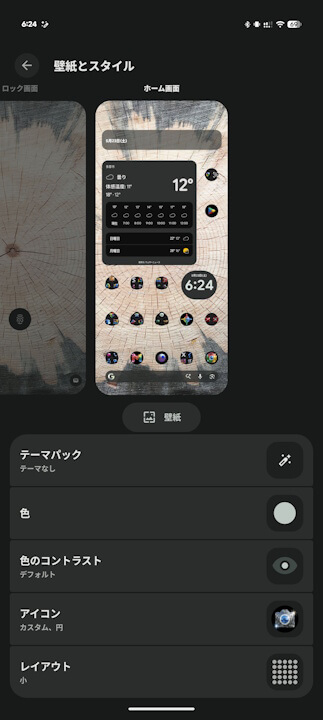
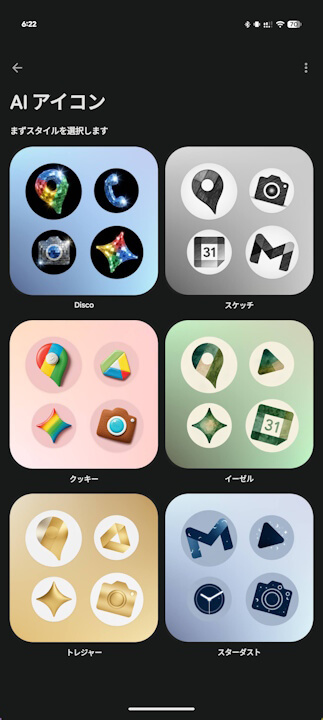
You can access the “Icon pack” settings on your Google Pixel device by going to “Wallpaper & style” and tapping on “Icons.”
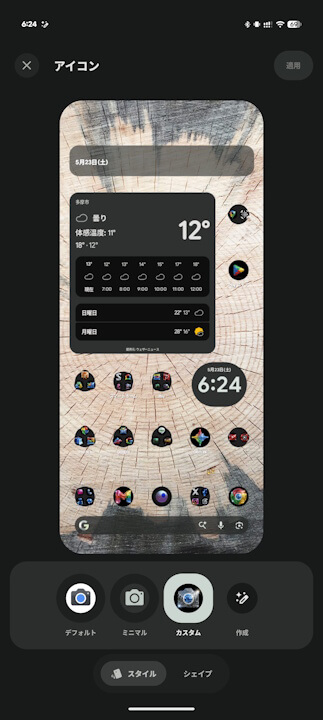
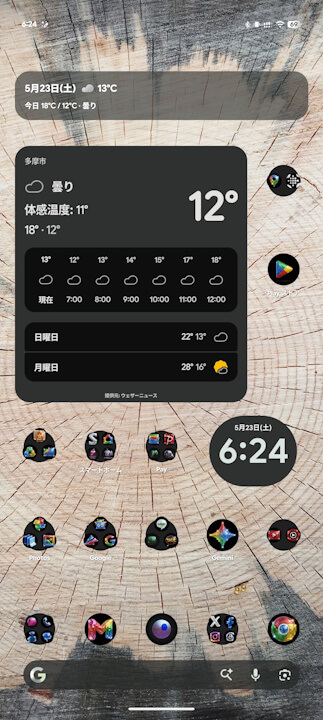
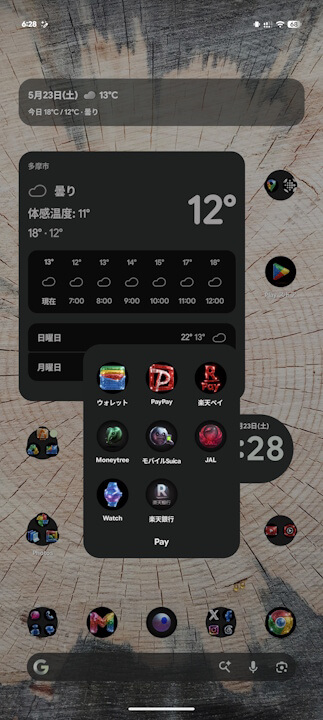
The new “Disco” icon pack for Google Pixel is a fun setting, but use it with caution—it can sometimes make it difficult to identify which icon belongs to which app.