



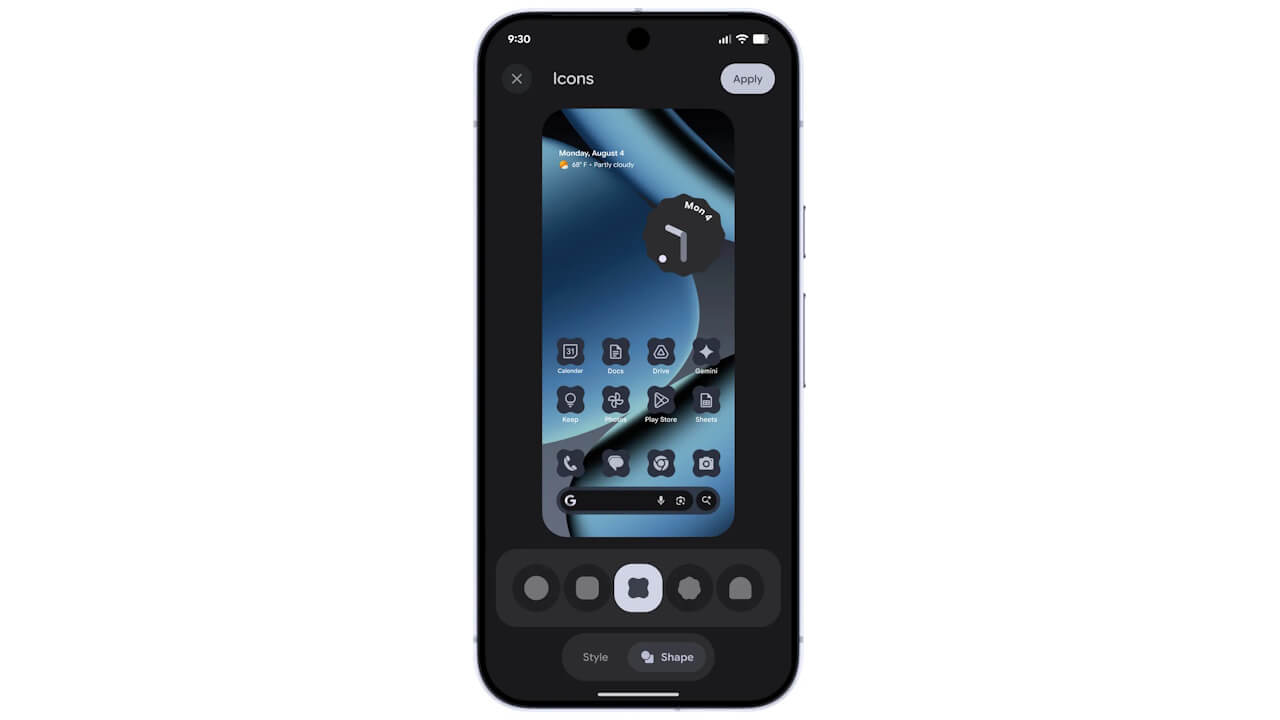
- Google has announced new custom style settings as part of the new features rolling out in “Android 16 QPR2,” including “Icons,” “Themed icons,” and an “Enhanced” option for “Dark mode.”
- “Icons” is a custom style setting that allows you to choose the shape of app icons from [Circle], [Square], [Squircle], [Heptagon], or [Arch].
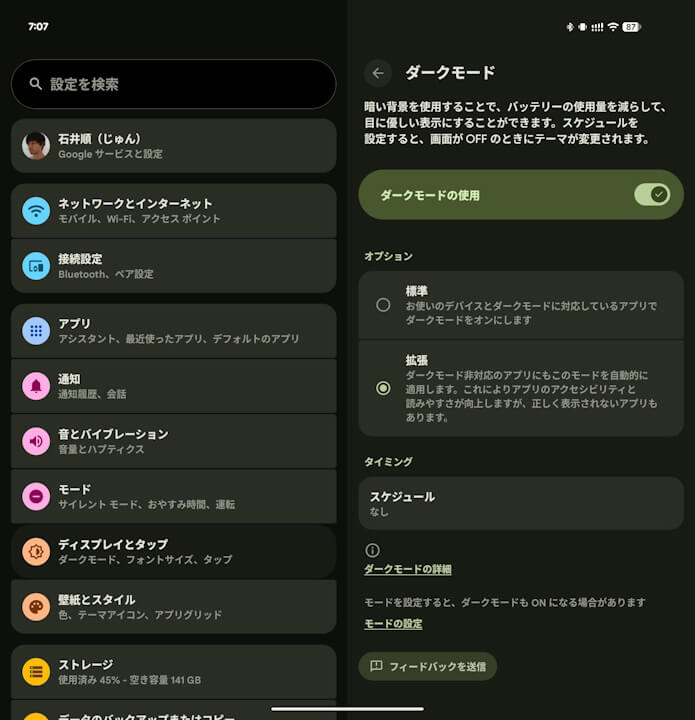
- With the “Enhanced” option for “Dark mode,” dark mode will be automatically applied even to apps that do not natively support it.
On Tuesday, December 2, 2025, Google began rolling out its regular monthly software update for December 2025 to Google Pixel devices from the Pixel 6 series to the Pixel 10 series, including the Pixel Fold and Pixel Tablet, running the new-generation Android OS, “Android 16.” This update includes fixes for security vulnerabilities and feature enhancements.
The December 2025 monthly software update, now rolling out to Google Pixel devices, is the release of “Android 16 QPR2.” This is a minor OS update to the major “Android 16” update released on Tuesday, June 10, 2025. It includes an Android security patch update, bug fixes and improvements, and several new features.
 jetstream.blog
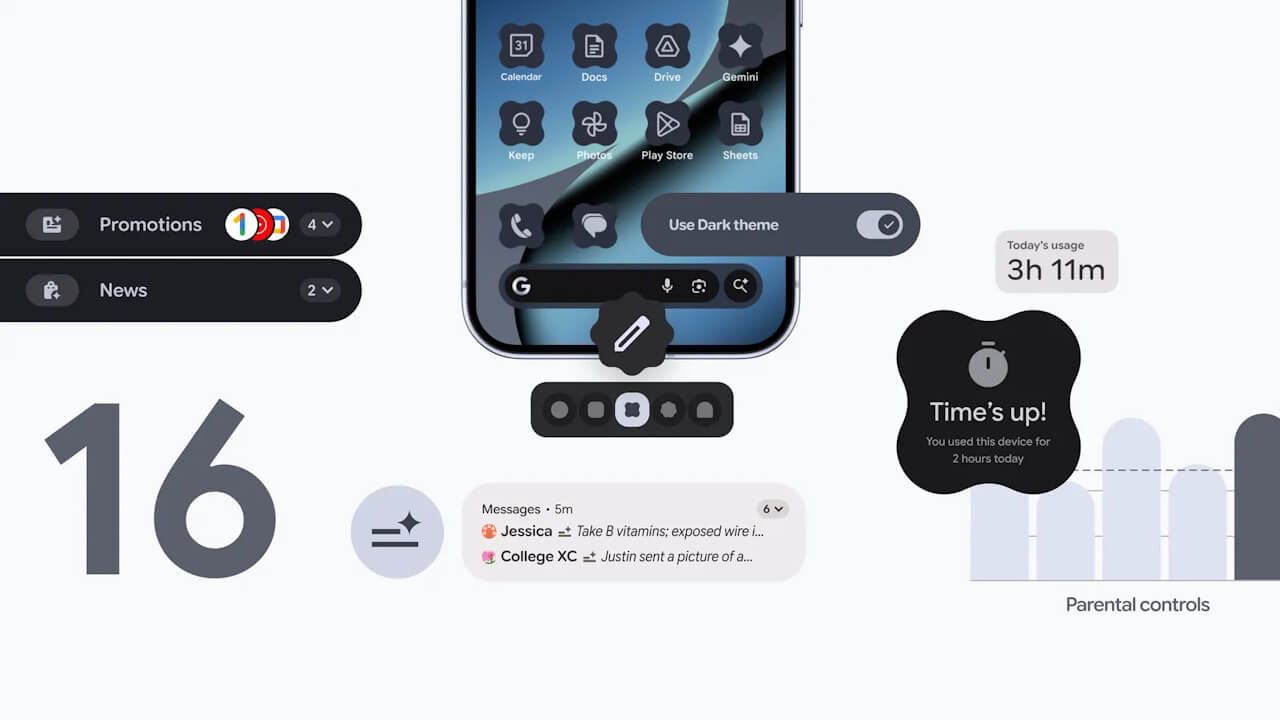
Among the new features rolling out with “Android 16 QPR2” are new custom style settings, including “Icons,” “Themed icons,” and an “Enhanced” option for “Dark mode.” The “Icons” setting is a custom style option that lets you choose the shape of your app icons from [Circle], [Square], [Squircle], [Heptagon], or [Arch]. [Circle] is selected by default.
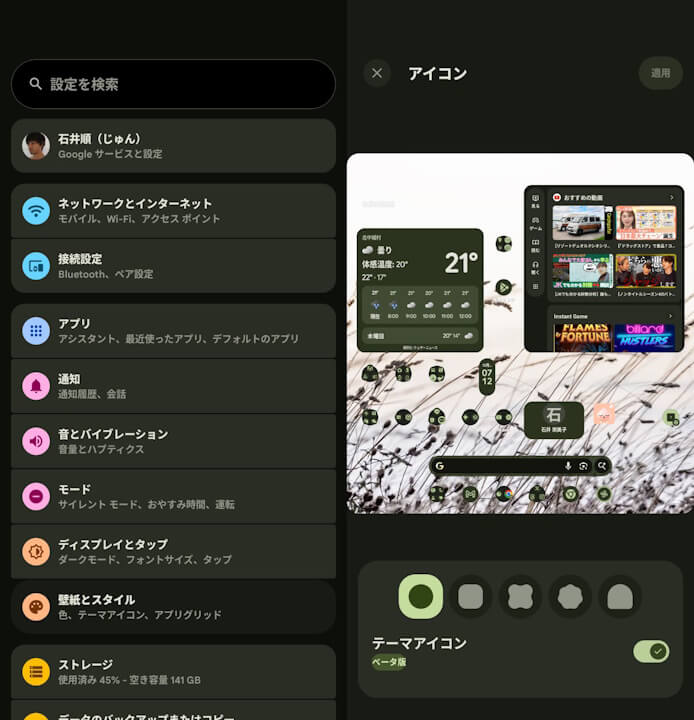
“Themed icons,” a feature that changes the color scheme of UI elements like app icons and widgets to match the wallpaper, has been available for a while. However, with “Android 16 QPR2,” it is now applied system-wide, including to apps that don’t natively support themed icons. Similarly, the “Enhanced” option for “Dark mode” will automatically apply dark mode to apps that do not natively support it.
Source: Google
コメントを残す