



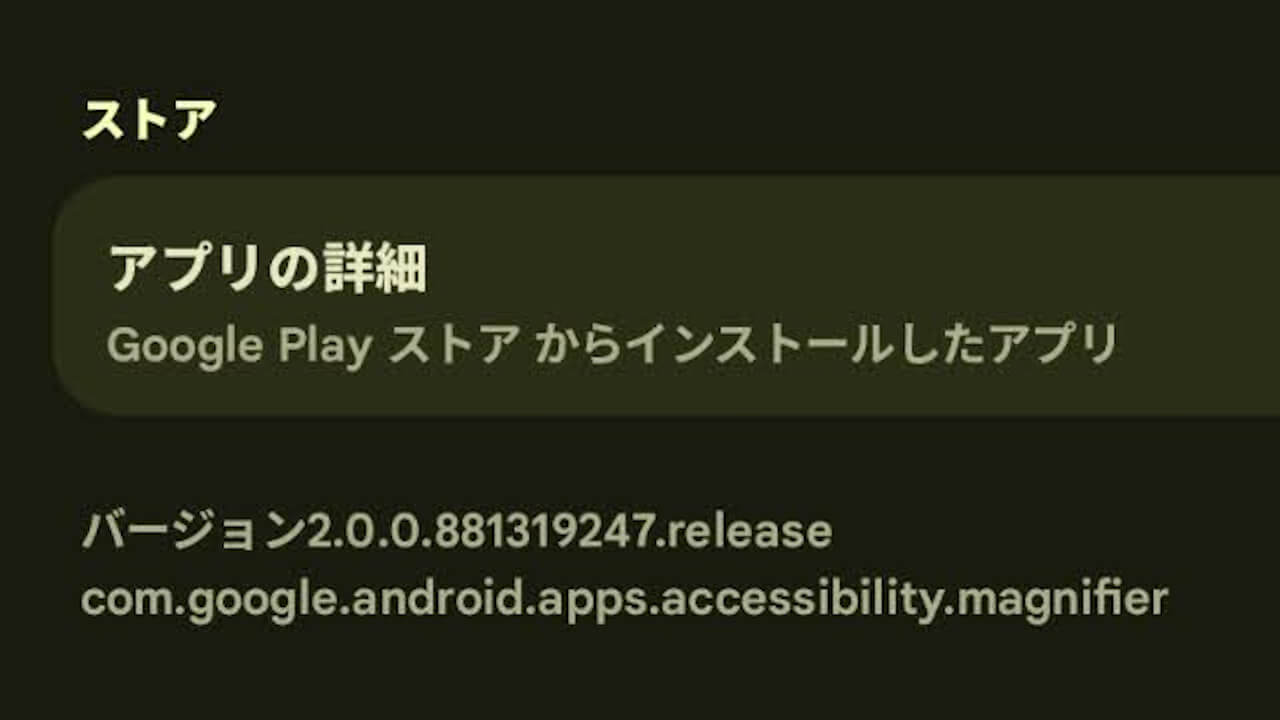
- An update for the Google Pixel-exclusive “Magnifier” app was released on Sunday, March 22, 2026, bringing the version to v2.0.0.881319247.release.
- This is the first update since v2.0.0.857776432.release, which was released on Tuesday, January 27, 2026.
- The specific details of the update have not been disclosed and remain unknown.
An update for the Google Pixel-exclusive “Magnifier” app was released on Sunday, March 22, 2026, bringing the version to v2.0.0.881319247.release.
This is the first update for the Magnifier app since v2.0.0.857776432.release, which was released on Tuesday, January 27, 2026. While the update notes have not been published and the specific changes are unknown, it is expected to be a minor update containing small bug fixes and optimizations.
The Google Pixel-exclusive Magnifier app is a telescope/electronic magnifier tool that utilizes the Google Pixel device’s camera. In addition to zooming in on subjects, it includes features such as text recognition for searching and automatic brightness adjustment.
カメラを使って、小さな文字を拡大したり、被写体の細部を見たり、遠くにある文字(道路標識や、レストランのカウンターの後ろにあるメニューなど)にズームインしたりできます。撮影前または撮影後に、メニューや出発案内などに表示されている語句を検索して、必要な情報を探すことができます。また、低コントラストのテキストに視覚効果を適用して読みやすくすることもできます。薄暗い場所では、明るさが自動的に調整されます。写真を撮影して好きなだけズームインすることも可能です。
使用方法:
1. Google Play ストアから拡大鏡をダウンロードします。
2. (省略可)クイックタップで簡単に開くよう、次の手順で拡大鏡を設定します。
a. スマートフォンの設定アプリを開きます。
b. [システム] > [ジェスチャー] > [クイックタップ] に移動します。
c. [クイックタップを使用] を ON にします。
d. [アプリを開く] を選択してから [アプリを開く] の横にある [設定] をタップし、[拡大鏡] を選択します。
e. 拡大鏡を開くには、スマートフォンの背面を 2 回タップします。拡大鏡を使用するには、Google Pixel 5 以降のモデルが必要です。
拡大鏡 – Google Play のアプリ
Magnifier App Link

コメントを残す