



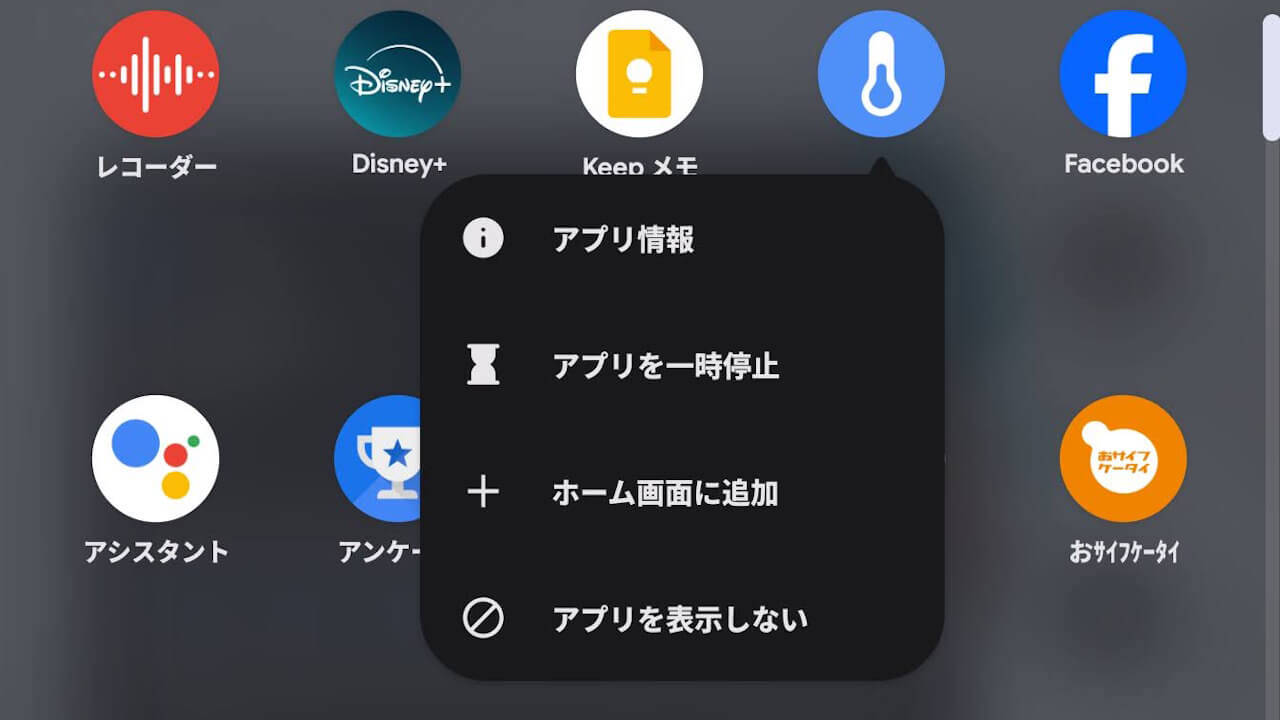
- Google Pixel adds “+ Add to Home screen” to the context menu that appears when long-pressing an app icon in the app drawer.
- After the “Android 16 QPR2” update, you can directly add an app’s shortcut to the home screen by tapping “+ Add to Home screen” from the context menu in the app drawer.
- This is a new feature for the default home app, “Pixel Launcher.”
On Tuesday, December 2, 2025, Google began rolling out its regular monthly software update for December 2025 to Google Pixel devices running the new-generation Android OS “Android 16,” from the “Pixel 6” series to the “Pixel 10” series, including the “Pixel Fold” and “Pixel Tablet.” The update includes security vulnerability fixes and feature enhancements.
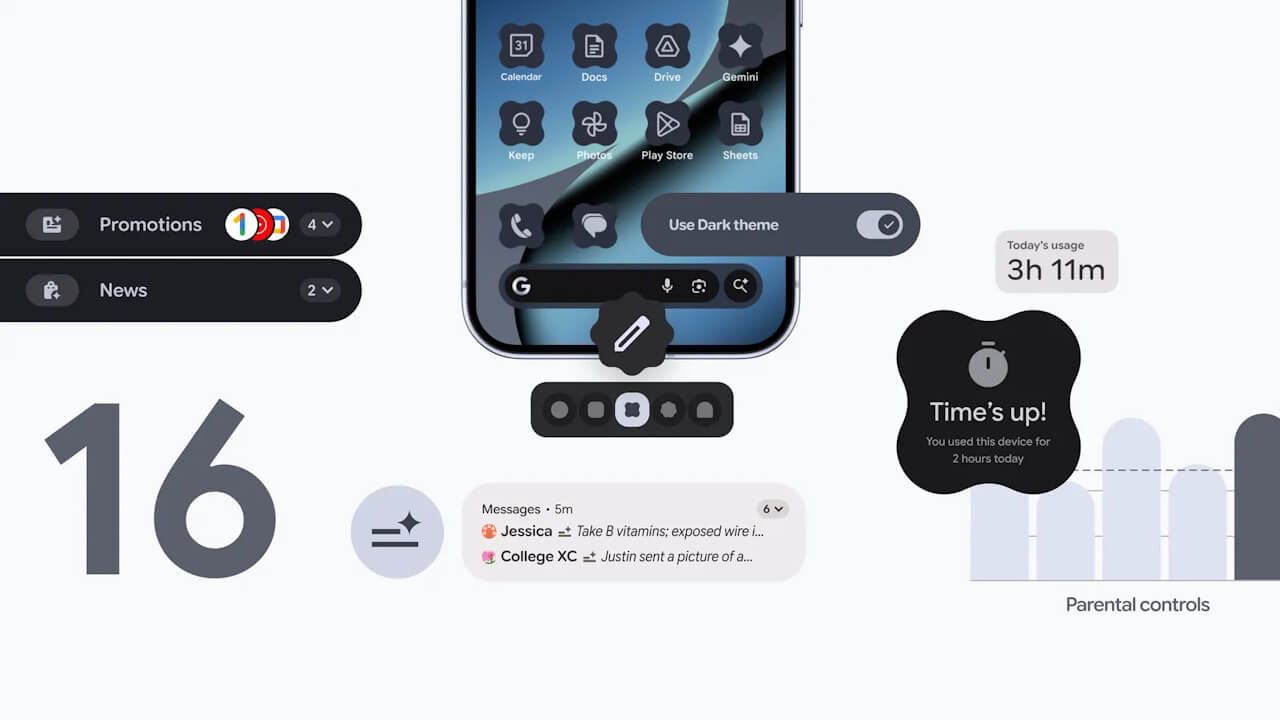
The December 2025 monthly software update rolling out to Google Pixel devices is the release of “Android 16 QPR2,” a minor OS update to the major “Android 16” update released on Tuesday, June 10, 2025. It brings an updated Android security patch, bug fixes and improvements, and several new features.
 jetstream.blog
However, it appears that an unannounced new feature has also been quietly rolled out. This new feature, stealthily introduced to Google Pixel devices, is the “+ Add to Home screen” option added to the pop-up “context menu” that appears when you long-press an app icon in the app drawer.
After the “Android 16 QPR2” update, you can now directly add an app’s shortcut to the home screen by tapping “+ Add to Home screen” from the “context menu” that appears when you long-press an app icon in the app drawer. Previously, you had to drag and drop an app icon from the app drawer to the home screen to add its shortcut, but the introduction of “+ Add to Home screen” has made placing app shortcuts much easier.
This is a new feature for the default home app, “Pixel Launcher.”
コメントを残す