





- A new “Week” layout option has been added to the Google Photos app for iOS.
- Users can now choose from three views: “Day,” “Week,” and “Month.”
- When scrolling down in the main library, a new button appears at the top of the screen, allowing users to bulk-select photos and videos by location or date range.
A new “Week” layout option has been introduced to the iOS version of the Google Photos app.
The “Layout” setting in Google Photos allows users to toggle how the home library is displayed. Until April 2019, it featured three options: “Day,” “Month,” and “Year.” However, the “Year” view was discontinued in late April 2019, leaving only “Day” and “Month.”
Later, a “Large” view was added, bringing the total to three: “Large,” “Day,” and “Month.” These options remained in place for several years until, in mid-May 2026, a “Week” view was suddenly introduced to the Google Photos app for iOS.
Notably, the “Large” view has been removed and replaced by “Week.” Consequently, users can now choose from three options: “Day,” “Week,” and “Month.”
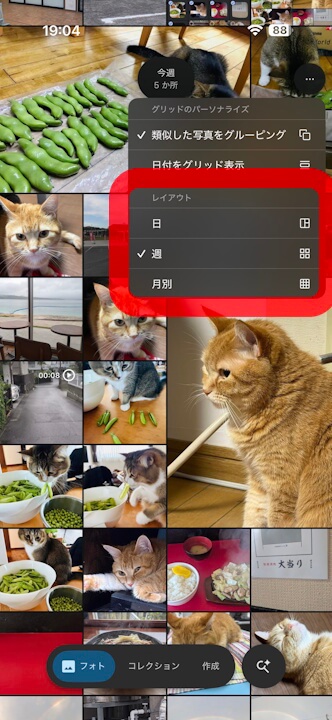
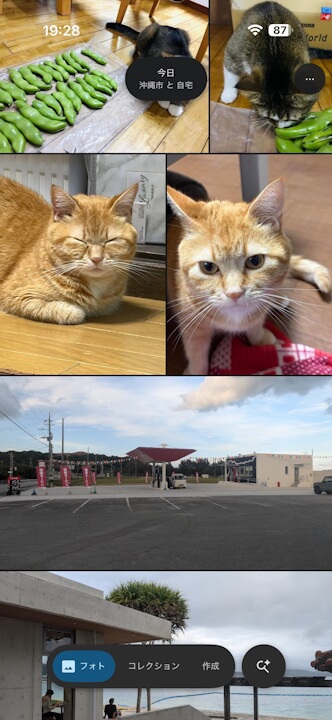
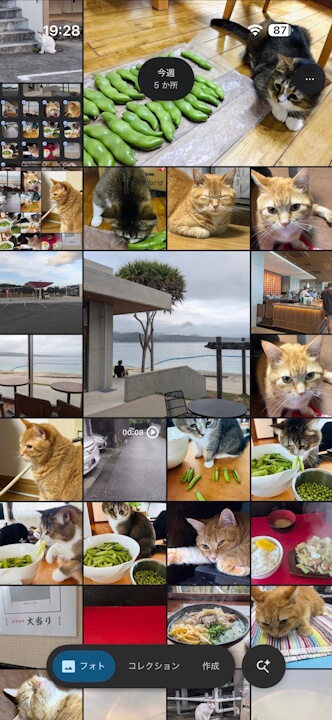
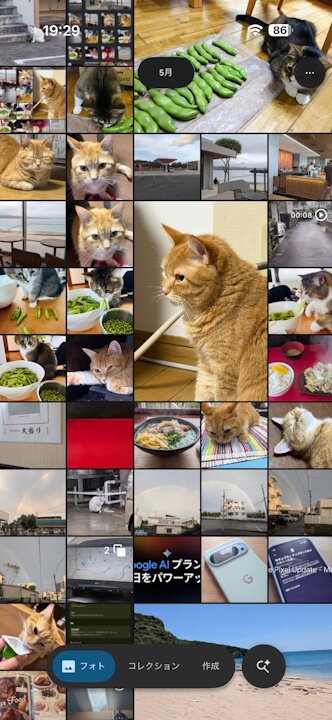
Beyond the addition of the “Week” view, a new feature now displays a button at the top of the screen when scrolling through the library, allowing users to bulk-select photos and videos by location or time period. This is particularly useful for quickly selecting all media captured during a trip to create albums, collages, or highlight videos.
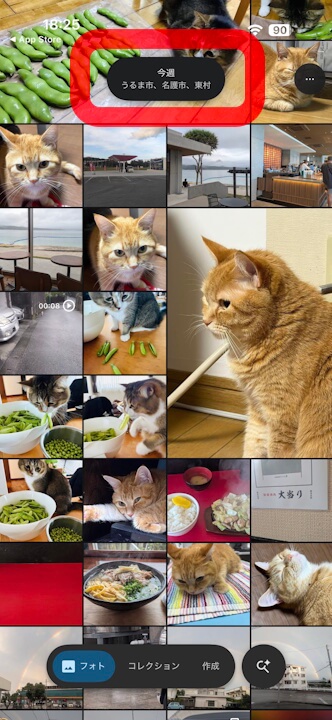
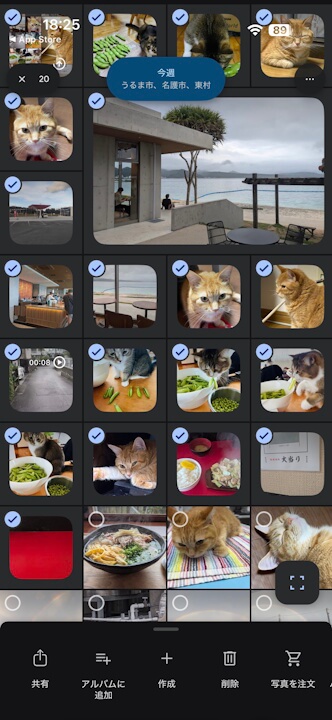
Currently, the “Week” layout option is rolling out to the iOS version of the Google Photos app (v7.76 and later). The Android version of Google Photos still retains the “Large,” “Day,” and “Month” options.
Google Photos App Links

