



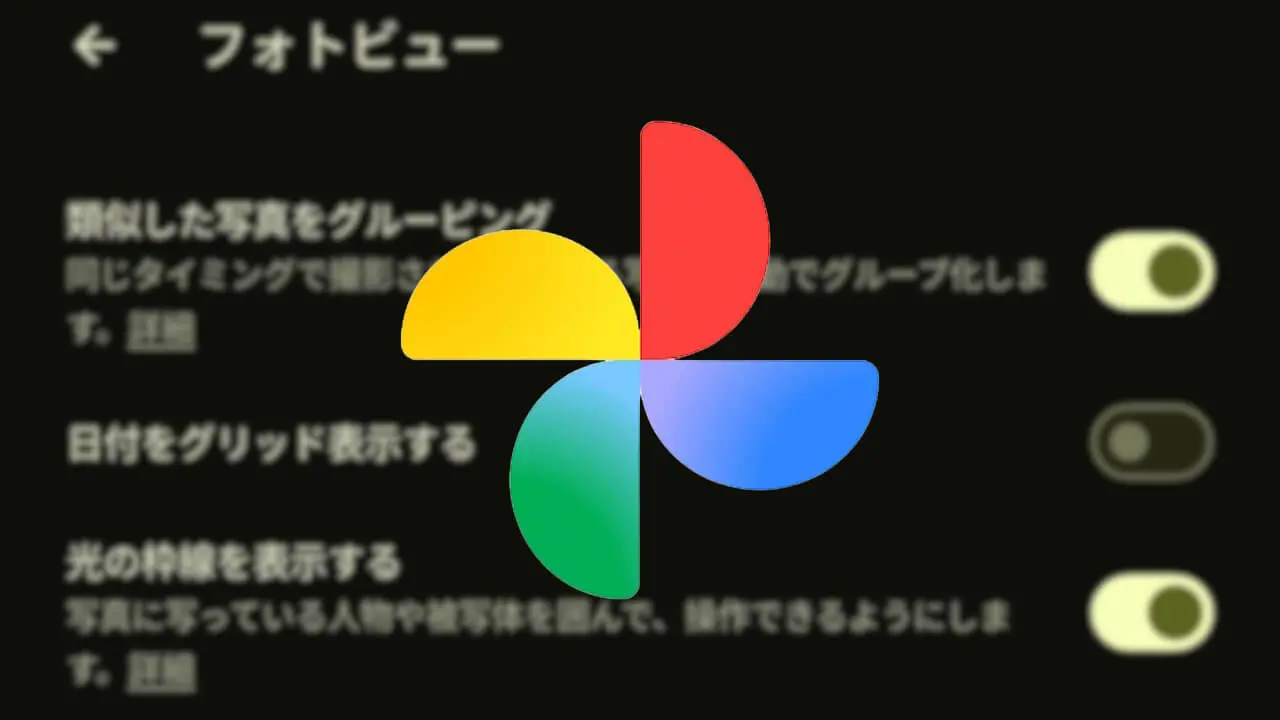

- Google has rolled out a new “Show shimmer border” setting for the Android and iOS versions of the “Google Photos” app, allowing users to toggle sticker highlights on or off.
- Sticker highlights are a UI feature designed to make it easier for users to notice and use the convenient feature that lets you cut out subjects from photos to easily create “stickers.”
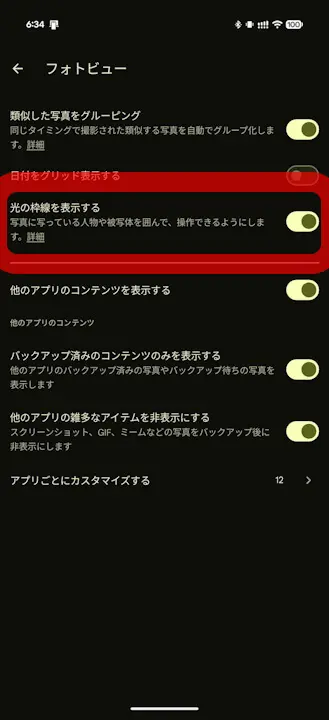
- With the introduction of the new “Show shimmer border” setting, users can now turn this feature OFF.
On Wednesday, July 29, 2026 local time, Google rolled out a new setting for the Android and iOS versions of its online photo library service, “Google Photos,” introducing the “Show shimmer border” setting to toggle photo sticker highlights ON or OFF.
The sticker highlight feature in the Android and iOS versions of the “Google Photos” app was first rolled out for the iOS version in August 2025, followed by a rollout for the Android version between February and April 2026. It is a UI feature that prominently highlights the convenient capability to easily cut out subjects from photos to create “stickers.” Previously, the sticker highlight was forced on whenever a “sticker” could be created, but the newly added “Show shimmer border” setting now allows users to turn it off.
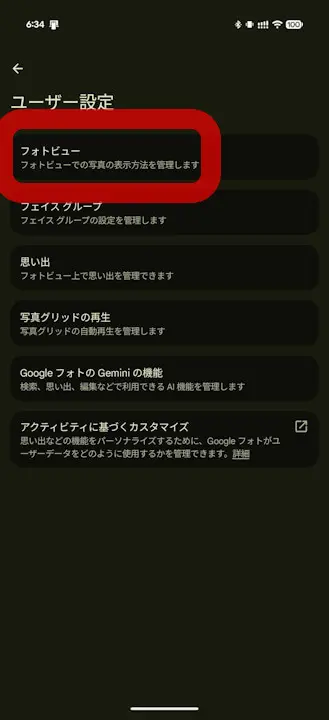
The “Show shimmer border” setting can be accessed in the Android and iOS “Google Photos” app by going to Settings → Preferences → Photo grid (or Photo view). Note that it is enabled by default.
 jetstream.blog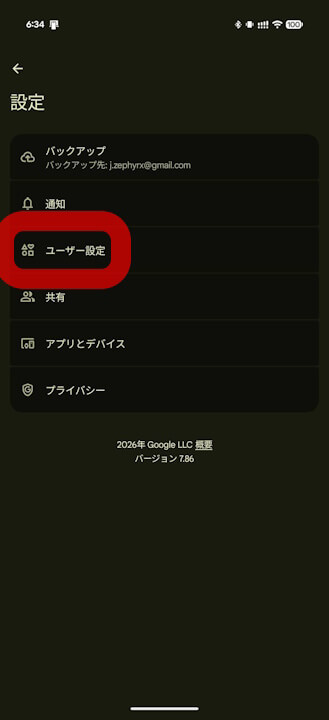
“Google Photos” App Links


Source: Google (https://support.google.com/photos/thread/455695018/update-new-sticker-shimmer-options)