



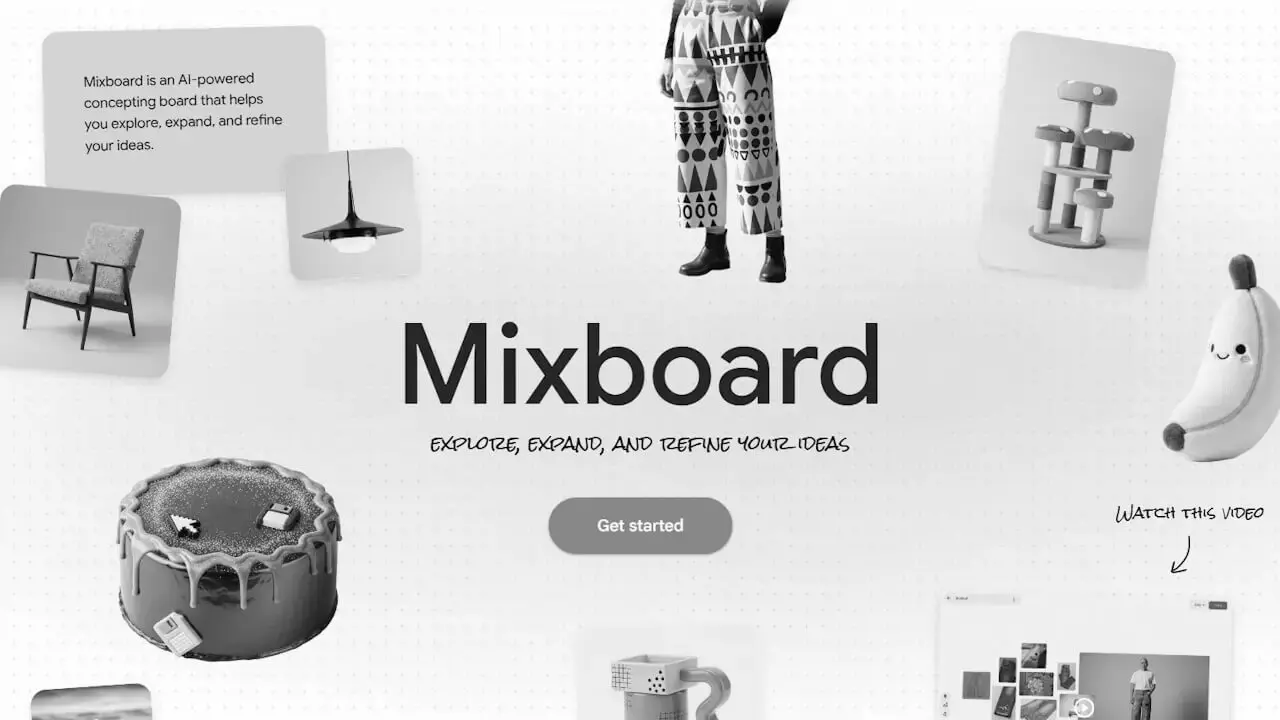

- Google announces the upcoming shutdown of its AI-powered concept board tool, “Mixboard.”
- Service will officially end on Monday, September 28, 2026.
- Users who wish to keep their saved creations must download them by Monday, September 28, 2026.
In mid-August 2026, Google announced the upcoming discontinuation of “Mixboard,” an AI-powered concept board tool that originally launched as a public beta in the US on Tuesday, September 23, 2025, and later expanded to over 180 countries, including Japan, on Thursday, October 30, 2025.
“Mixboard” will officially shut down on Monday, September 28, 2026. Since the Mixboard website will no longer be accessible starting Tuesday, September 29, 2026, you must download any saved creations by Monday, September 28, 2026, if you wish to keep them.
Although Mixboard’s run will end after just one year, it was deployed as a trial under Google’s experimental project program, “Google Labs.” The user feedback and insights gained over this past year will likely be applied to new services and features.

Mixboard is a concept board tool integrated with Google’s image generation AI model, “Nano Banana.” Concept boards are generally used to clarify ideas, images, and nuances that are difficult to convey with words alone by arranging images, photos, and other elements onto a board.
Mixboard allows users to start projects from text prompts, as well as upload images and photos to expand upon the concept board.
Hi everyone,
We are writing to let you know that Mixboard (labs.google/mixboard) will be officially shutting down on September 28, 2026.
As an experimental Labs project, Mixboard was designed to test new ways of creative expression. We have learned a lot from this experiment and are applying these learnings to future Google Labs explorations and creative tooling.
What this means for you
- Continued Access: You can continue to use Mixboard to create, edit, and explore until September 28.
- Data Deletion: After September 28, the Mixboard website will be taken offline. All user data – including your boards, generated images, and prompts – will no longer be accessible to you.
Next steps to save your work
If you want to keep any of your creations, please log in and download them before the shutdown date:
- Go to mixboard.google.com/projects and open the project you want to export.
- In the top-left corner of the canvas, click the project name / expand icon to view your boards.
- Hover your cursor over the board name to reveal the three vertical dots (⋮) on the right.
- Click the three dots (⋮) and select “Download as PNG”. This will download a .zip file containing all the images on that board directly to your device.
- Repeat for any other boards or projects you wish to save.
Thank you for playing and creating with us during this run.
The Mixboard Team
Source: Google