





- Google has announced five new features for its AI search functions, “AI Mode” and “AI Overviews.”
- The five new features include: “Explore new angles,” “Easily access your news subscriptions,” “Get advice from people who have been there,” “See links right where you need them,” and “Get more context on linked websites.”
- These features are designed to assist users in further exploring information.
On Wednesday, May 6, 2026 (local time), Google announced five new features rolling out to its AI search functions, “AI Mode” and “AI Overviews.”
The newly announced features for “AI Mode” and “AI Overviews” consist of five additions: “Explore new angles,” “Easily access your news subscriptions,” “Get advice from people who have been there,” “See links right where you need them,” and “Get more context on linked websites.” These enhancements are designed to help users delve deeper into their information discovery.
Explore new angles
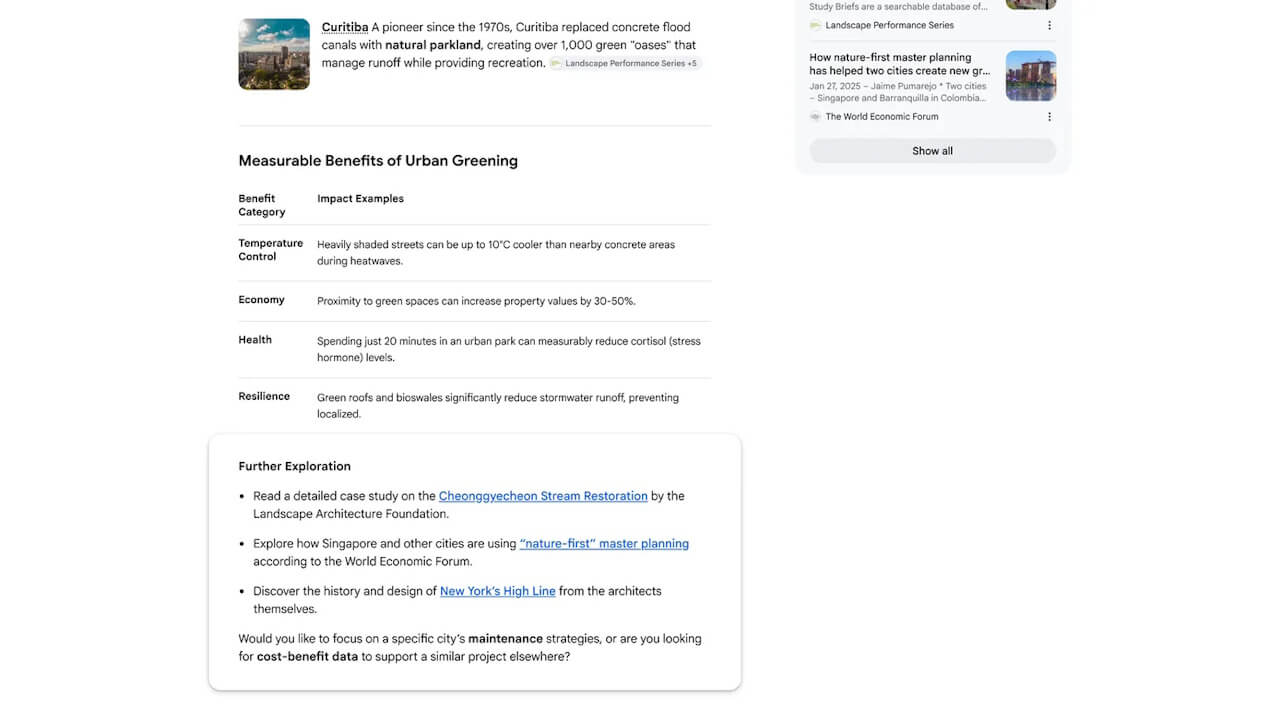
“Explore new angles” is a feature within “AI Mode” and “AI Overviews” that suggests new perspectives or related topics a user might not have considered while searching for a specific subject.
Specifically, recommended links to relevant unique topics or in-depth analytical articles are displayed at the end of the AI-generated response. It is designed to move beyond a single answer, encouraging users to broaden their interests and explore information from multiple perspectives.
Easily access your news subscriptions
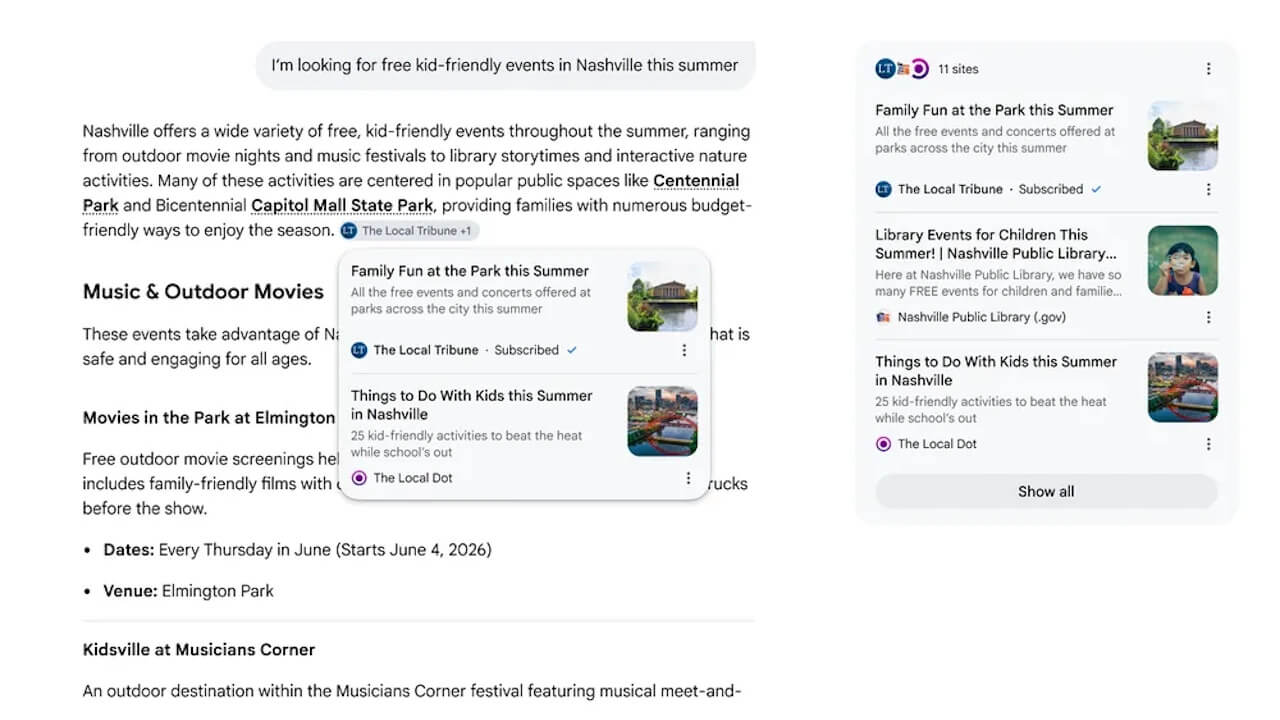
“Easily access your news subscriptions” allows “AI Mode” and “AI Overviews” to highlight and label content from news media or publishers that the user is currently subscribed to when referencing such articles in search results.
This enables users to seamlessly access the news sources they pay for.
Get advice from people who have been there
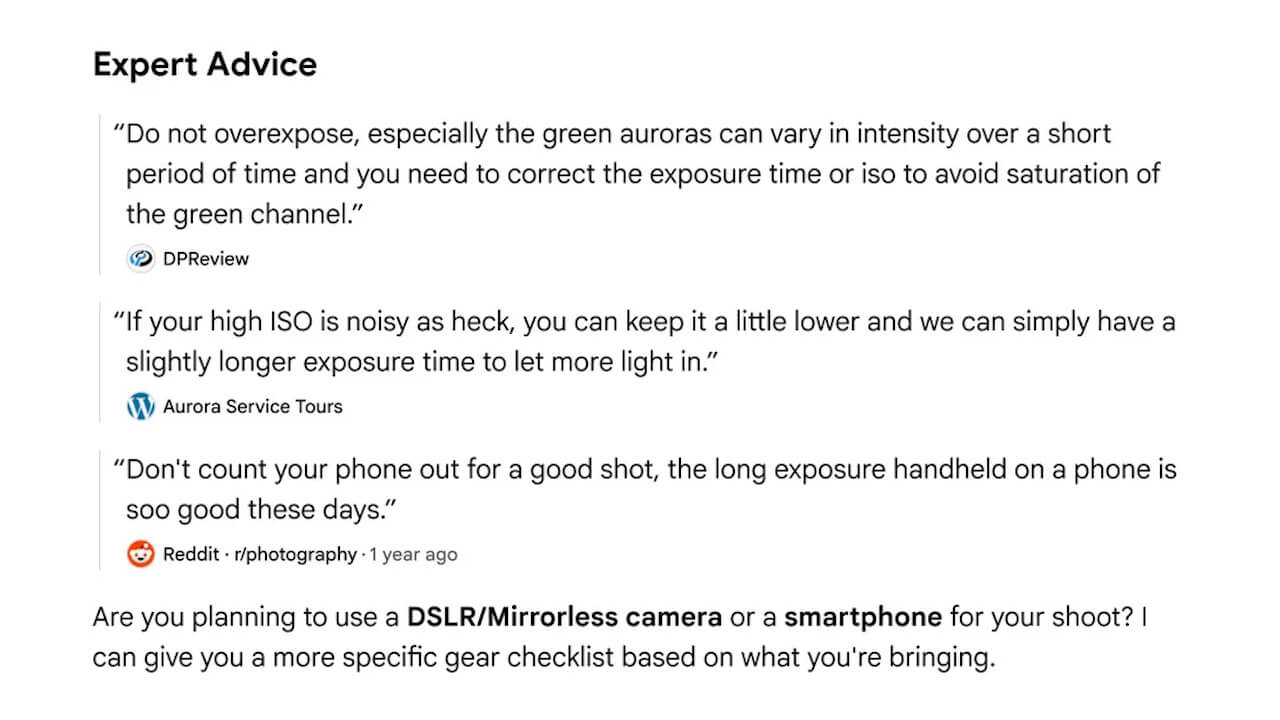
“Get advice from people who have been there” is a feature that presents previews of real experiences shared on forums, social media, or community sites directly within the answers provided by “AI Mode” and “AI Overviews,” which is particularly useful for travel tips or specialized queries.
Contextual information, such as creator names or community names, is also displayed, helping users decide which sources to reference.
See links right where you need them
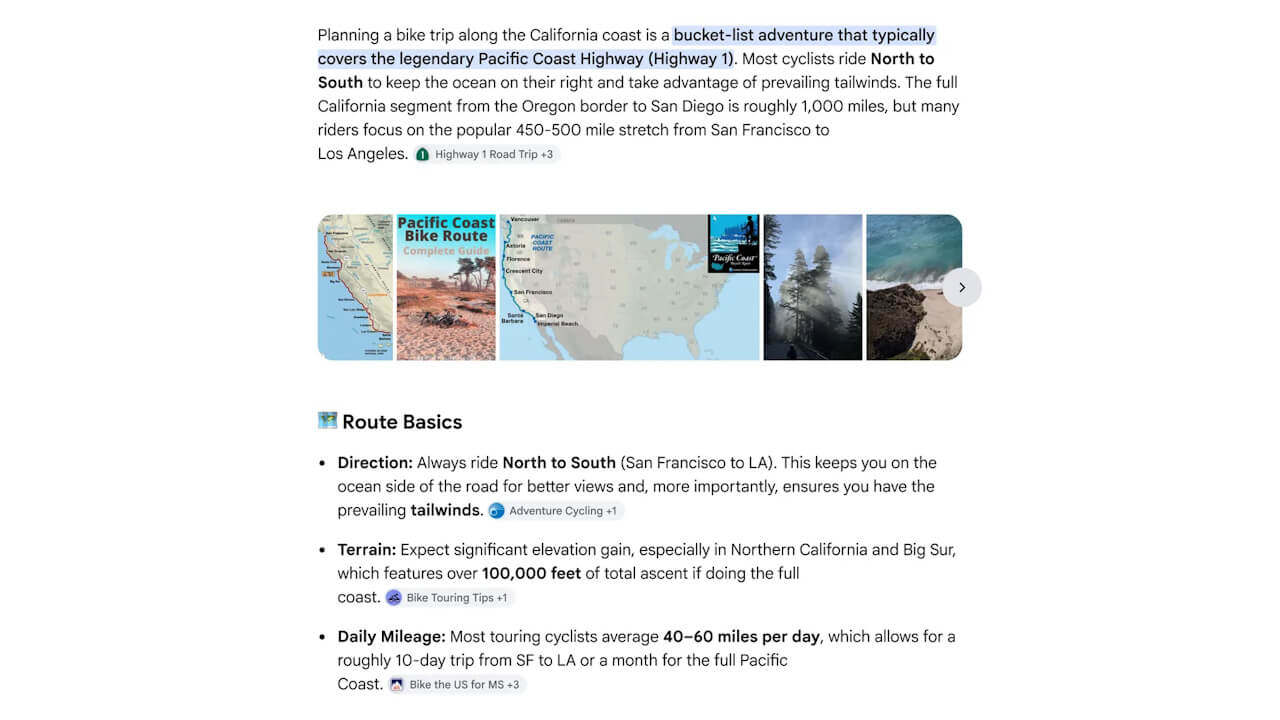
“See links right where you need them” places relevant links inline, directly next to the bullet points or explanations in an AI-generated answer where the user is most likely to want to reference the source information.
This allows users to intuitively navigate from the AI-generated answer to the primary source website.
Get more context on linked websites
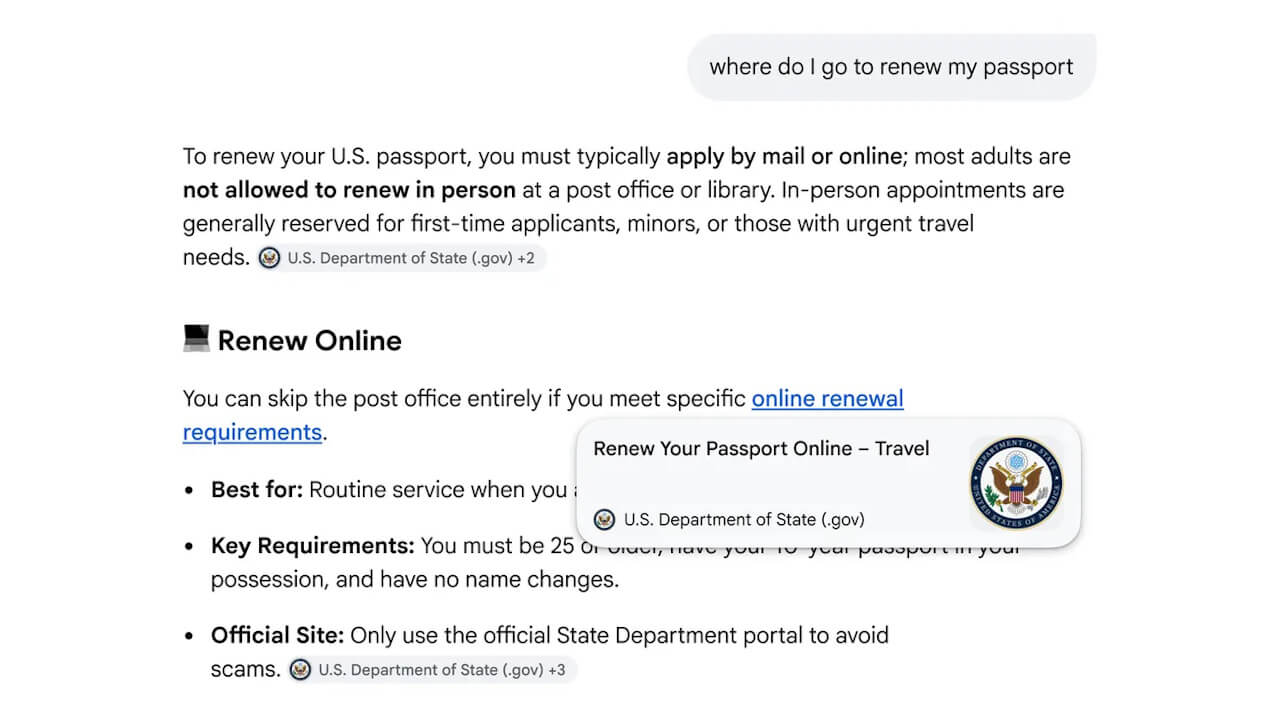
“Get more context on linked websites” is a feature that displays a popup preview of a website, including its name and page title, simply by hovering the mouse cursor over an inline link within an AI response.
Users can check the preview of the website or page to determine if they want to click through. This feature will be available on the desktop versions of “AI Mode” and “AI Overviews.”
Source: Google (https://blog.google/products-and-platforms/products/search/explore-web-generative-ai-search/)