



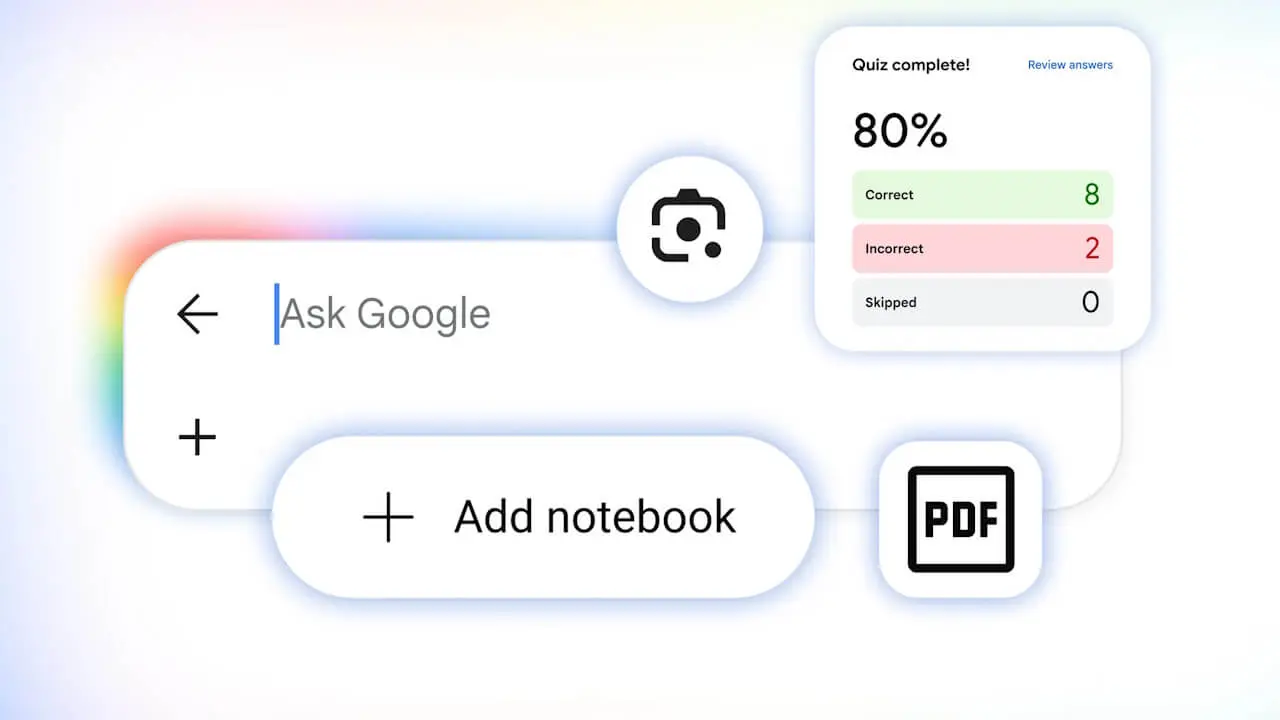

- Google announces 5 new learning-support features rolling out to its AI search services, “AI Mode” and “AI Overviews.”
- A total of 5 study support tools: Generative UI, practice question generation, step-by-step learning support using “Google Lens,” “Gemini Notebook” integration, and custom file generation.
- All features are currently rolling out for English-language environments only.
On Wednesday, August 19, 2026 (local time), Google announced five new learning-support features rolling out to its AI search services, “AI Mode” and “AI Overviews.”
The newly announced features for “AI Mode” and “AI Overviews” consist of a total of five study support tools: Generative UI, practice question generation, step-by-step learning support utilizing “Google Lens,” “Gemini Notebook” integration, and custom file generation. However, all of these features are currently being rolled out exclusively for English-language environments.
Generative UI
Generative UI is a feature that automatically generates custom tools and simulations for complex topics that are difficult to understand through text alone, presenting them as interactive visual tools.
For example, after searching for the “pH scale” to visually understand the basics, if you ask a specialized follow-up question like “map citrus fruits onto the pH scale,” “AI Mode” will generate a unique experience tailored to your question. If you already have a specific tool or visual aid in mind from the start, you can also describe your request directly to “AI Mode.”
This Generative UI feature has already begun rolling out globally in “AI Mode” for English-language environments. It is also gradually rolling out for “AI Overviews.”
Practice Question Generation
Practice question generation is a feature that provides customized practice questions directly from search results for any subject, including science, mathematics, humanities, and foreign languages.
You can also request preparation quizzes for various standard tests such as ACT, AP, ENEM, GRE, JEE, LSAT, MCAT, NEET, and SAT. Through partnerships with leading educational companies like The Princeton Review, Careers360, PhysicsWallah, and Akira Enem, you can prepare for exams based on trusted, expert content. For instance, searching for “create a quiz on commonly tested English vocabulary for SAT prep” will present an interactive quiz complete with explanations for each answer and links for deeper learning.
Practice question generation has begun its global rollout for English-language environments in both “AI Mode” and “AI Overviews.”
Step-by-Step Learning Support Using “Google Lens”
Step-by-step learning support using “Google Lens” is a feature that breaks down difficult concepts into smaller parts and offers a new interactive learning experience to help you verify that your studies are moving in the right direction.
You can use it simply by tapping the “Google Lens” icon in the Google app for Android or iOS and taking a photo of the problem you are currently working on. “AI Overviews” will provide helpful explanations, identify where you might have made a mistake, and offer coaching support when you get stuck on a problem.
Step-by-step learning support using “Google Lens” is scheduled to roll out globally in English-language environments within the coming weeks.
“Gemini Notebook” Integration
The research and writing assistant tool “Gemini Notebook” is being integrated into “AI Mode,” allowing you to organize your study materials and extract necessary insights directly within search.
You can create dedicated “Notebooks” for each class or project, adding various sources such as lecture slides, syllabi, and relevant web articles, as well as past “AI Mode” search threads. This enables you to ask questions and analyze topics based on your reference materials within a centralized environment. Additionally, existing notebooks from “Gemini Notebook” or the “Gemini” app will automatically appear within “AI Mode,” keeping your sources and instructions synchronized across Google services.
The “Gemini Notebook” integration in “AI Mode” has started rolling out for English-language environments in over 80 countries where “Gemini Notebook” is available, excluding the European Economic Area (EEA). Support for languages other than English is also planned for the coming weeks.
Custom File Generation
Custom file generation is a feature that lets you create ready-to-use study documents directly from the search interface, based on files you’ve uploaded to “AI Mode” or your “AI Mode” threads.
For example, you can upload scattered study materials, photos of handwritten notes, or lecture slides to “AI Mode” and request a one-page summary of key concepts. It will then output files exactly as requested in a wide range of formats, including documents, slides, spreadsheets, and text files. Support for even more formats will be expanded in the future.
Custom file generation in “AI Mode” has begun rolling out globally for English-language environments. A rollout to “AI Overviews” is also planned.
Source: Google (https://blog.google/products-and-platforms/products/search/back-to-school-study-tools/)