



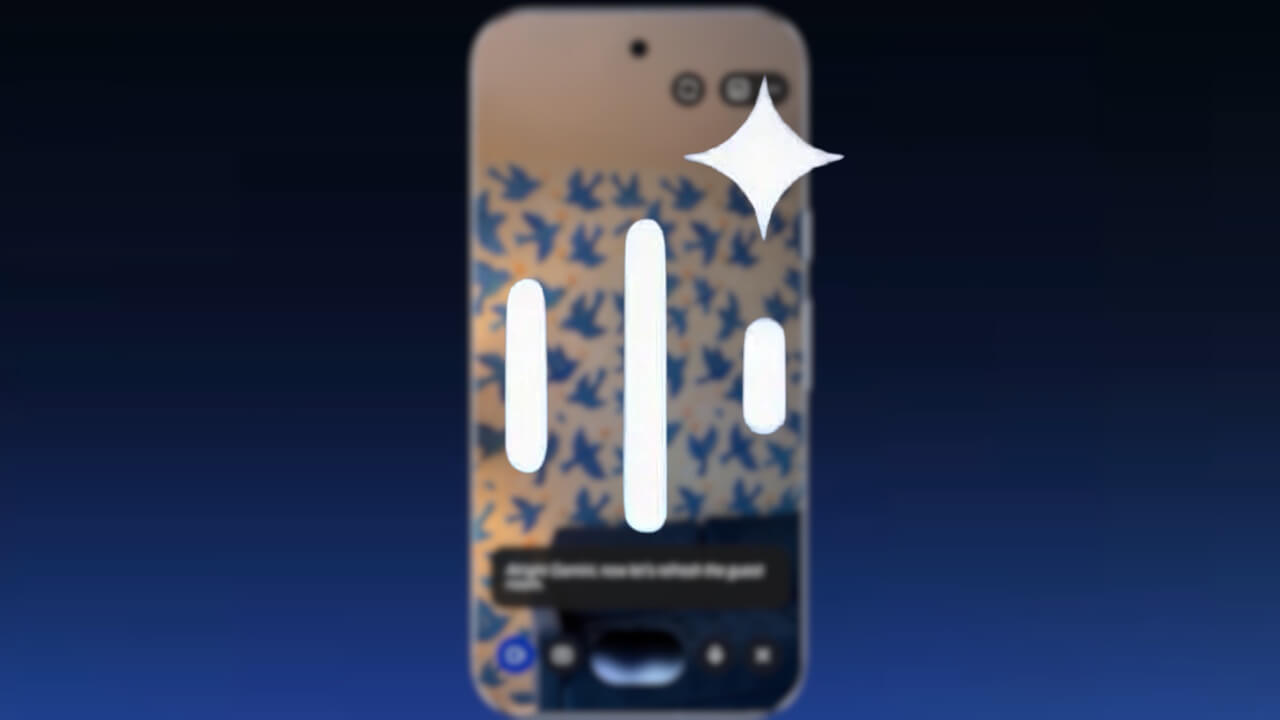

- Google has shared examples of how to use “Gemini Live,” its intuitive conversational feature, to help bring ideas to life.
- For instance, by using the camera sharing feature in “Gemini Live” to show a hand-drawn sketch and asking, “What would this look like as wallpaper?”, it generates an image of your room’s wall covered in a pattern based on your sketch.
- Furthermore, if you ask “Gemini Live” to “find a nearby shop that prints wallpaper,” it will locate local print shops using “Google Maps.”
On Wednesday, July 22, 2026 (local time), Google showcased examples of how to use “Gemini Live,” the intuitive conversational feature of the Google AI “Gemini” app, to support the realization of creative ideas.
“Gemini Live” allows users to engage in natural conversations with AI for brainstorming, rehearsing interviews or presentations, and more. Beyond conversation, it can also provide support in bringing those ideas to life.
For example, you can use the camera sharing feature in “Gemini Live” to show a hand-drawn sketch and ask, “What would this look like as wallpaper?” The AI will then generate an image of the room captured by your camera with the walls covered in a pattern derived from your drawing. Additionally, if you ask “Gemini Live” to “find a nearby shop that prints wallpaper,” it will search for local print shops using “Google Maps.”
Furthermore, by saying “create a list of tools needed for hanging wallpaper and save it as a note,” it will generate a checklist of necessary supplies directly in “Google Keep.”
In this way, “Gemini” and “Gemini Live” assist users in bringing their ideas to reality simply by explaining what they have in mind.
Source: Google (https://blog.google/products-and-platforms/products/gemini/gemini-live-camera-how-to/)