




- “Projects” has begun rolling out as a new feature for “Gemini in Google Drive.”
- This feature allows users to create AI chatbots specialized for specific “Projects” by storing source files, folders, and Gemini conversation history in one place.
- Currently, creation and management are only available via the web version of “Google Drive (Gemini in Google Drive).”
Back in February 2026, we reported that resource code for a new feature called “Projects” (codenamed “robin”) was discovered within the internal code of the Android version of the Google AI “Gemini” app.
Three and a half months later, that “Projects” feature appears to have finally begun rolling out as of mid-May 2026. However, it is not a new feature for the “Gemini” app itself, but rather for “Gemini in Google Drive,” the integrated version of Gemini within the online storage service “Google Drive.”
It is expected that, much like the integration of “NotebookLM” into the “Gemini” app, the “Projects” feature in “Gemini in Google Drive” will eventually be integrated into the main “Gemini” app, allowing for cross-platform sharing.

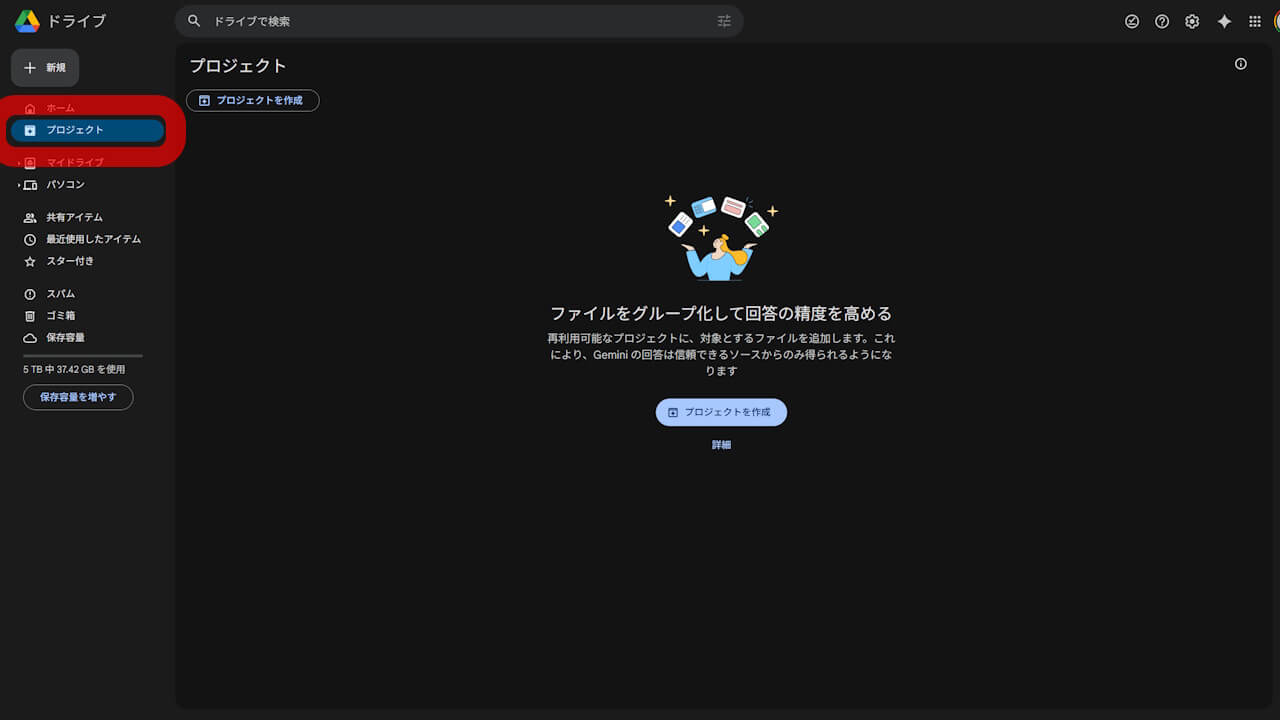
The new “Projects” feature in “Gemini in Google Drive” allows you to store source files, folders, and Gemini conversation history in a single project, enabling you to use an AI chatbot specialized for that specific project. Naturally, these “Projects” can also be shared with specific individuals or project teams.
While “Projects” can be shared, the system is designed with strict security: collaborators who do not have access permissions to the files or folders stored within the project will not receive answers related to those specific items. Additionally, conversations with Gemini within a “Project” remain private to the user and are not shared with other project members.
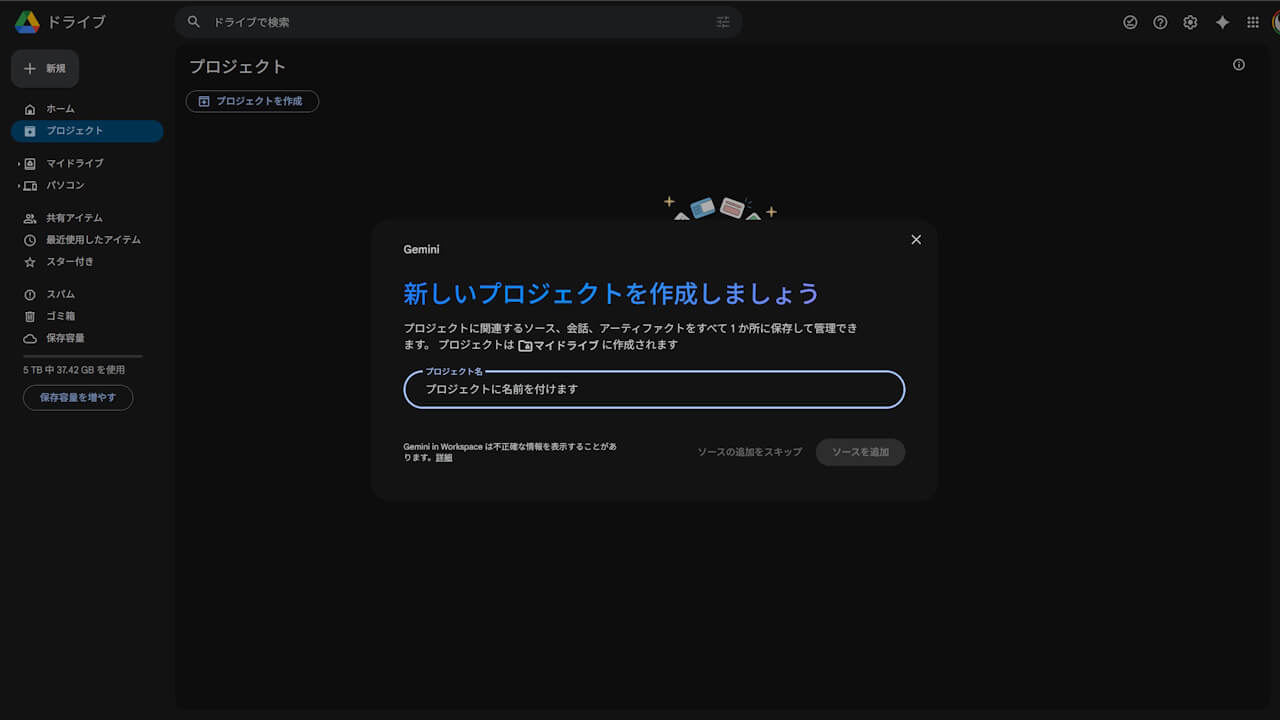
You can create new “Projects” directly from “Gemini in Google Drive,” or save existing conversation history with Gemini as a project. When creating a new project, simply set a project name, and Gemini will automatically pick up relevant files and folders for you.
Of course, you can also manually add source files and folders.
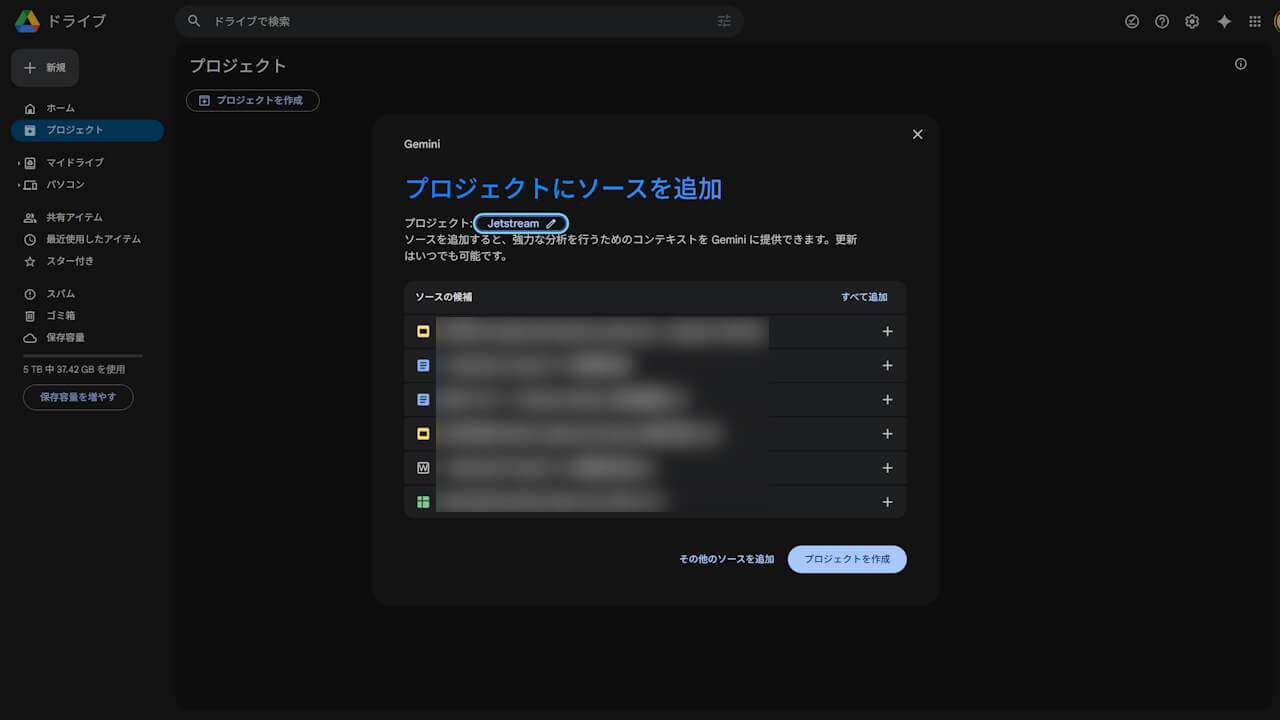
Currently, “Projects” can only be created and managed via the web version of “Google Drive (Gemini in Google Drive).” As a new feature for “Gemini in Google Drive,” it is rolling out to “Google Workspace” accounts as well as members of the “Google AI Plus,” “Google AI Pro,” and “Google AI Ultra” plans.
重要: Gemini in ドライブを使用するには、対象となる Google Workspace プランまたは Google AI のプランが必要です。
ドライブのプロジェクトを使用して Gemini のソースを共有する – Google ドライブ ヘルプ
While we have confirmed the rollout of “Projects” as a new feature of “Gemini in Google Drive,” there has been no official announcement from Google yet. However, since a help page is already available on the official “Google Drive Help” site, it is effectively a formal launch.
Source: Google Drive