




- Google has introduced six efficient ways to use Google AI “Gemini” for study, specifically tailored for students.
- The six features are: “Notebooks” (in NotebookLM), study guide generation, podcast-style “Audio Overview” generation, 3D model/interactive chart generation, practice exams with “Gemini Live,” and a learning support mode called “Guided Learning.”
- Please note that “Notebooks” is currently an early release available only for “Google One” AI Premium plans (Google AI Ultra, Google AI Pro, and Google AI Plus) and is not yet available for free-tier users.
On Friday, April 10, 2026, Google introduced six efficient ways to utilize Google AI “Gemini,” designed specifically to help students with their studies.
The six features highlighted are: “Notebooks” via NotebookLM, study guide generation, podcast-style “Audio Overview” generation, 3D model/interactive chart generation, practice exams combined with “Gemini Live,” and a learning support mode known as “Guided Learning.” Please be aware that the “Notebooks” feature is an early release exclusively for “Google One” AI Premium subscribers (“Google AI Ultra,” “Google AI Pro,” and “Google AI Plus”) and is not currently open to non-paying users.
“Notebooks” Feature in NotebookLM
By leveraging the “Notebooks” feature within NotebookLM (Google’s newly integrated AI research tool for Gemini), you can upload materials such as PDF files, photos of whiteboards, or handwritten lecture notes. Even hundreds of pages of material can be organized into a single “Notebook” for your study needs.
Once you establish this “Notebook” as your central command for studying, it can be used in a variety of ways to manage your daily progress and boost learning efficiency.

 jetstream.blog
Study Guide Generation
Even if you have hundreds of pages of handwritten notes or textbooks, you can upload them to Gemini to generate logical, structured study guides or flashcards.
For instance, simply upload your documents and send a prompt such as, “Create a study guide for my exam based on these course materials.”
Podcast Generation: “Audio Overview”
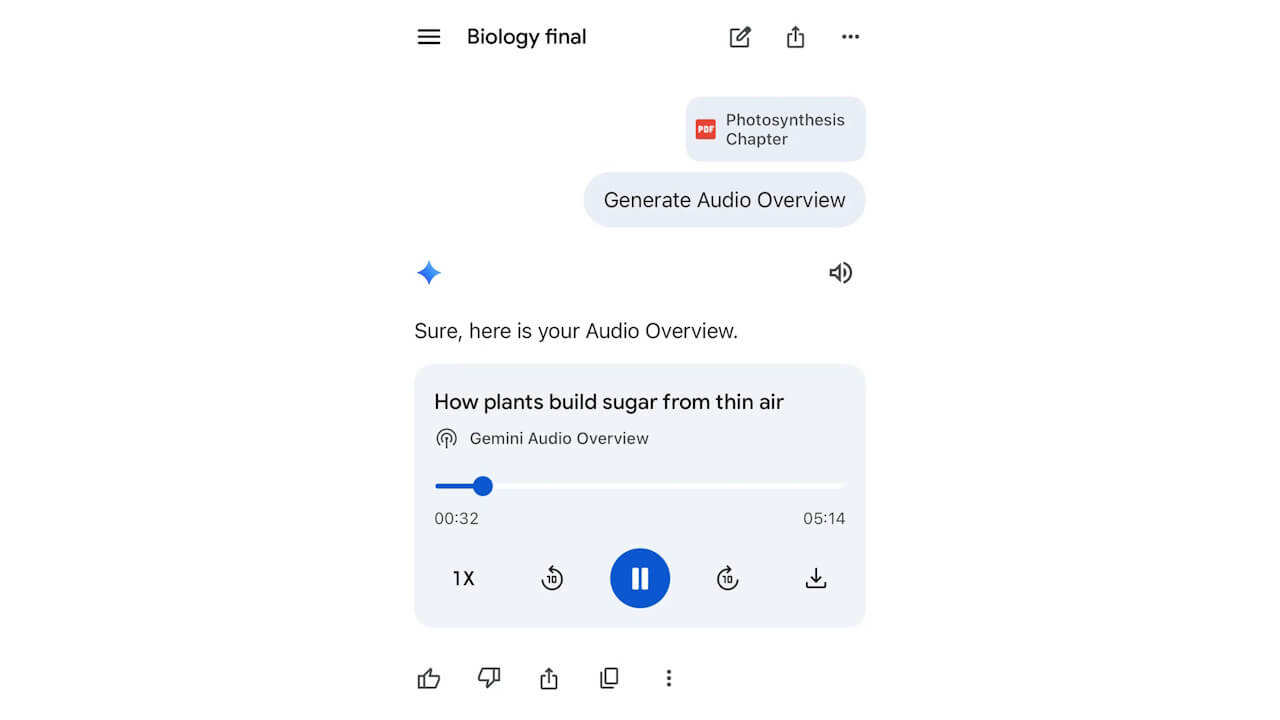
You can also generate an “Audio Overview”—a podcast featuring an engaging, two-way conversation between two AI hosts—based on the handwritten notes, textbooks, or other materials you’ve uploaded to Gemini.
If you struggle with learning solely by reading materials, why not try learning through listening?
3D Model / Interactive Chart Generation
As of early April 2026, Gemini supports the generation of 3D models and interactive charts.
You can create rotating 3D molecular models or complex physics simulations with simple prompts. By setting your AI model to “Pro” in Gemini and entering commands like “Show me [topic]” or “Visualize [topic],” the system will generate these 3D models and interactive charts for you.
 jetstream.blog
Practice Exams and “Gemini Live”
You can instruct Gemini to generate practice exams or quizzes that focus on the specific areas where you feel you need more help.
Additionally, by using the voice conversation feature “Gemini Live,” you can explain concepts to Gemini aloud and have it identify any gaps or flaws in your logic.
Learning Support Mode: “Guided Learning”
For difficult topics that you just can’t seem to grasp, instead of just getting the answers, we recommend using Gemini’s learning support tool, “Guided Learning.”
Select “Guided Learning” from the prompt bar, upload photos of handwritten math problems or diagrams, and ask for help with calculations or conceptual explanations. This allows you to explore the subject matter in-depth as you learn.
Source: Google
コメントを残す