




- The desktop (Windows / Mac) version of “Chrome” now supports a new split-screen view, starting from version v142.0.7444.176.
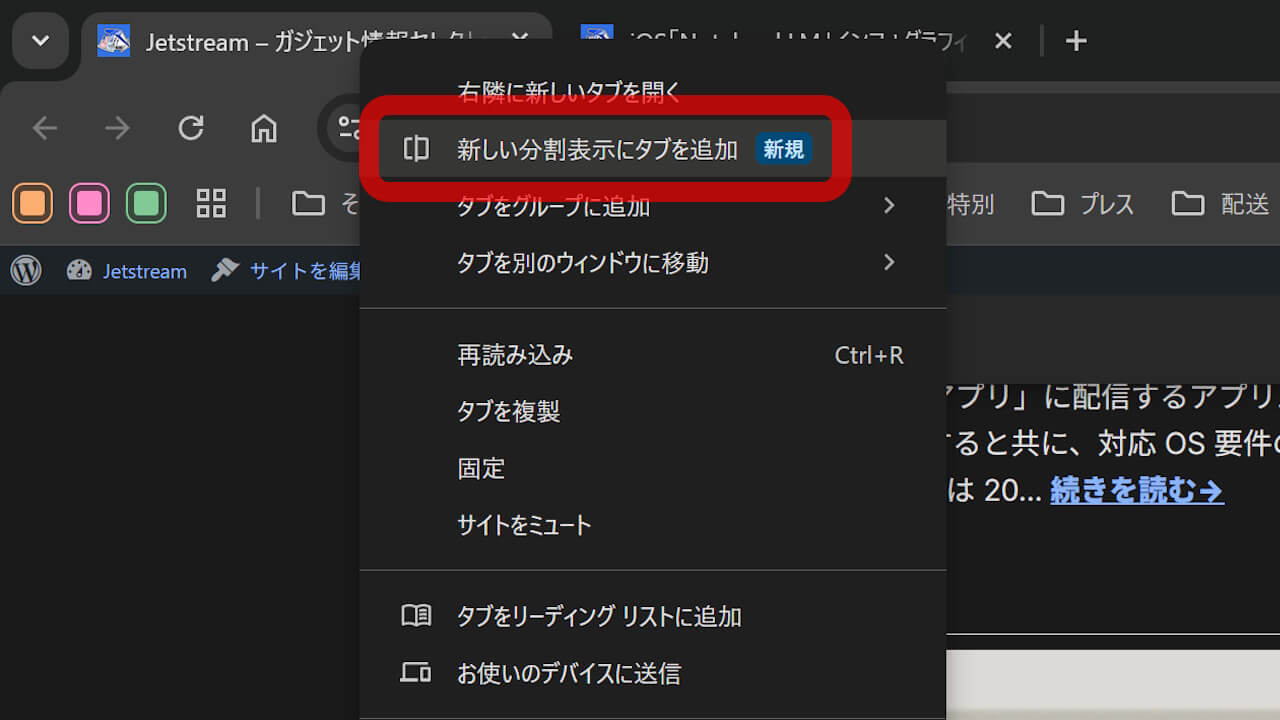
- Just right-click to open the context menu, select “Add tab to new split view,” and choose the web page to display.
- It also supports stepless window resizing and swapping the left and right views by double-clicking the divider.
The desktop (Windows / Mac) version of Google’s web browser, “Chrome,” now supports a new split-screen view starting from version v142.0.7444.176.
Previously, to display two web pages side-by-side in the desktop version of “Chrome,” you had to open them in separate windows. However, with this new split-screen feature, you can now display them within a single tab, eliminating the need for multiple windows.
The method is simple: just right-click to bring up the context menu, select “Add tab to new split view,” and then choose the web page you want to display.
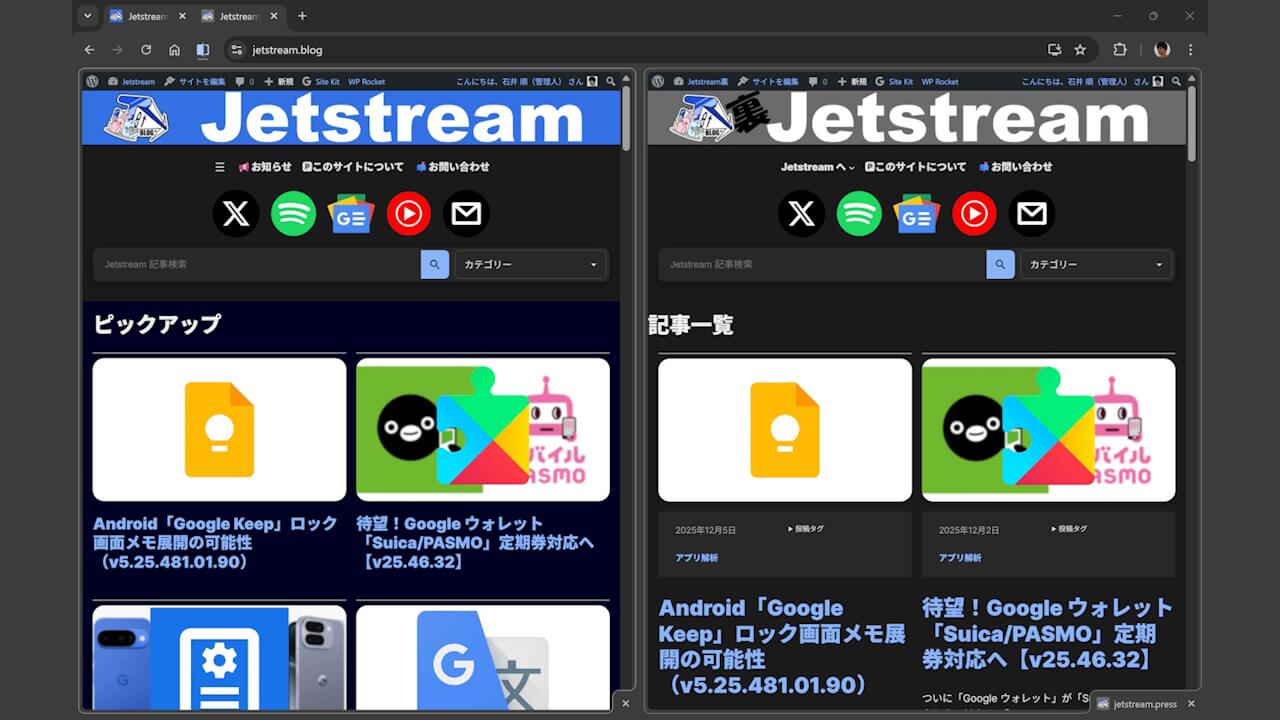
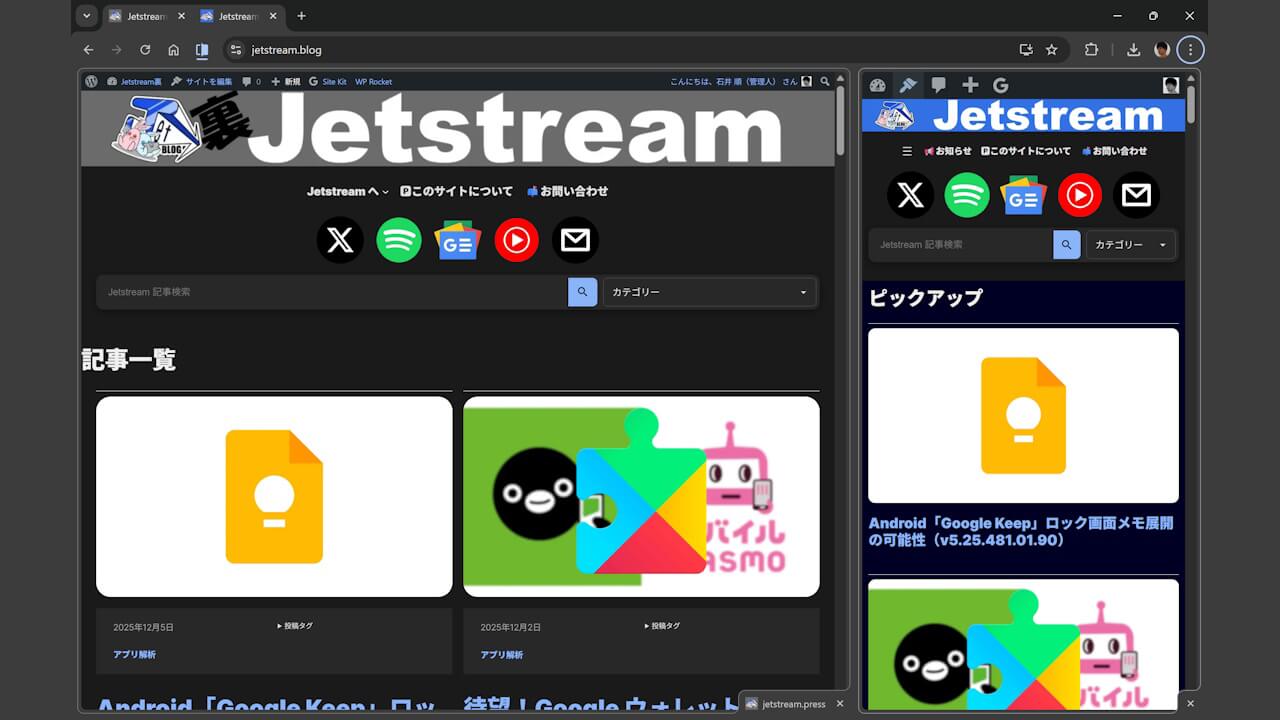
In the new split-screen view for desktop “Chrome,” you can also resize the panes steplessly. Additionally, you can quickly swap the left and right views by double-clicking the divider.

This new split-screen feature added to the desktop version of “Chrome” may be a long-awaited function for many users. Be sure to give it a try.
コメントを残す