



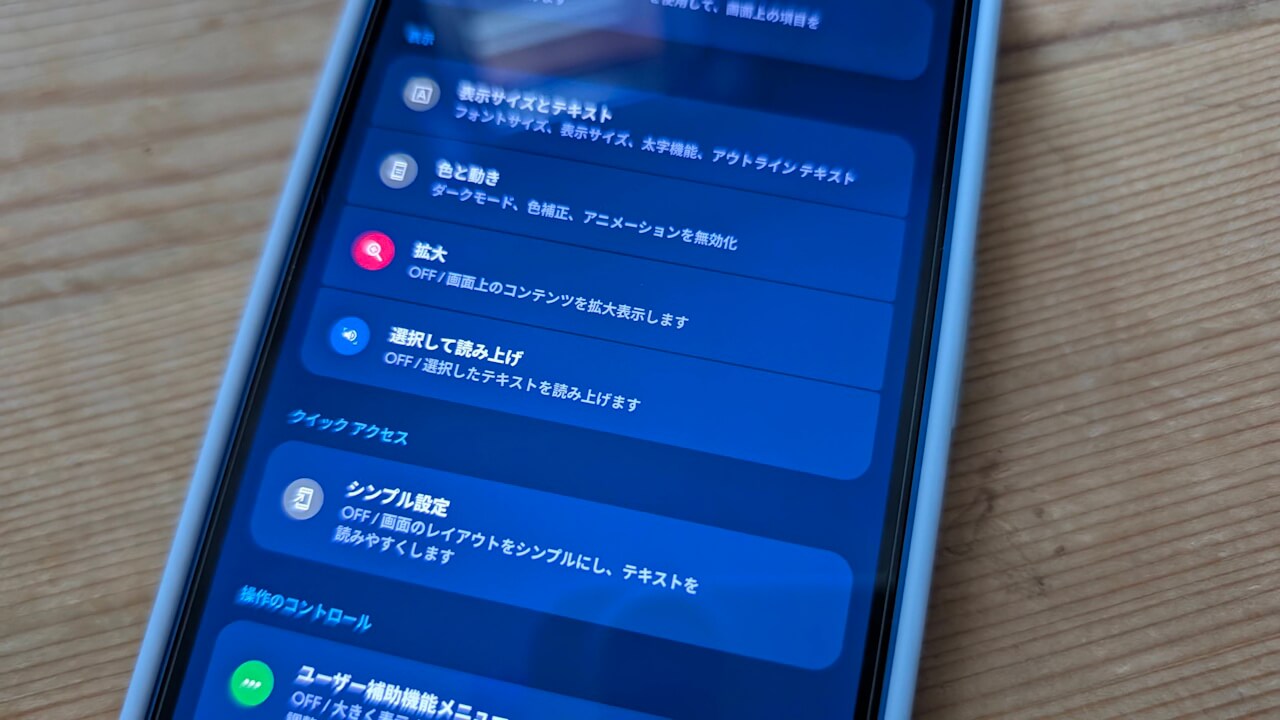
- Google officially confirms an Android bug where long-pressing volume buttons fails to adjust the volume continuously, caused by the “Select to Speak” setting within the “Android Accessibility Suite.”
- While the issue can be resolved by turning OFF the “Select to Speak” setting, this presents a significant problem for users with disabilities who rely on this essential feature.
- Google has identified disabling “Select to Speak” as a temporary workaround and has stated that they are currently working on a fix.
Since the beginning of 2026, an issue has been occurring on Android devices—primarily Google Pixel devices—where long-pressing the volume buttons fails to continuously adjust the volume.
Initially, it was suspected that this bug was caused by the “Select to Speak” setting in “Accessibility” being automatically turned ON following the v16.2 update of the “Android Accessibility Suite (TalkBack)” app released on Monday, January 5, 2026.
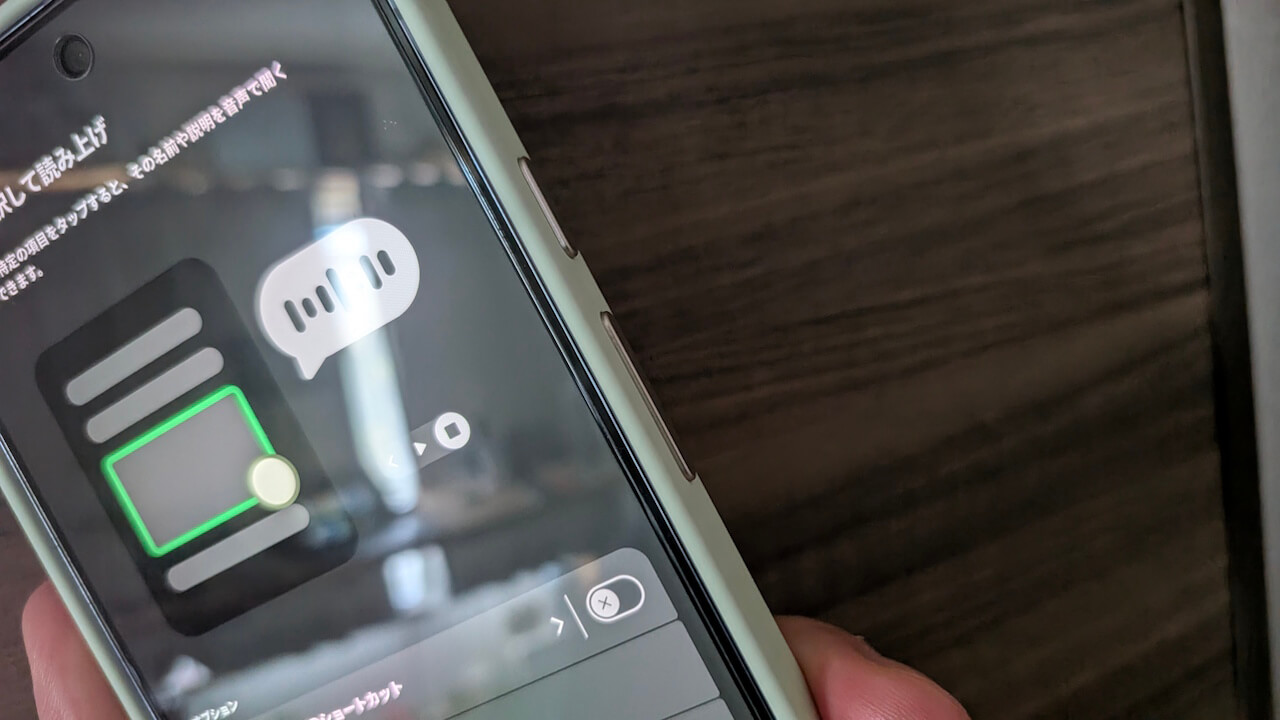

On Tuesday, January 13, 2026, Google officially confirmed that the cause of this Android bug is indeed the “Select to Speak” setting within the “Android Accessibility Suite.”
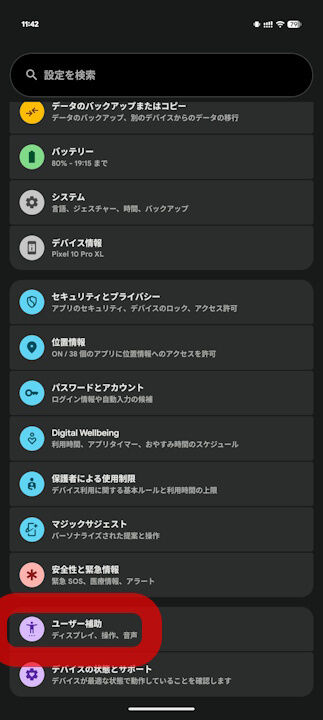
➜
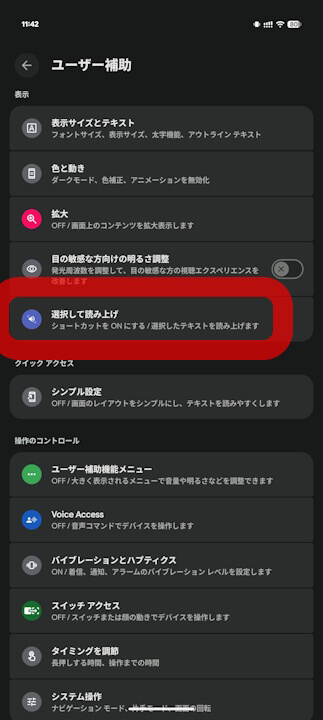
➜
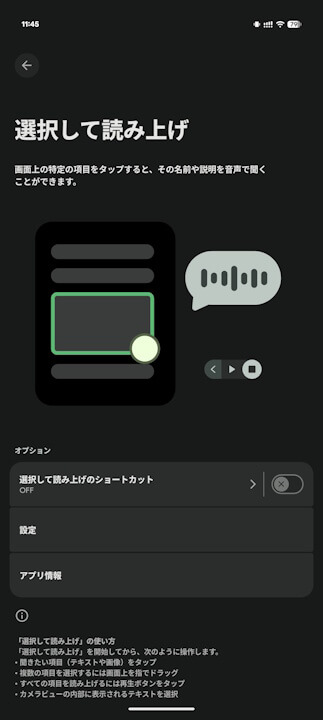
The issue where long-pressing the volume buttons does not continuously adjust the volume can be resolved by turning the “Select to Speak” setting OFF. However, this means that users with disabilities who rely on “Select to Speak” will no longer be able to use this essential feature. Therefore, turning the setting OFF is not a fundamental solution.
Google has clarified that disabling the “Select to Speak” setting is only a temporary measure and that they are currently working on a fix. It is expected that a corrective update for the “Android Accessibility Suite” app will be released in the future.
Source: Google
コメントを残す