



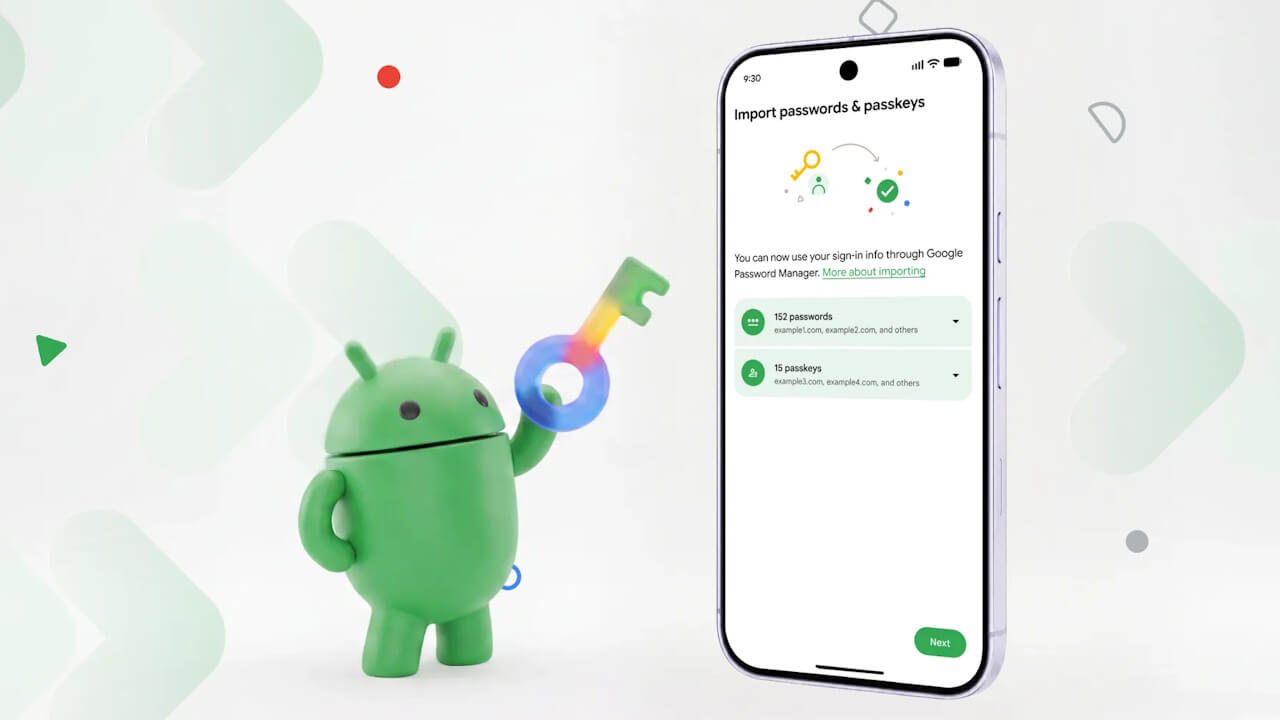

- Google has started rolling out a new feature for Android that allows users to easily and securely migrate passwords and passkeys stored in a password manager service to another password manager service.
- Migrate passwords and passkeys easily and securely in just a few taps, without using file exports or imports.
- Open the new password manager app you want to use as the destination, and select the menu to “import” or “copy” passwords and passkeys from another service.
On Thursday, September 10, 2026, local time, Google began rolling out a new feature for Android that enables users to easily and securely transfer passwords and passkeys stored in a password manager service to another password manager service.
Traditionally, migrating between password manager services required exporting files from the source password manager and importing them into the destination password manager. Furthermore, these exported files were often unencrypted.
This conventional method carried the risk of temporarily exposing passwords without encryption and did not support the migration of passkeys, the passwordless login authentication method. However, the new feature rolling out for Android allows users to easily and securely transfer passwords and passkeys in just a few taps, without the need to export or import files.
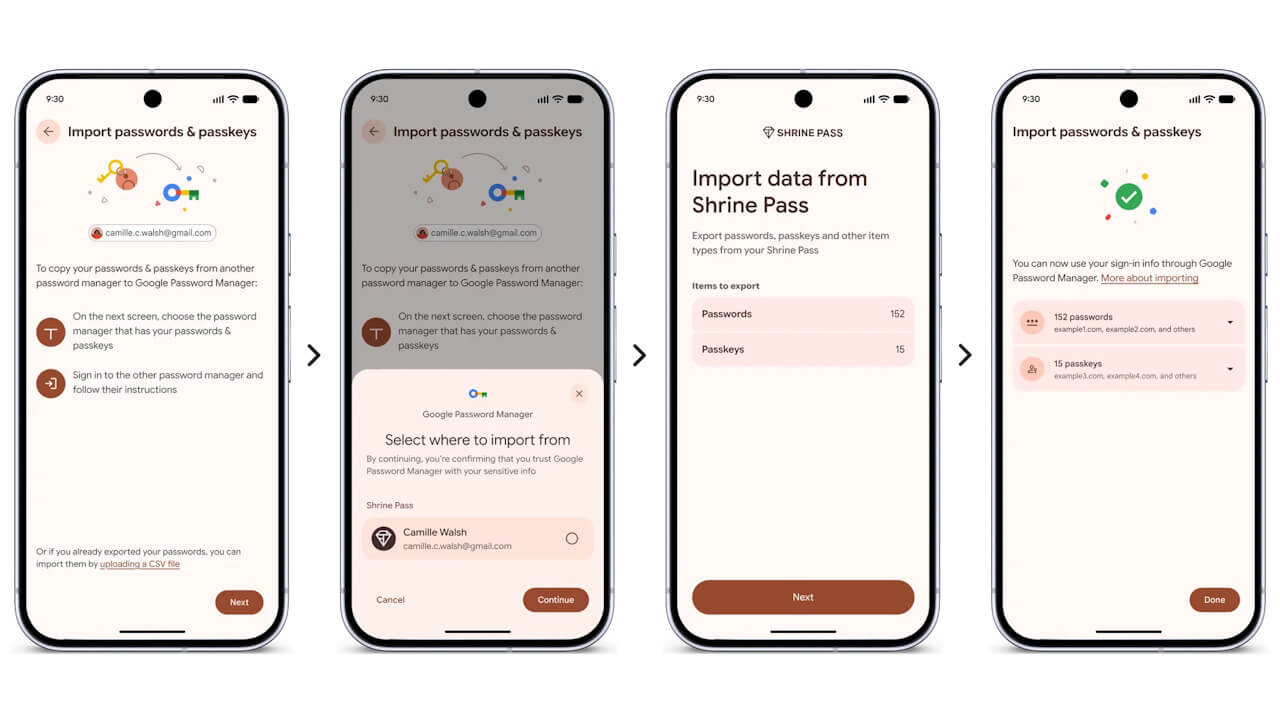
Specifically, you open the new password manager app you wish to use as the destination and select the menu option to “import” or “copy” passwords and passkeys from another service. The app then hands over the data migration process to the Android operating system itself.
Android automatically detects other password manager services installed on the device and presents a list of eligible password manager services to choose from as the import source. Once you select the source and tap “Continue,” the screen switches to the source password manager app, where you verify and authenticate the data to be transferred.
Once authentication is complete, the data is transferred in a matter of seconds.
This password manager migration feature for Android is available on Android devices running Android 8 or later. Currently, in addition to Google Password Manager, supported services include password managers such as 1Password, Bitwarden Password Manager, and Dashlane.
Source: Google (https://blog.google/products-and-platforms/platforms/android/switch-password-managers/)