



Key Points of This Article
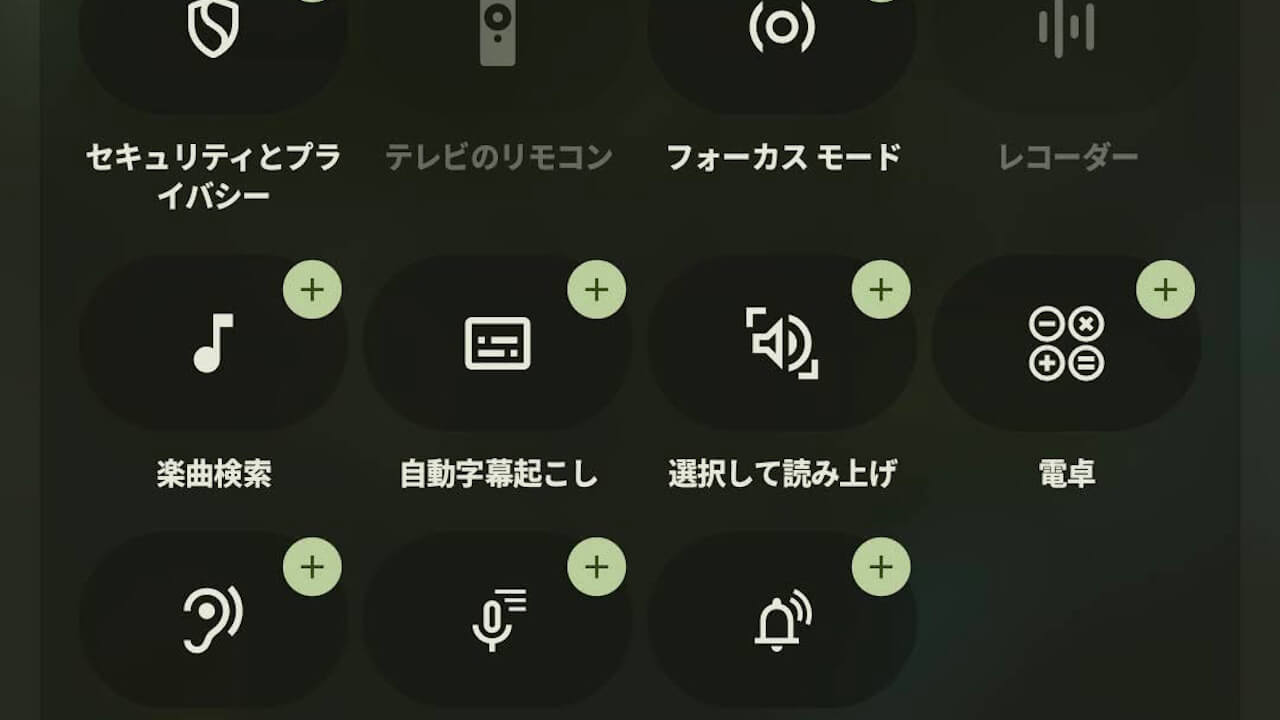
- A “Select to Speak” tile has been quietly added to Android.
- “Select to Speak” is an Accessibility feature that reads aloud the content on your screen with a simple tap.
- It is now easily accessible from the Quick Settings tile.
A “Select to Speak” tile has been quietly added to Android.
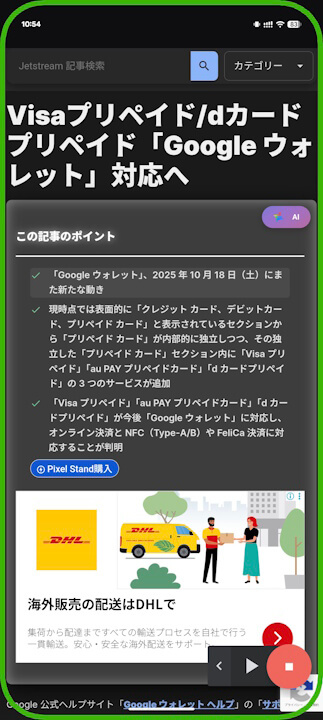
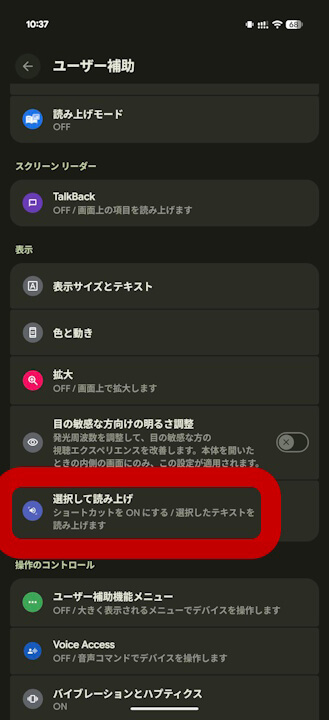
“Select to Speak” is one of the Accessibility features that mechanically reads aloud content on the screen with a simple tap. Previously, it had to be enabled in the Accessibility settings and invoked with a gesture, such as a two- or three-finger swipe. However, with the addition of the “Select to Speak” tile, it can now be easily accessed and used from the Quick Settings.
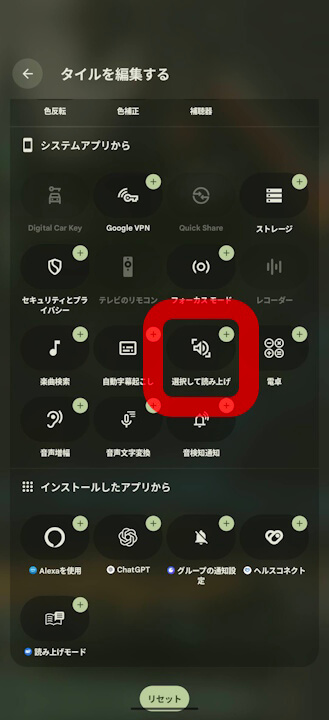
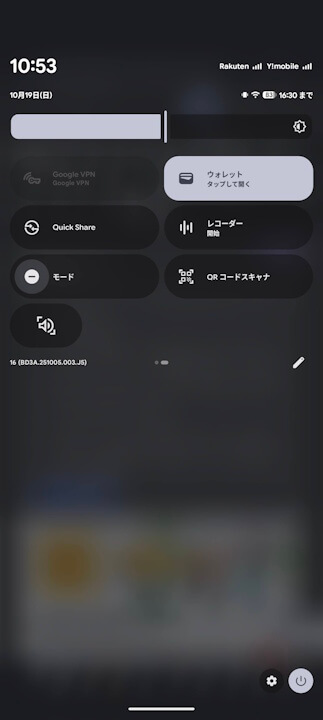
Please note that the “Select to Speak” tile will not appear unless it is enabled in the Accessibility settings.
“Android Accessibility Suite” App Link

コメントを残す