


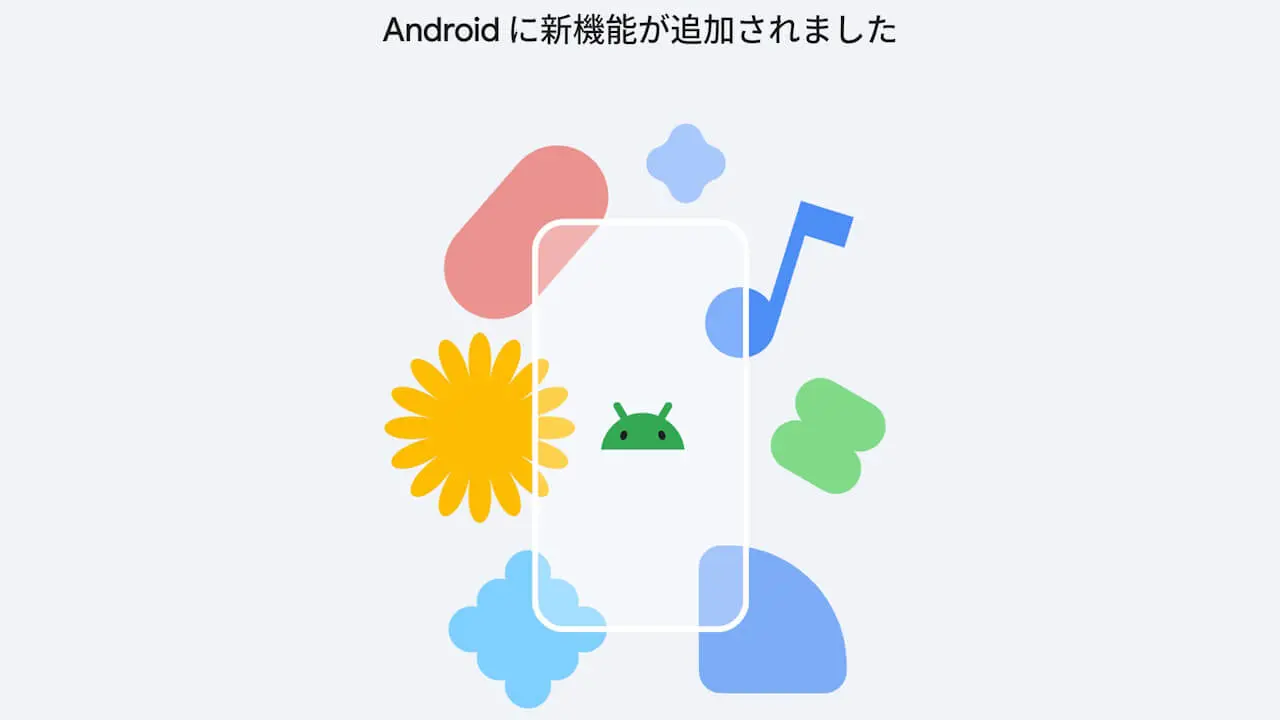

- Google has published the September 2026 edition of “New features on Android” (latest features for Android devices), a content highlighting the latest features rolling out to Android devices, within the Android “Google” settings.
- A total of six new features are introduced: direct image generation/editing via “Gemini Live,” “Gemini” and “Gemini Live” on “Android Auto,” AI photo editing in “Google Photos,” chat theme customization in “Google Messages,” “Search Live,” and the integration of “Nano Banana 2” for the “Remix” image generation feature in “Google Messages.”
- This content is based on the September 2026 Android Drop, a set of new features for Android announced on Tuesday, September 1, 2026.
On Friday, September 18, 2026, Google released the September 2026 edition of “New features on Android” (latest features for Android devices)—content that announces the latest features rolling out to Android devices—within the Android “Google” settings.
The September 2026 edition of “New features on Android” introduces a total of six new features: direct image generation/editing via “Gemini Live,” “Gemini” and “Gemini Live” on “Android Auto,” AI photo editing in “Google Photos,” chat theme changes in “Google Messages,” “Search Live,” and the introduction of “Nano Banana 2” for the “Remix” image generation feature in “Google Messages.” This content builds upon the September 2026 “Android Drop” announced on Tuesday, September 1, 2026.
 jetstream.blog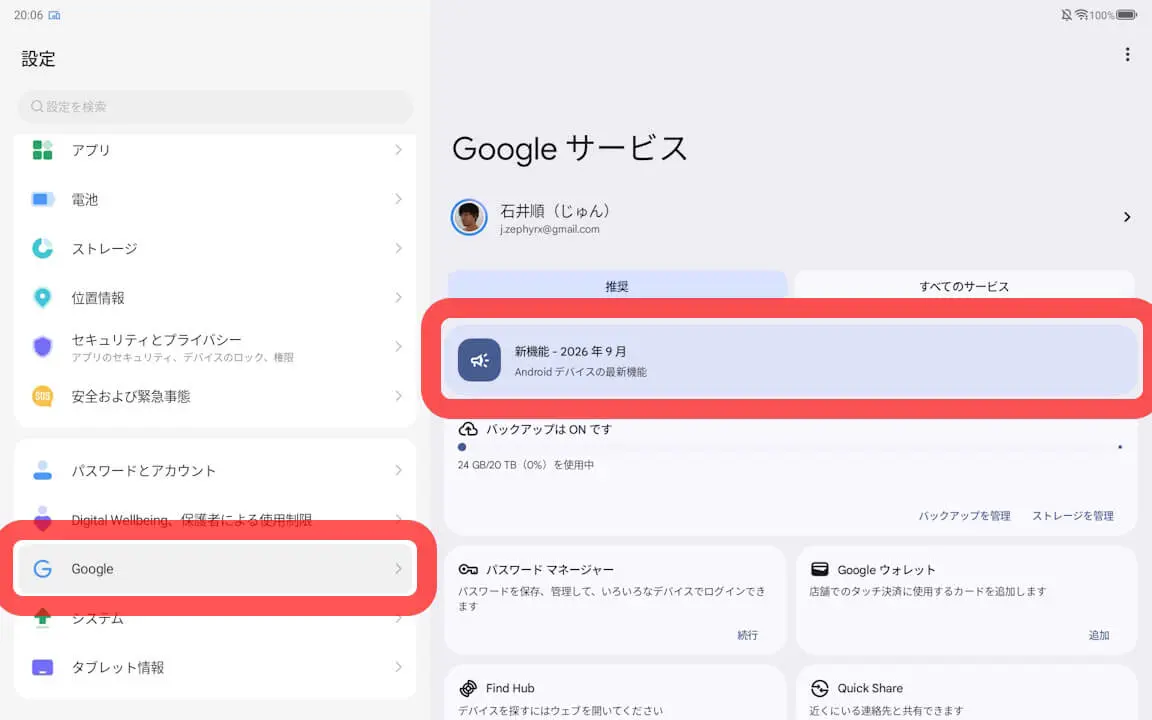
Latest Features for Android Devices
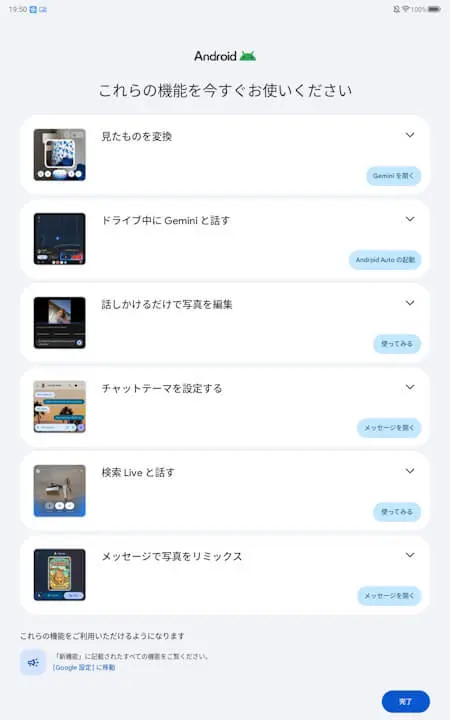
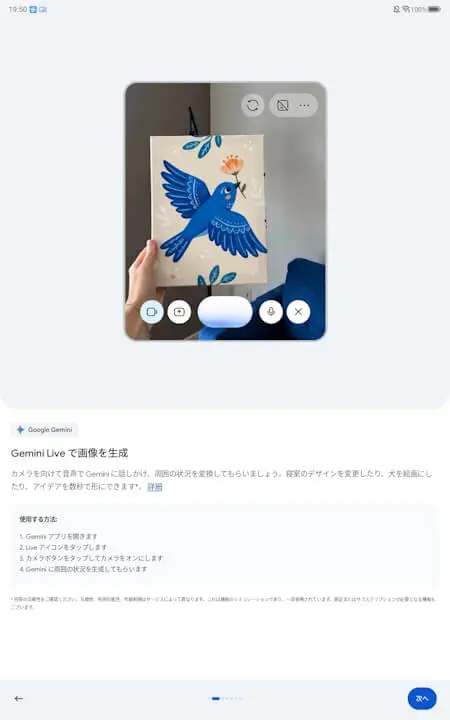
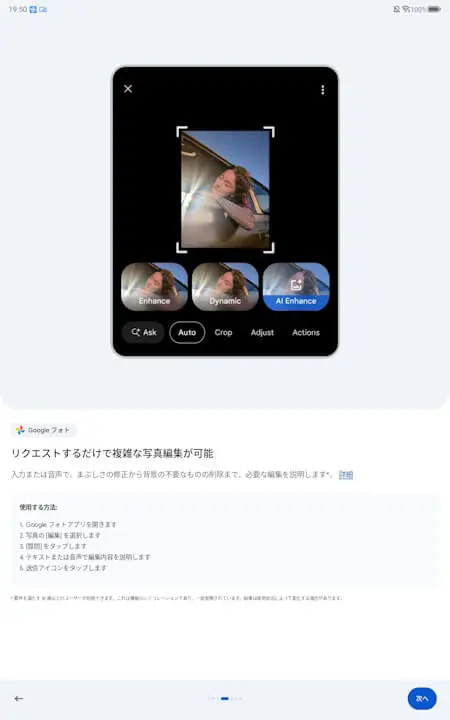
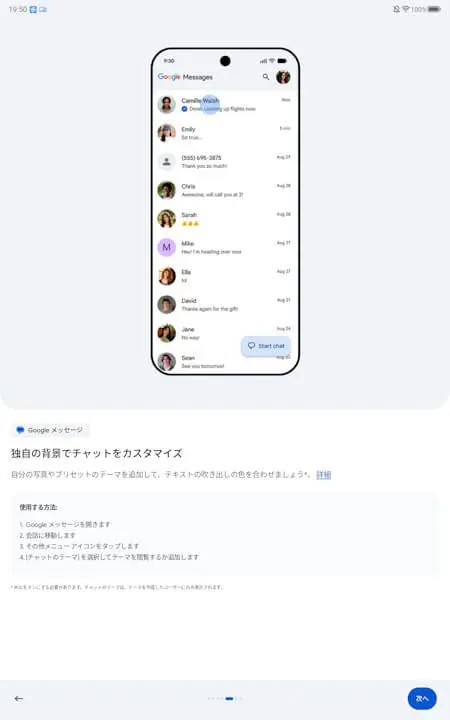
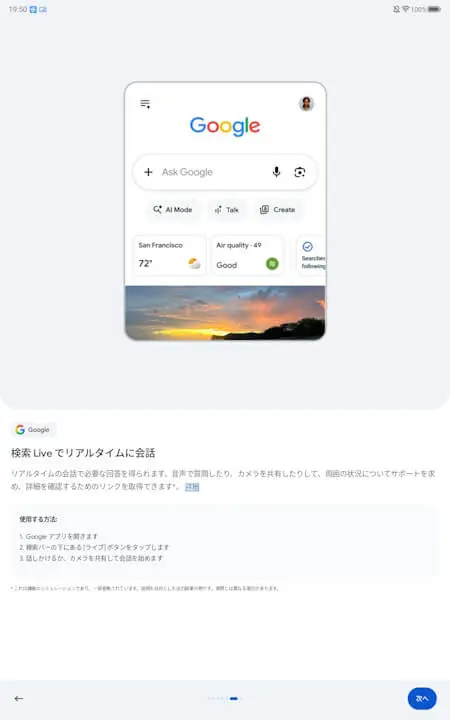
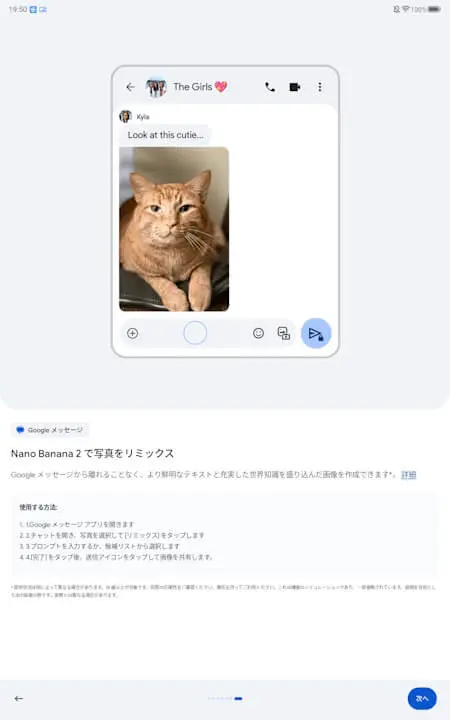
| ■ Direct image generation/editing via “Gemini Live” |
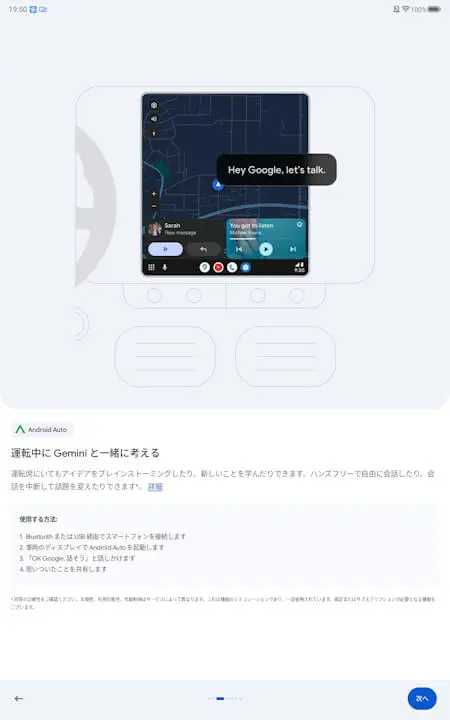
| ■ “Gemini” and “Gemini Live” on “Android Auto” |
| ■ AI photo editing in “Google Photos” |
| ■ Chat theme changes in “Google Messages” |
| ■ “Search Live” |
| ■ Introduction of “Nano Banana 2” for the “Google Messages” image generation feature “Remix” |

Note that the Android device latest feature notification content, “New features on Android” (latest features for Android devices), is available on Android devices other than Google Pixel devices, as it is tied to the Android “Google Play services” app.
“Google Play services” App Link
