




この記事のポイント
- Around Monday, August 31, 2026, an update to version v52.8 (version: 52.8.55-34 [0] [PR] 967533532) was released for the “Google Play Store” app.
- A total of eight new features were rolled out, including improved detection accuracy for potentially harmful apps via “Google Play Protect.”
- This update is being rolled out gradually to the Android version of the “Google Play Store” app, starting with version v52.9 and later.
Around Monday, August 31, 2026, an update for the Android app store “Google Play Store” app, version v52.9 (Version: 52.9.21-34 [0] [PR] 968642861), began rolling out.
The newly released Android “Google Play Store” app v52.9 update introduces a total of 8 new features, including improved detection accuracy for potentially harmful apps via “Google Play Protect.” However, please note that this is a phased rollout specifically for the Android “Google Play Store” app v52.9 and later.
| ■ Android “Google Play Store” App v52.9 |
|
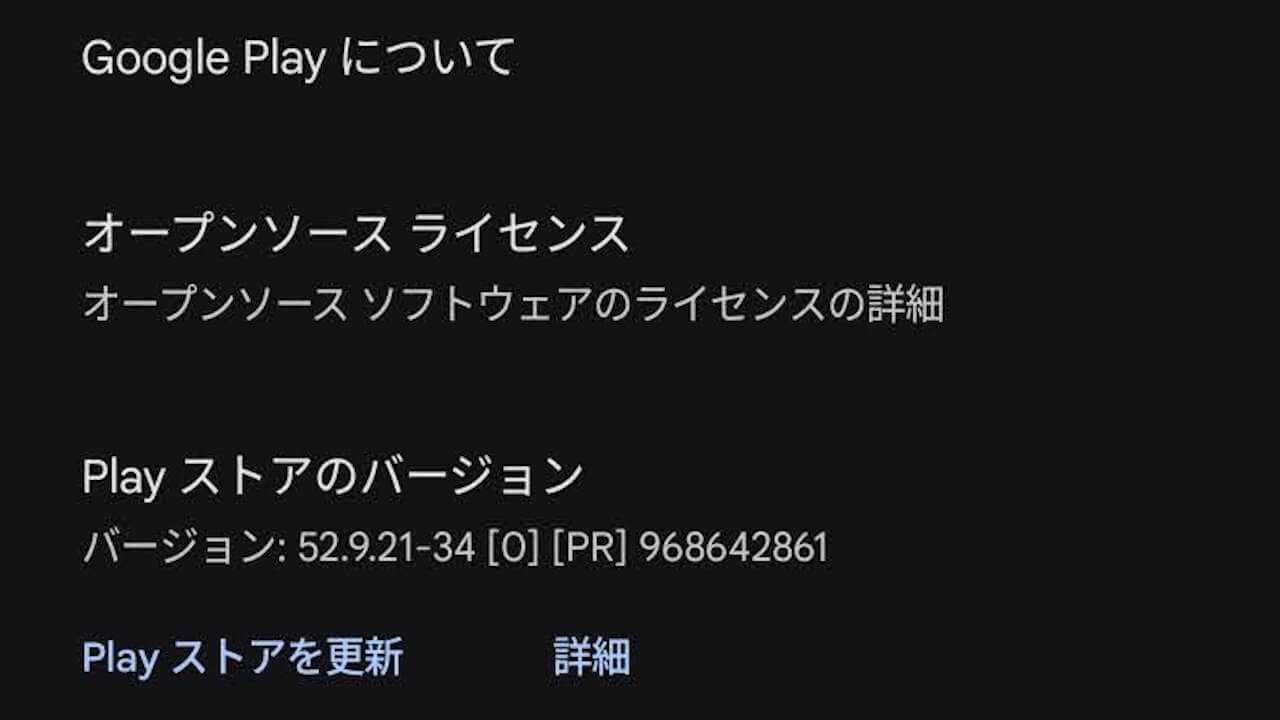
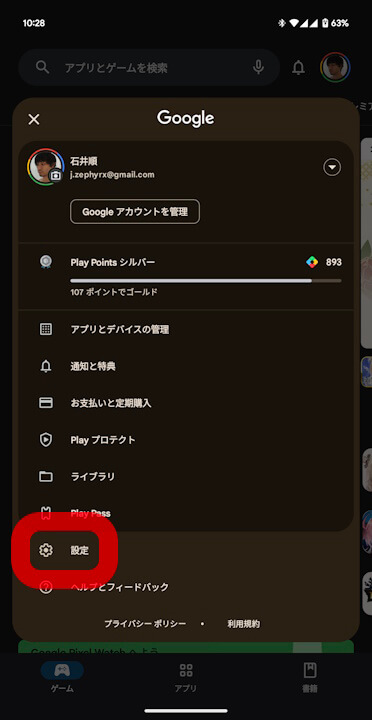
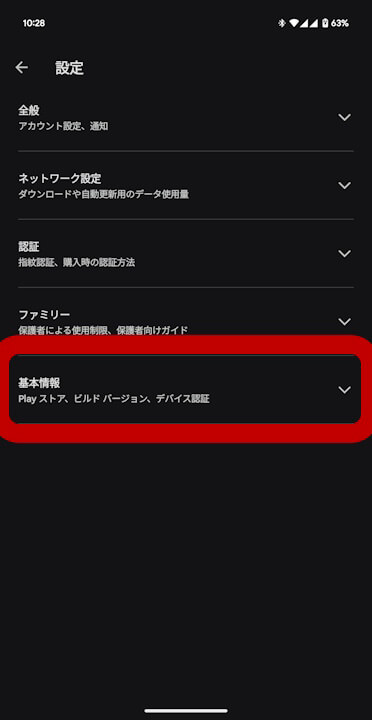
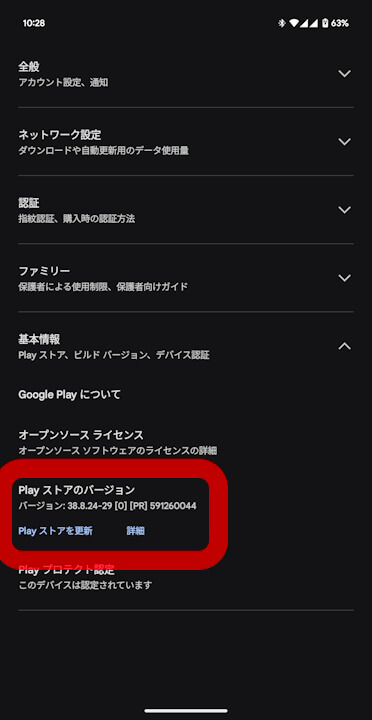
Android 版「Google Play ストア」アプリのバージョン確認やアップデート確認は、Android 版「Google Play ストア」アプリの[⚙設定]→[概要]→[Play ストアのバージョン]と進むことで行うことができます。
Source: Google