




- Google has released an update to “Google Play services,” a system app for Android, to version v26.20 (v26.20.31 (260400-919905943)) around Tuesday, May 26, 2026.
- This update skips version v26.19, following the previous v26.18.
- The update includes enhancements such as expanded digital car key sharing features.
Google has begun rolling out an update for “Google Play services,” a system app for Android, to version v26.20 (v26.20.31 (260400-919905943)) around Tuesday, May 26, 2026.
This update to the Android “Google Play services” app v26.20 skips v26.19, following the previous v26.18. While the update includes features such as expanded digital car key sharing, there are no particularly major changes to highlight.
| ■ Developer Services |
|
| ■ Security & Privacy |
|
| ■ Wallet |
|
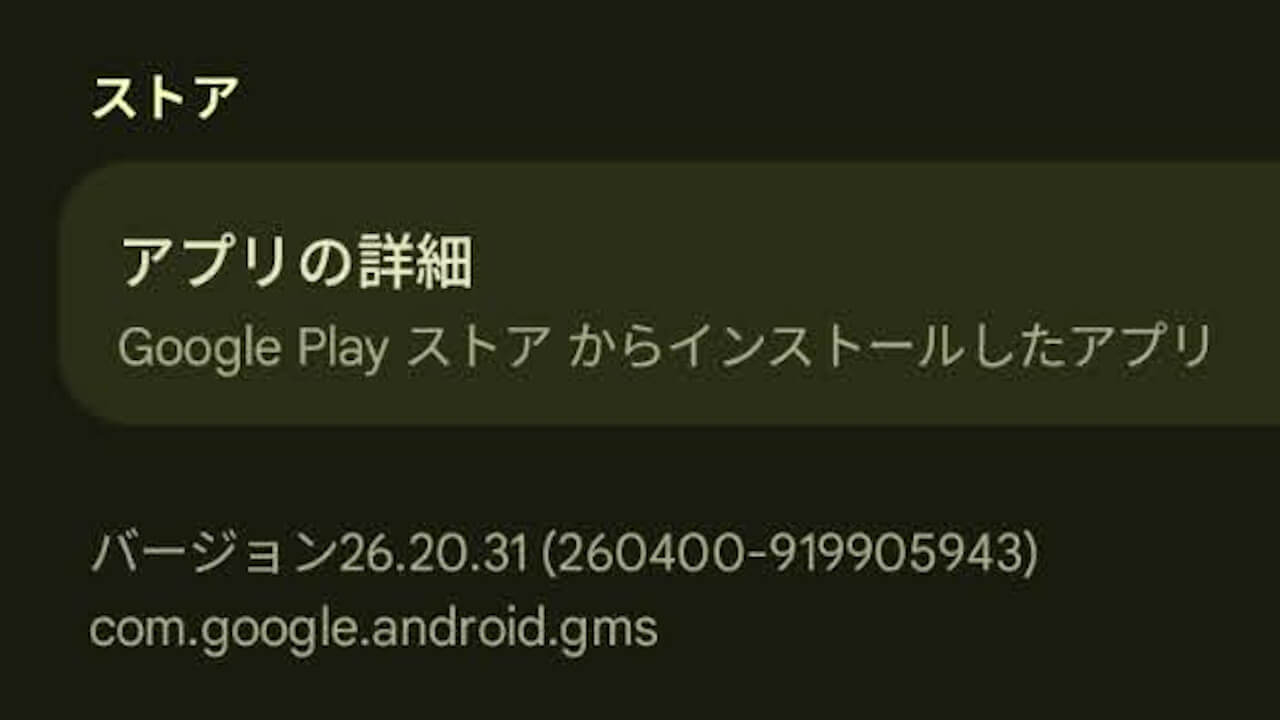
“Google Play services” App
The “Google Play services” app is a system app that manages general “Google Mobile Services (GMS)” on Android devices.
Please note that if you uninstall the “Google Play services” app, your Android device may not function properly.
Google Play開発者サービスは、GoogleアプリとGoogle Playアプリの更新に使用します。
Google Play開発者サービス – Google Play のアプリ
Google Play開発者サービスは、Googleサービスへの認証、連絡先の同期、ユーザーの最新のプライバシー設定へのアクセス、高品質/低消費電力の現在地情報サービスといったコア機能を提供します。
Google Play開発者サービスには、オフライン検索の高速化、リアルな地図の提供、ゲームパフォーマンスの向上など、アプリのエクスペリエンスを向上させる働きもあります。
Google Play開発者サービスをアンインストールするとアプリが動作しなくなる場合があります。
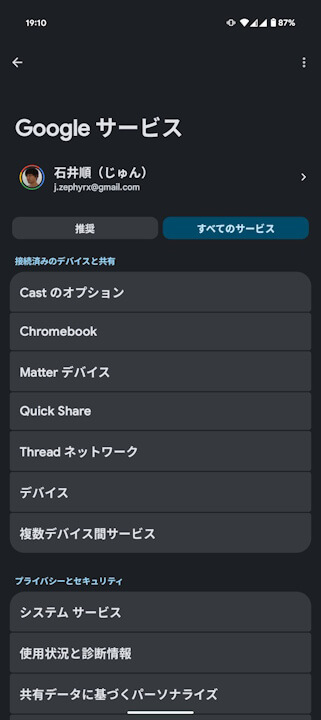
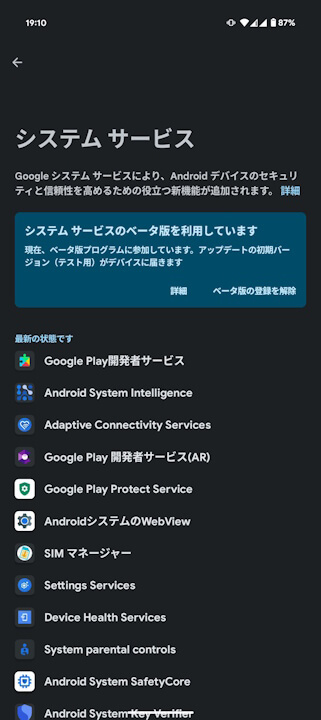
You can check for updates to the Android system app “Google Play services” via the “System services” settings, which can be accessed from the “Google” (Google services) menu in Android Settings by selecting the [All services] tab.
➤
“Google Play services” App Link
