



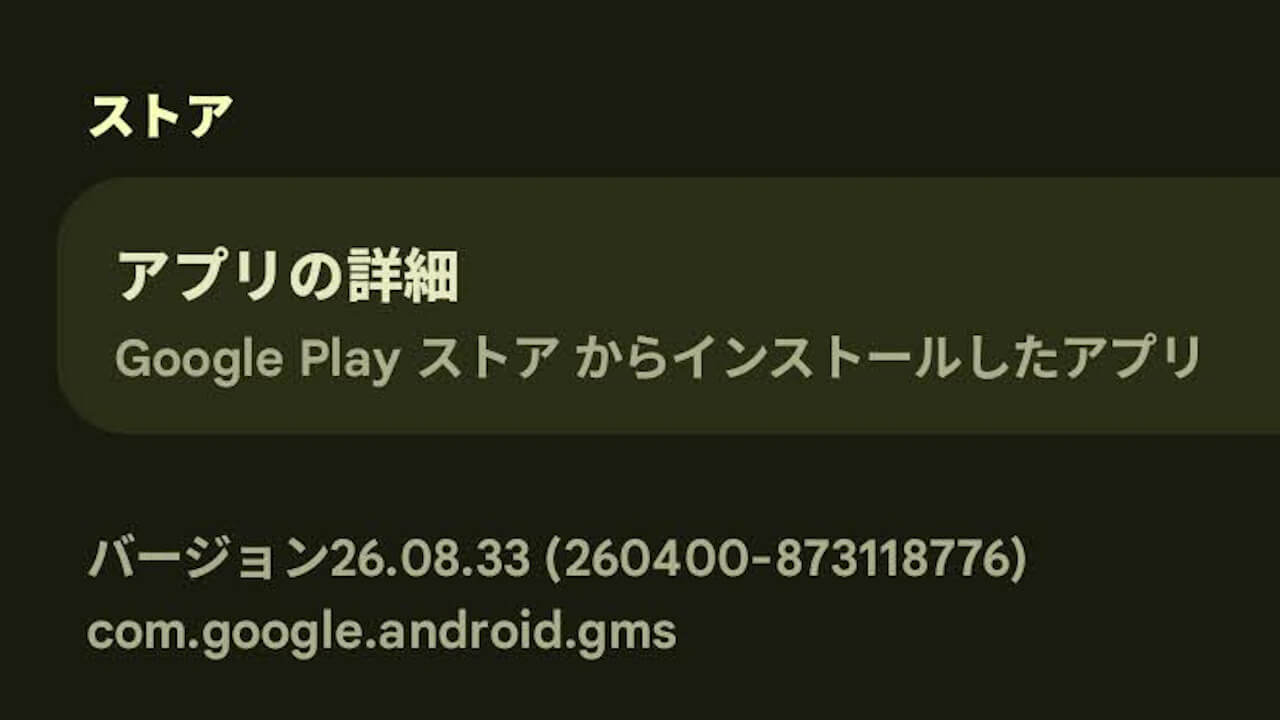
- Around Tuesday, February 24, 2026, an update to version v26.08 (Version: 26.08.33 (260400-873118776)) was released for “Google Play Services,” a system app provided by Google for Android.
- The details of the update have not yet been published in the “Google System Release Notes.”
- However, this update to the Android version of “Google Play Services” v26.08 follows v26.06, skipping v26.07.
Around Tuesday, February 24, 2026, Google began rolling out the version v26.08 (Version: 26.08.33 (260400-873118776)) update for the “Google Play Services” system app provided for Android.
The details for this v26.08 update of the Android “Google Play Services” app have not yet been published in the “Google System Release Notes,” which summarizes information regarding “Google System Updates” aimed at improving the security and reliability of Android-related devices. Notably, this update to v26.08 skips v26.07 (following v26.06), and the details for v26.07 have already been published in the “Google System Release Notes.”
While new features were added to the Android “Google Play Services” app v26.07, they are developer-focused and do not significantly impact general users.

| ■ Developer Services |
| ・Autofill with Google and Credential Manager work together to prevent simultaneous dialogs, providing a smooth and seamless experience when signing in or saving passwords. |
What is the “Google Play Services” App?
The “Google Play Services” app is a system application that governs the overall “Google Mobile Services (GMS)” on Android devices.
Please be careful, as uninstalling the “Google Play Services” app may cause the Android device itself to stop functioning properly.
Google Play開発者サービスは、GoogleアプリとGoogle Playアプリの更新に使用します。
Google Play開発者サービス – Google Play のアプリ
Google Play開発者サービスは、Googleサービスへの認証、連絡先の同期、ユーザーの最新のプライバシー設定へのアクセス、高品質/低消費電力の現在地情報サービスといったコア機能を提供します。
Google Play開発者サービスには、オフライン検索の高速化、リアルな地図の提供、ゲームパフォーマンスの向上など、アプリのエクスペリエンスを向上させる働きもあります。
Google Play開発者サービスをアンインストールするとアプリが動作しなくなる場合があります。
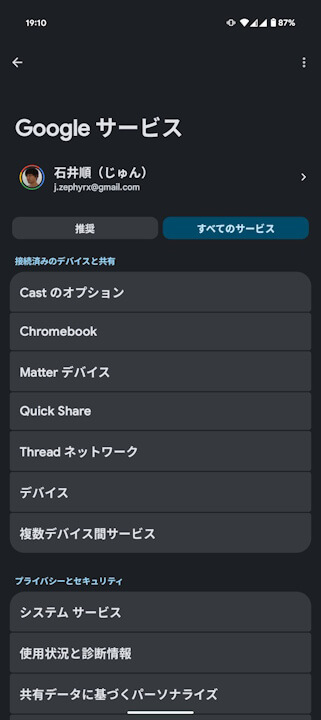
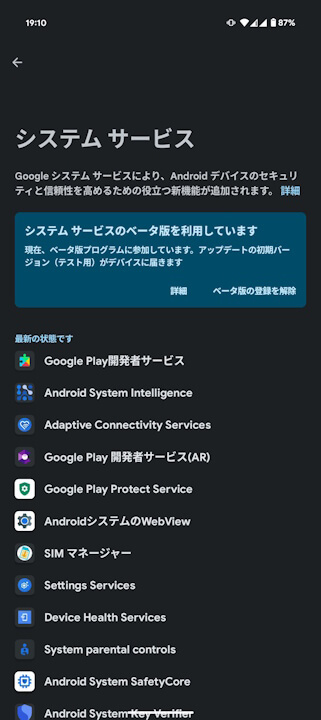
Updates for the Android system app “Google Play Services” can be checked via the “System Services” settings, accessible from the “All Services” tab under “Google (Google Services)” within Android Settings.
➤
“Google Play Services” App Link

コメントを残す