



- Google has announced the rollout of the “Custom Sticker” creation feature, which was initially launched for the iOS version of the “Google Photos” app, to the Android version.
- The “Custom Sticker” creation feature is a convenient tool that allows you to easily create custom stickers from your photos.
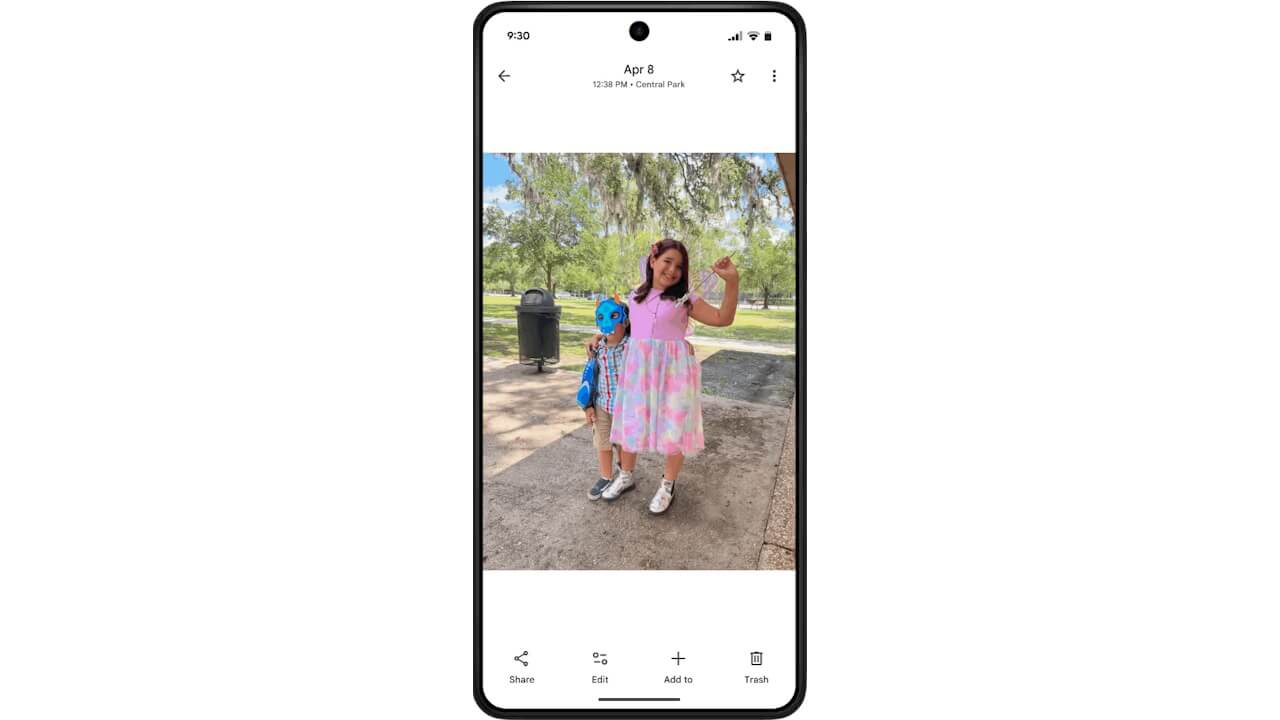
- It is simple to use: just open a photo in the “Google Photos” app, long-press on a subject such as a person or a pet, and select an option from the “Copy” or “Share” menu that appears.
On Friday, February 27, 2026, Google announced the expansion of the “Custom Sticker” creation feature to the Android version of its online photo library service, “Google Photos.” This feature was initially launched for the iOS version of the app.
The “Custom Sticker” feature in the “Google Photos” app is a handy tool for creating personalized stickers directly from your photos. Using it is straightforward: while viewing a photo in the “Google Photos” app, simply long-press on the subject (such as a person or a pet) and select the desired option from the “Copy” or “Share” menu that appears.
When you long-press the subject, the app automatically cuts it out, allowing you to use that specific part as a “Custom Sticker” in SMS, social media messages, and more.
 jetstream.blog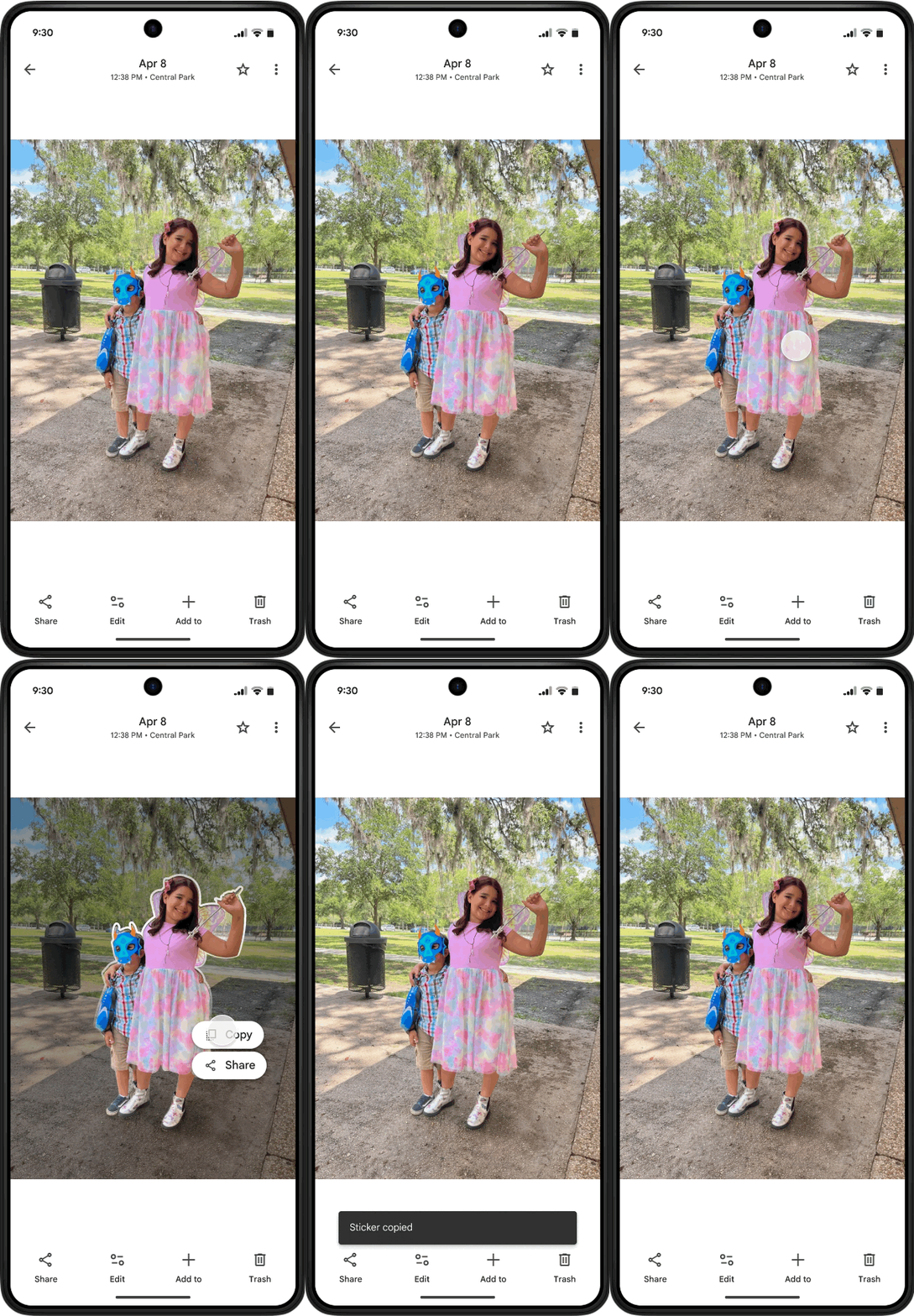
While the “Custom Sticker” feature on the iOS version of “Google Photos” requires an iPhone or iPad running iOS 17 or later, the Android version requires a device with at least 4GB of RAM. Although the rollout for the Android app appears to be underway in the US and other international regions, I have not yet been able to confirm the availability of the feature on my own Android devices.
“Google Photos” App Links


Source:Google
コメントを残す