



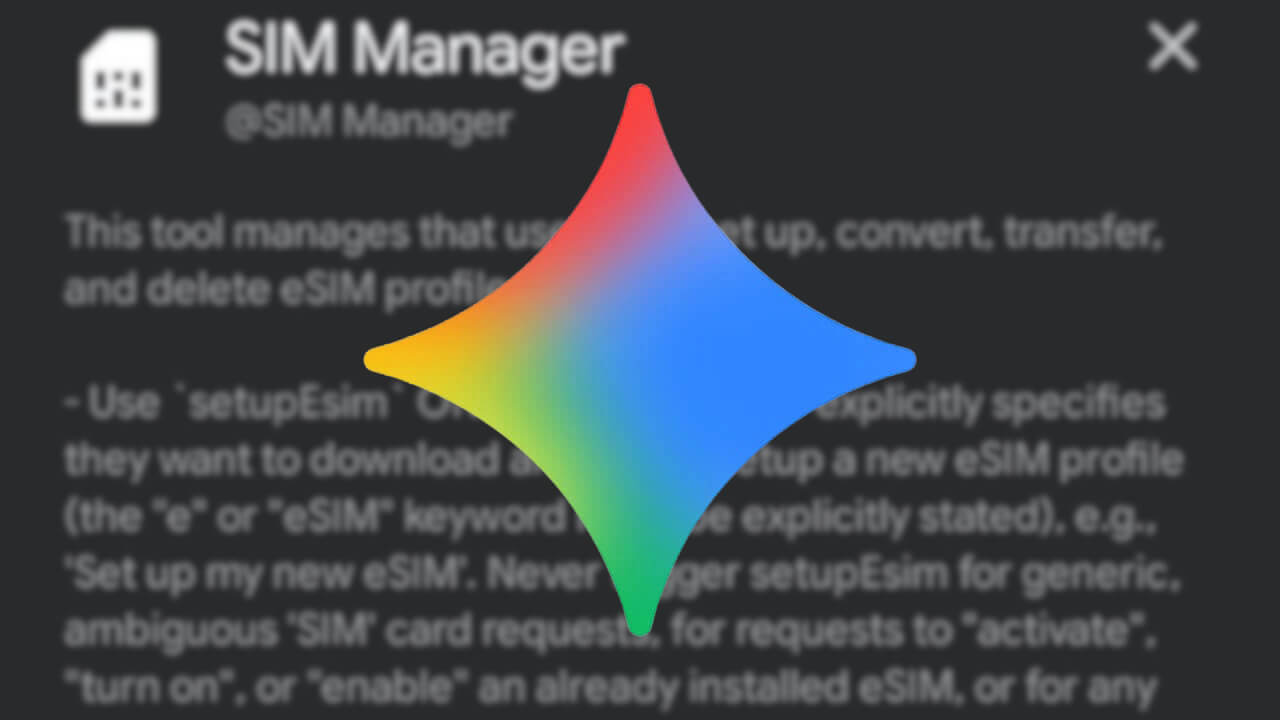

- Believe it or not, the “SIM Manager (@SIM Manager)” integration setting has been added to the “App Integrations” section of the “Gemini” app for Android.
- This integration setting allows you to have “Gemini” handle tasks such as eSIM setup and converting physical SIM cards to eSIMs.
- The era has arrived where you can instruct “Gemini” to handle even eSIM settings on your Android device.
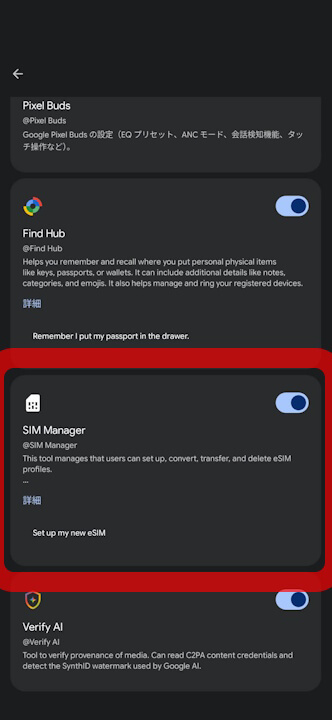
The “SIM Manager” (SIM Manager / @SIM Manager) integration setting has surprisingly begun rolling out to “Extensions” in the Android version of the Google AI “Gemini” app.
The “@SIM Manager” integration in the Android Gemini app is a settings feature designed to have Gemini handle tasks such as eSIM setup and converting a physical SIM to an eSIM. The era has finally arrived where we can instruct Gemini to configure eSIM settings on our Android devices.
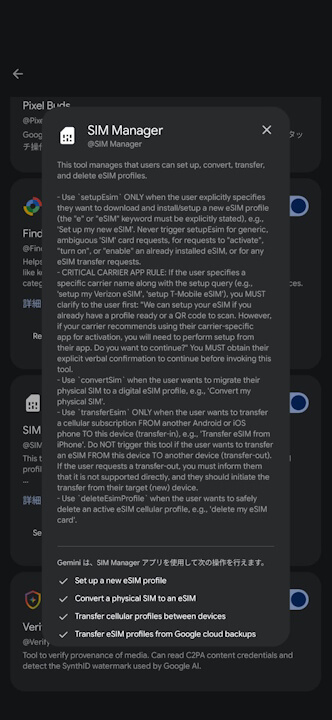
Specifically, it appears to operate with prompts like the ones below. Please note that these prompts are strictly limited to eSIM configuration and apply only to the device being configured. Operations to transfer to a destination device will be rejected.
| ■ New eSIM Setup (setupEsim) |
| ・Example Prompt: Set up my new eSIM ・Behavior: Opens the new eSIM download / initial setup screen ・Condition: The word “e” or “eSIM” is required (vague instructions or simple activation are not supported) |
| ■ Carrier-Specified New Setup (setupEsim) |
| ・Example Prompt: setup my Verizon eSIM ・Behavior: Returns a confirmation message regarding the use of a dedicated app ・Condition: The tool is executed after the user gives verbal or chat consent |
| ■ Conversion from Physical SIM (convertSim) |
| ・Example Prompt: Convert my physical SIM ・Behavior: Initiates the migration steps from the physical SIM in the device to an eSIM profile |
| ■ Transfer from Another Device (transferEsim) |
| ・Example Prompt: Transfer eSIM from iPhone / Transfer cellular profiles between devices ・Behavior: Transfers / restores an eSIM profile to this device from another Android or iOS device, or from “Google Cloud Backup” ・Condition: Only supports transfer-in to this device |
| ■ Deletion of eSIM Profile (deleteEsimProfile) |
| ・Example Prompt: delete my eSIM card ・Behavior: Opens the screen to safely delete the active eSIM profile |
However, even after turning on the “@SIM Manager” integration in the “Extensions” section of the Android Gemini app, prompts like “Set up my new eSIM” or “Transfer eSIM from iPhone” did not trigger any eSIM-related actions. It might still be under development.
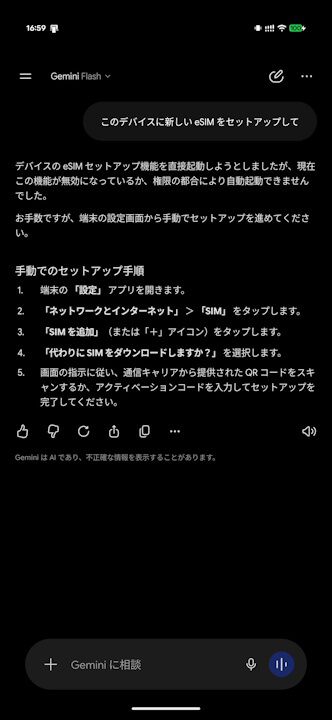
The “@SIM Manager” integration in the Android Gemini app will likely start working soon. Still, it’s quite surprising that it integrates all the way down to the “SIM Manager.”
Additionally, we cannot rule out the possibility that the “@SIM Manager” integration in the Android Gemini app may be exclusive to Google Pixel devices.
Source: Gemini