
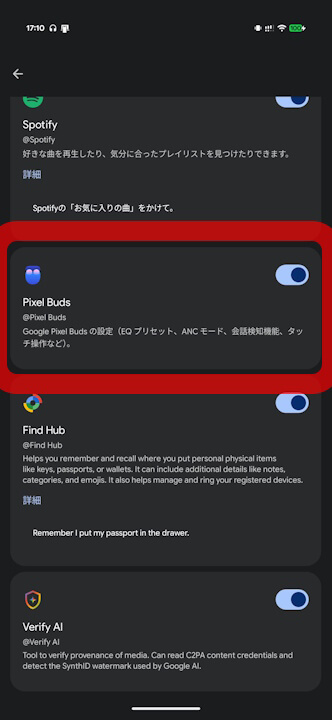
- The “Pixel Buds (@Pixel Buds)” integration setting has quietly been rolled out under “App Integrations” in the Android version of the “Gemini” app.
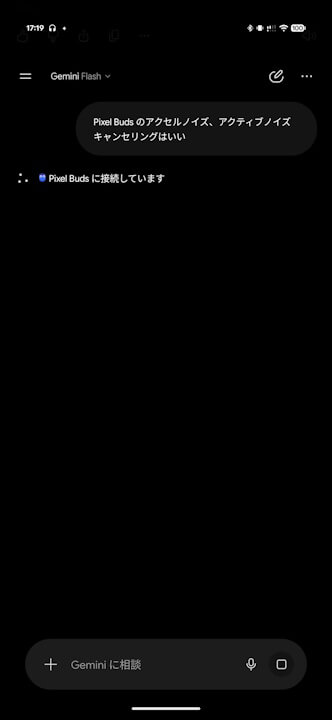
- By turning this setting on, you can use “Gemini” to control features such as turning “Noise Cancellation” and “Conversation Detection” on or off when you’re wearing the Google Pixel Bluetooth earbuds from the “Pixel Buds” series.
- This means you can issue commands via prompts without having to open the “Google Pixel Buds” app and adjust the settings each time.
The “Pixel Buds (@Pixel Buds)” integration setting has quietly rolled out to “Extensions” in the Android version of Google’s AI, “Gemini.”
With the “@Pixel Buds” extension in the Android “Gemini” app, turning the setting ON allows users wearing Google Pixel Bluetooth earbud “Pixel Buds” series devices to give instructions to “Gemini” such as turning “Noise Cancellation” ON/OFF or “Conversation Detection” ON/OFF. In other words, you can now control these settings via prompts without having to open the “Google Pixel Buds” app and adjust them manually.
The “Pixel Buds” integration in the Android “Gemini” app has likely been rolling out since the “Google Pixel Buds” app v1.0.981607934 update for Android released in late September 2026.
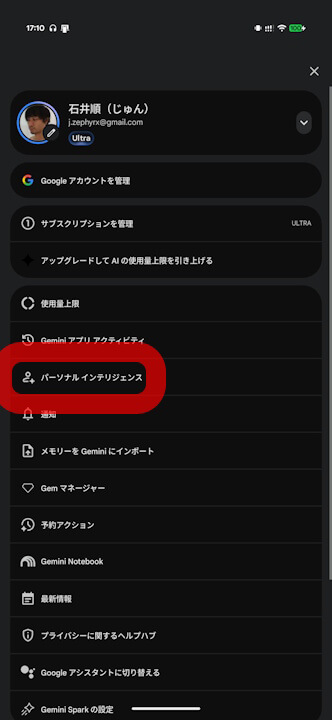
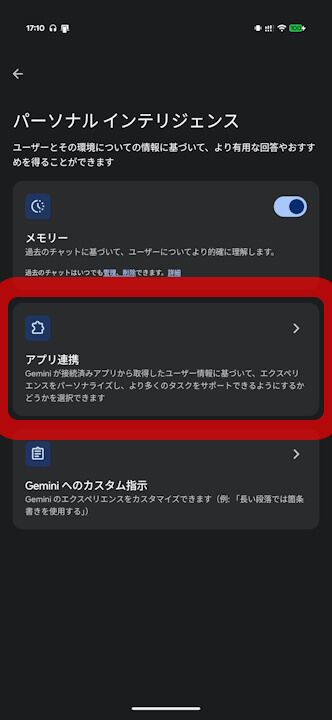

If you are a user who pairs and uses “Pixel Buds” with your Android device, be sure to give “@Pixel Buds” a try.
“Google Pixel Buds” App Link