



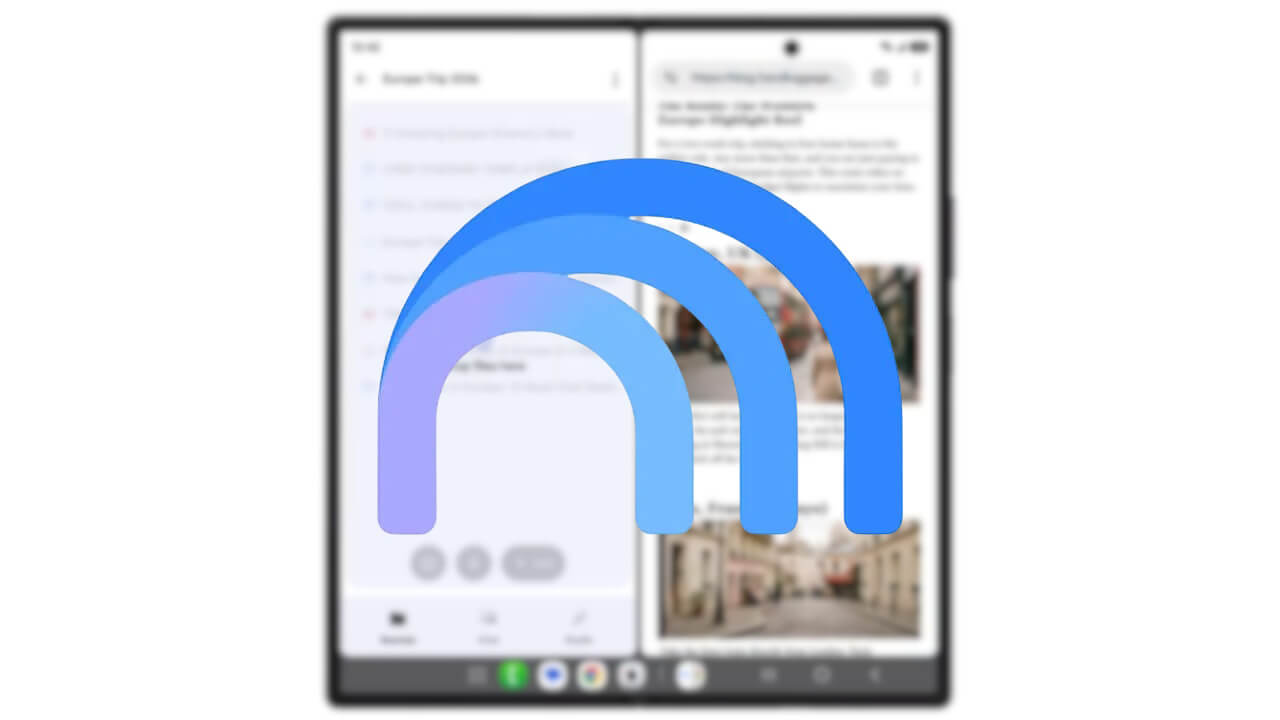

- Google has announced a new drag-and-drop feature for the Android version of the “Gemini Notebook” app to add sources.
- For example, when using split-screen multitasking with the “Gemini Notebook” and “Chrome” apps on Android, you can drag URLs or images from a webpage in Chrome and drop them directly into Gemini Notebook to seamlessly add them as sources to a “Notebook.”
- The feature is expected to roll out to more foldable Android devices and tablets, including the “Pixel 10 Pro Fold” and “Pixel Tablet,” in the near future.
On Wednesday, July 22, 2026 (local time), Google announced a new feature for the Android app of its research and writing assistant tool, “Gemini Notebook,” allowing users to add sources via drag-and-drop.
On large-screen devices, when using multitasking mode to display both the Android “Gemini Notebook” app and the Android “Chrome” app side-by-side, users can now drag web pages (URLs) or images from Chrome and drop them into the Gemini Notebook app. This allows for the seamless addition of content as sources to a “Notebook.”
While this drag-and-drop source addition feature for the Android Gemini Notebook app is initially supported on Samsung’s latest foldable devices, it is scheduled to be available on a wider range of foldable Android devices and tablets, such as the “Pixel 10 Pro Fold” and “Pixel Tablet,” in the coming days.
“Gemini Notebook” App Links

