



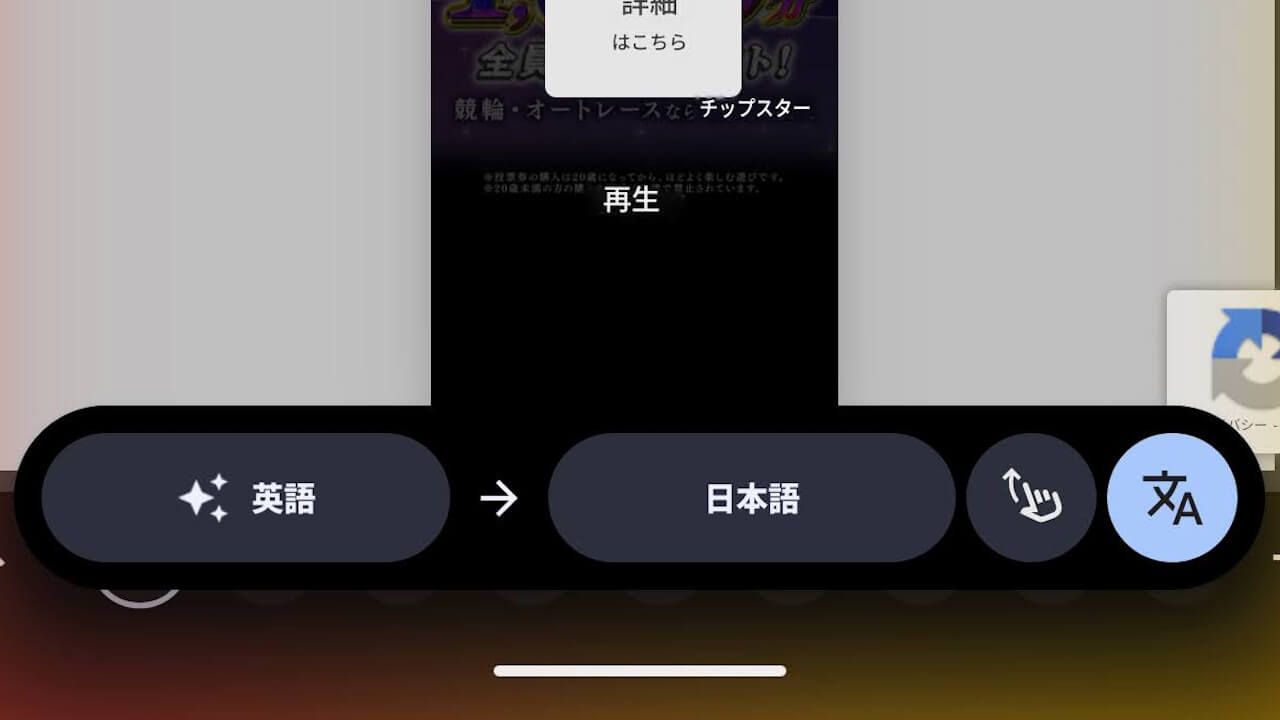
- Testing for a new UI is underway for some users with the “Scroll to translate” feature in “Circle to Search,” which finally began rolling out on Tuesday, December 2, 2025.
- In the new UI version of “Scroll to translate,” a smarter menu that integrates language selection and the “Scroll to translate” button is placed at the bottom of the screen.
- It is unknown if this will be widely rolled out.
The “Scroll to translate (translate while scrolling)” feature for the Android gesture search function “Circle to Search,” which was announced on Thursday, September 4, 2025, has finally started rolling out with the “Android 16 QPR2” minor update for the new-generation Android OS “Android 16,” delivered on Tuesday, December 2, 2025.
Regarding this “Scroll to translate” feature in “Circle to Search,” a new UI is already being tested on some Android devices. Incidentally, “Scroll to translate” is a new function that dynamically translates the page as you scroll, an evolution from the previous static feature that only translated the visible text on the page.

 jetstream.blog
In the original implementation of “Scroll to translate” for “Circle to Search,” the language selection menu appears at the top of the screen, while a [Translate as you scroll] button appears at the bottom. Tapping this button switches to the dynamic “Scroll to translate” mode.
Incidentally, while “Circle to Search” is unavailable during dynamic “Scroll to translate,” it can be used with static translation.


However, in the new UI version of “Scroll to translate” that is currently being tested, a menu integrating both the language selection and the “Scroll to translate” button is placed at the bottom of the screen, making it more streamlined.


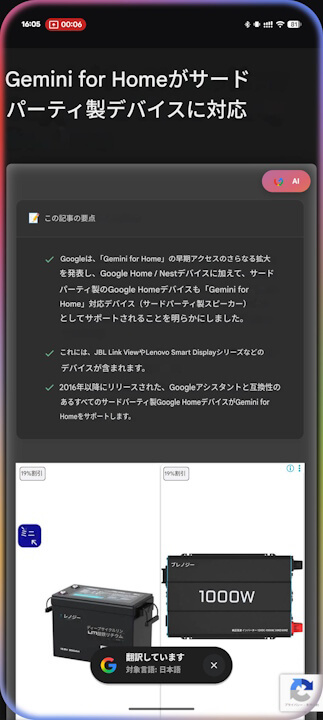
The new UI version of “Scroll to translate” we’ve observed is a test rollout currently available on only a limited number of Android devices. It remains to be seen if it will be deployed more broadly.
コメントを残す