



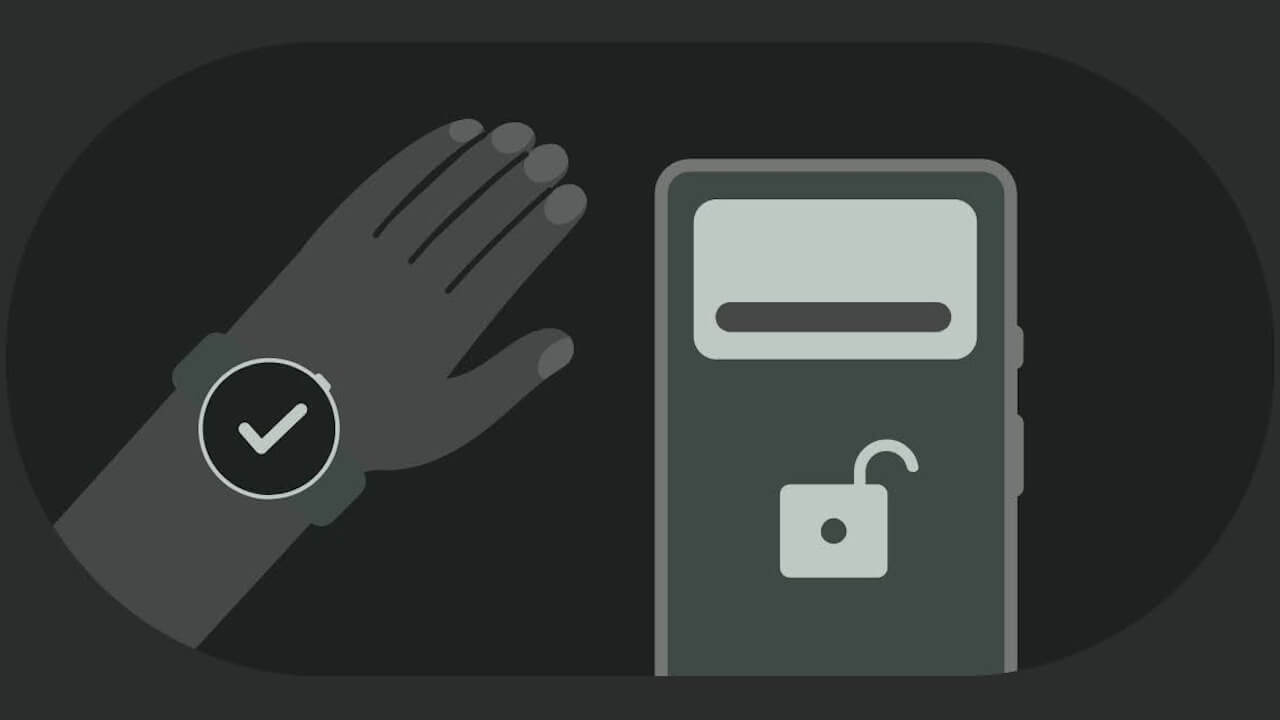

- The “Disable Watch Unlock” feature for “Advanced Protection” has finally been implemented, rolling out between late May and early June 2026.
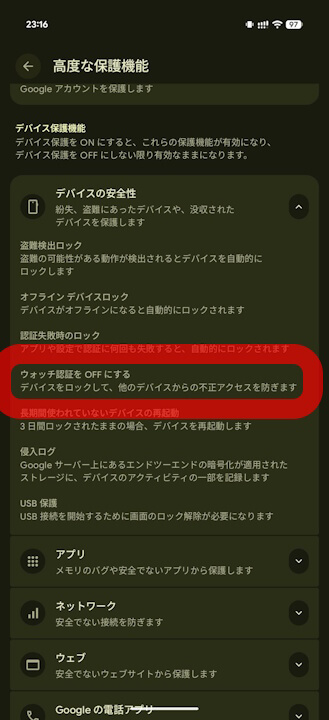
- Confirmed that “Disable Watch Unlock” has been added to the “Device security” section within “Advanced Protection.”
- Implemented via the latest update to the “Google Play services” app.
As previously reported in our original “App Teardown” series, we noted the possibility that a disable option for Watch Unlock would be introduced to the Android device/Google account protection feature, Advanced Protection, in Android 16.
It appears that the “Disable Watch Unlock” option for Advanced Protection has finally been implemented, rolling out between late May and early June 2026. We have confirmed that “Disable Watch Unlock” has been added to the “Device security” section under Advanced Protection.


Watch Unlock is an Android authentication feature that allows an Android device to unlock almost automatically when a Google Pixel Watch series device is nearby and already unlocked. While convenient, it also carries the risk of unauthorized access.
In the context of Advanced Protection, features that present a trade-off between convenience and security—like Watch Unlock—are typically disabled to prioritize safety. It is likely that this new option was implemented as a protective measure within Advanced Protection for this very reason.
The “Disable Watch Unlock” option within Advanced Protection is enabled through the latest update to the “Google Play services” app.
Google Play services App Link
