



- The app version v9.0 update has been rolled out to the native Android Clock app on Thursday, July 23, 2026.
- Two new features have been added.
- Assignment of the “Snooze” action in the “Volume buttons for alarms” setting, and support for “Live Updates.”
The app version v9.0 update for the native Android “Clock” app, primarily used on Google Pixel devices and other Android devices, began rolling out on Thursday, July 23, 2026.
Although no official release notes have been published for this Android “Clock” app v9.0 update, our original site content “App Analysis” has revealed that two new features have been added. These two new features in the Android “Clock” app are the assignment of “Snooze” in the “Volume buttons for alarms” setting and support for “Live Updates.”
These new Android “Clock” app features are already rolling out with the v9.0 update. Honestly, what are the developers of the Android “Clock” app thinking by failing to officially announce such important updates?
「アプリ解析」
当サイトの「アプリ解析」カテゴリで公開している記事では、最新 Android アプリを逆コンパイルして独自に解析し、今後実装される可能性のある新機能や変更点などをお届けします。正式リリース前の新機能や変更となるため開発段階の未確定な情報も含まれますが、Android アプリの今後のアップデート動向をいち早くキャッチできる、ほかにはない当サイトオリジナルコンテンツです。
当サイトオリジナルの「アプリ解析」コンテンツを見逃さないよう、ぜひ Google の「優先ソース」に当サイト「Jetstream 」を登録してください。

“Snooze” Assignment
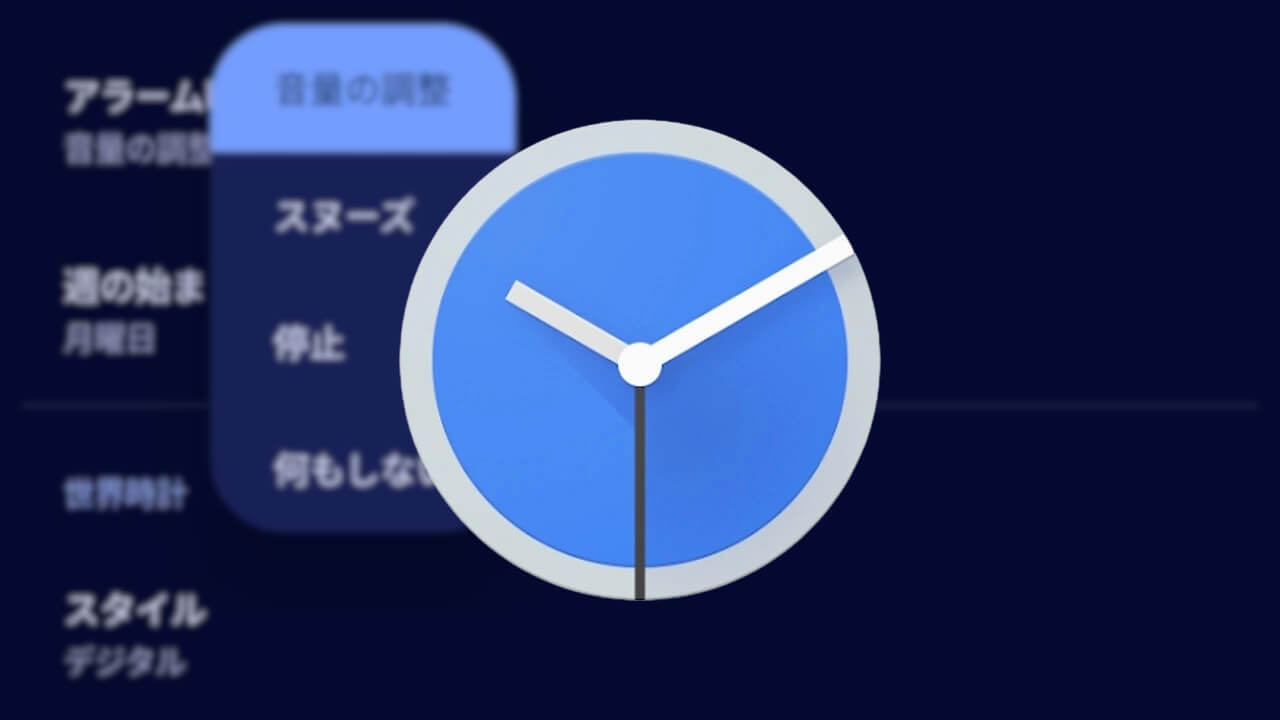
We have confirmed that the Android “Clock” app v9.0 update now allows users to assign the temporary pause function “Snooze” to the volume button setting “Volume buttons for alarms” when using alarms.
Previously, the “Volume buttons for alarms” setting allowed users to assign any function from three choices: “Change volume,” “Dismiss,” and “Do nothing.” With this update, “Snooze” has been added, giving users four patterns to choose from.

Support for “Live Updates”
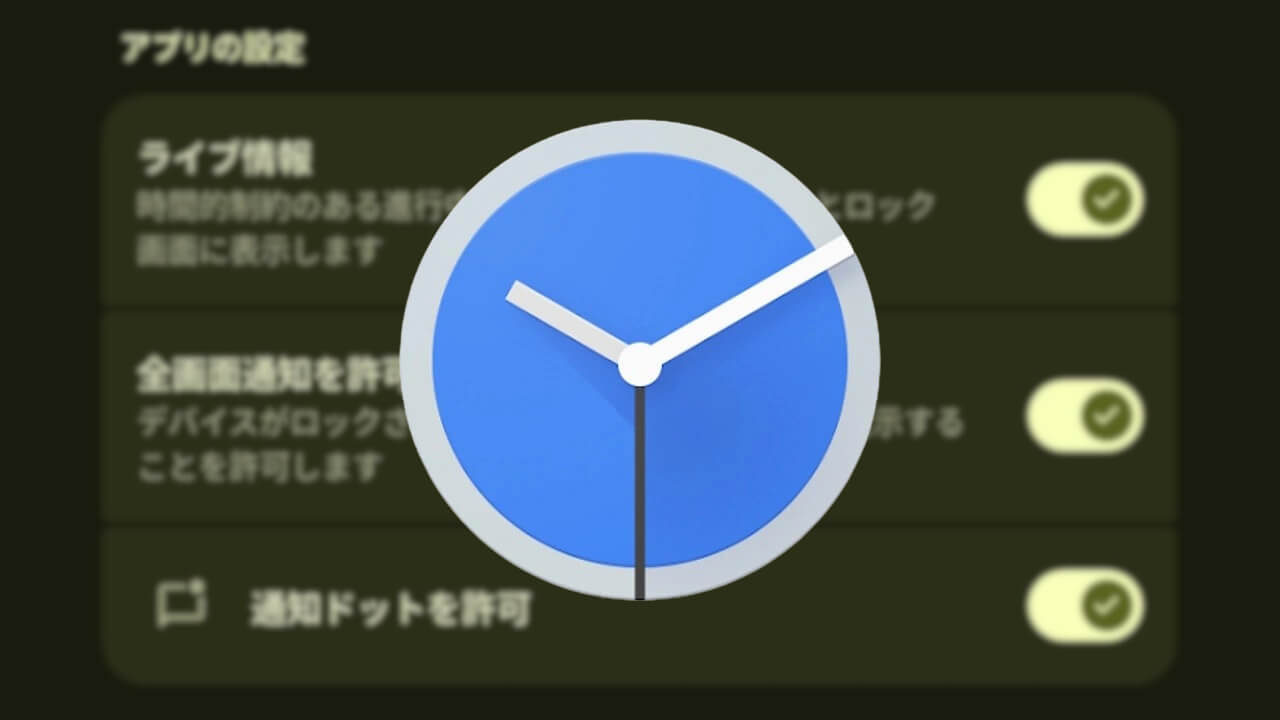
The Android “Clock” app v9.0 update has added support for “Live Updates,” which are introduced starting from Android 16.
This feature appears designed to display time-sensitive, ongoing notifications in the status bar and on the lock screen.
Clock App Link
