


- Google has made its autonomous task execution feature for the Google AI “Gemini”, known as “Task (Tasks)”, available for free in the United States, South Korea, Canada, Australia, India, and Japan.
- Originally provided as “Tasks” within Google’s experimental AI feature platform “Gemini Spark”, this autonomous assistant feature has now been officially integrated and promoted into the main “Gemini” app.
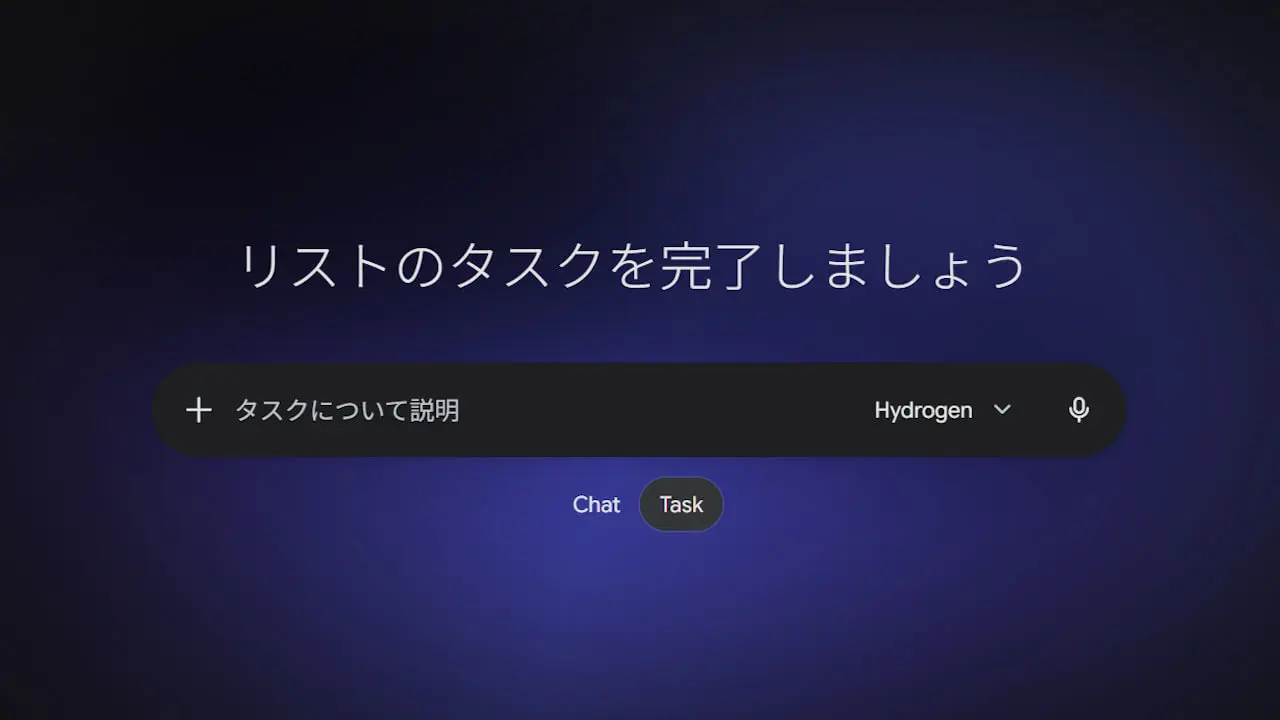
- It can be used by switching the home screen toggle from “Chat” to “Task”.
On Tuesday, November 17, 2026 local time, Google released its autonomous task execution feature “Task (Tasks)” for the Google AI “Gemini” for free in the US, South Korea, Canada, Australia, India, and Japan.
“Task” is an autonomous assistant feature officially integrated and promoted into the main “Gemini” app, based on the functionality originally offered as “Tasks” in Google’s experimental AI feature platform “Gemini Spark”. While previous “Gemini” chat features mainly focused on single-turn interactions, the newly released “Task” leverages the new AI model “Gemini 4 Hydrogen” to autonomously execute multi-step projects and recurring routine tasks in the background.
Users can simply leave tasks to “Gemini’s” “Task”—such as regularly creating briefings across morning emails and calendars, planning travel itineraries, or handling repetitive research—and wait for a completion notification. “Task” can be accessed by switching the home screen toggle from “Chat” to “Task”.
In addition, the integration between “Gemini” and “Google Workspace” has received its largest update ever, improving tool invocation accuracy. Without leaving the “Gemini” screen, users can seamlessly draft and send emails, create and edit “Google Docs” and “Google Sheets”, and add multiple events to “Google Calendar” in bulk.
Furthermore, starting with the US market (for individual accounts aged 18 and older in an English-language environment), the following advanced autonomous execution features will be rolled out sequentially:
| Automated Phone Calls (Integrated with Google Duplex) | “Gemini” makes phone calls on behalf of the user to check store inventory or make reservations. It supports simultaneous calls to multiple stores and calling at times that match business hours, reporting a summary and transcript via chat after the call. |
|---|---|
| Automated Payments (Supports Google Pay / AP2) | Monitors restocks and price drops, preparing purchase procedures within a pre-set budget limit. After final user approval via one tap and device authentication, securely completes payments using “Google Pay” with disposable virtual card numbers. |
| RCS / SMS Text Instructions | Allows users to send texts or photos directly from “Google Messages” or “iMessage” to “Gemini” to request tasks or make adjustments. |
| Email Forwarding (gemini@google.com) | Simply forwarding emails or PDFs from “Gmail”, “Apple Mail”, “Outlook”, etc., automatically registers events to the calendar, checks for duplicates, and organizes bills. |
| Password Integration (Google Password Manager) | Securely signs in to utility portals and performs statement analysis without sharing passwords outside the Google ecosystem. |
On the security front, every time “Task” runs, it prepares a dedicated virtual environment (sandbox) completely isolated from other users, preventing the risk of personal information or payment data leaking externally. Additionally, it features filters to block malicious instructions embedded in malicious websites, as well as a dangerous link blocking function powered by “Google Safe Browsing”.
The system is designed to always prompt the user for final confirmation before critical operations such as finalizing purchases or sending reservations, allowing users to delegate tasks with peace of mind.
Source:Google(https://blog.google/innovation-and-ai/products/gemini-app/tasks-in-gemini-free-new-features/)