


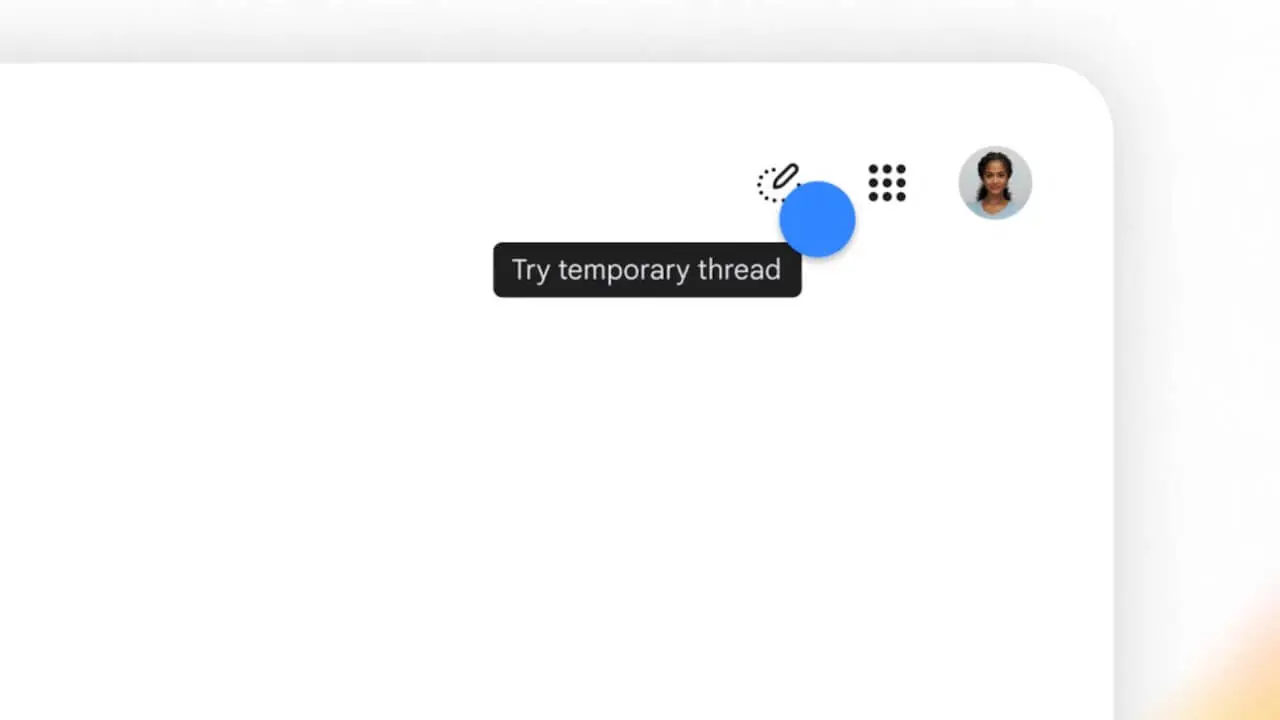
- Google has introduced “temporary threads” to its AI search service, “AI Mode.”
- This feature allows users to explore and ask questions without leaving a history, making it ideal for brainstorming surprise gift ideas or researching sensitive topics they don’t want appearing later in their search history or recommendations.
- Users can switch to a temporary session at any time without changing settings by simply clicking the “Temporary Threads” icon in the top-right corner of the “AI Mode” screen.
On Tuesday, November 17, 2026 (local time), Google introduced “temporary threads” to its AI search service, “AI Mode.”
The “temporary threads” feature in Google Search “AI Mode” allows users to explore and ask questions without leaving a history, perfect for times when you are brainstorming surprise gift ideas or researching things you wouldn’t want showing up in your search history or recommendations later. Without the hassle of changing settings, you can switch to a temporary session at any time simply by clicking the “Temporary Threads” icon in the top-right corner of the “AI Mode” screen.
Because sessions in “temporary threads” are completely disconnected from the user’s Google account, past preferences and history will not influence the responses, nor will they be reflected in future personalization or saved to your history. Once you close the thread, the session is erased, allowing you to return straight to regular searching.
The “temporary threads” feature in “AI Mode” is rolling out globally across all supported languages for desktop and mobile browser versions of “AI Mode.”
Source: Google (https://blog.google/products-and-platforms/products/search/temporary-threads-ai-mode/)