


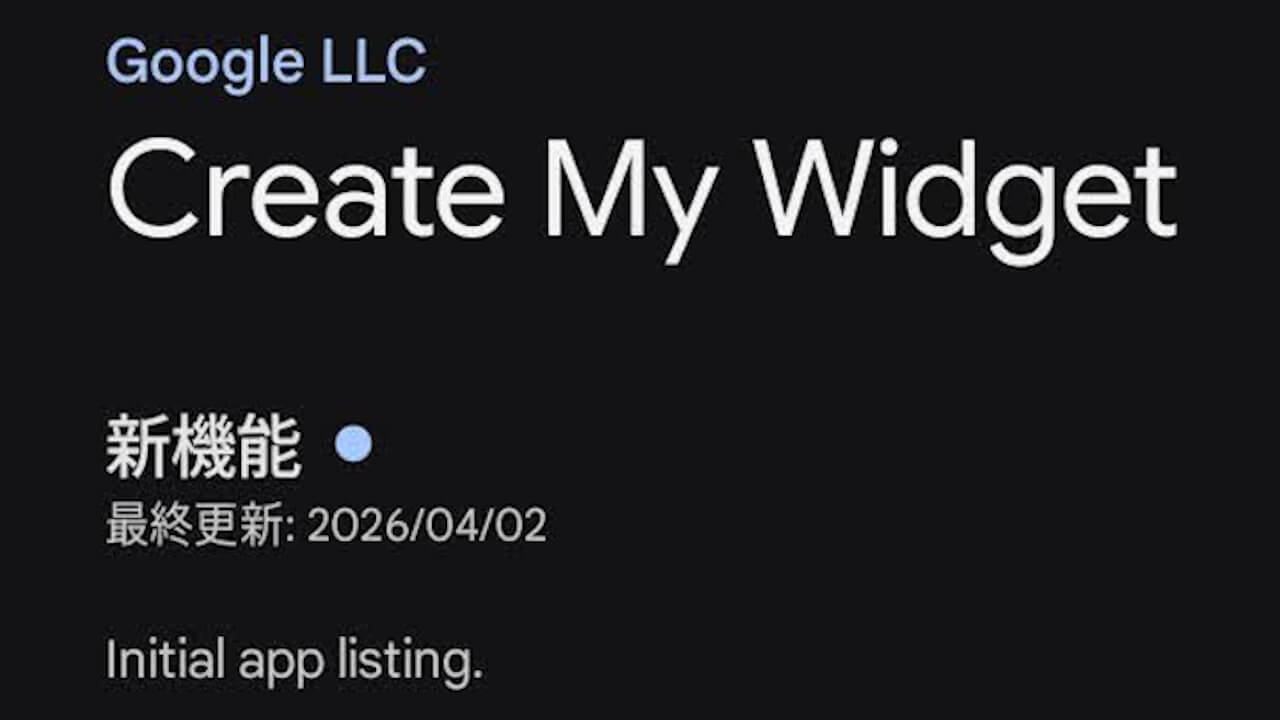
- Google has announced the early release of “Create My Widget,” a dedicated Android app for the “custom widget” creation feature introduced in the November 2026 Pixel Drop, available now for “beta testers.”
- “Create My Widget” allows users to generate and place personalized widgets on their home screen using natural language or templates—such as monthly expense trackers, game-day widgets matched to a favorite team’s colors, or travel countdowns that automatically fetch flight and reservation details.
- Users can try out the feature ahead of time by joining the “beta tester” program for the “Create My Widget” app via the Google Play Store.
On Monday, November 16, 2026 local time, Google released an early beta version of “Create My Widget”—a dedicated Android app for the custom widget creation feature originally announced as a signature new capability of the “Gemini Intelligence” next-generation intelligent system for Android OS, and subsequently rolled out in the November 2026 Pixel Drop.
“Create My Widget” is a new feature that allows you to generate and place custom widgets on your home screen using natural language or templates, such as monthly expense trackers, game-day widgets featuring your favorite team’s colors, or travel countdowns that automatically retrieve flight and reservation details. Even if you haven’t yet applied the November 2026 monthly software update (OTA), you can get early access to the feature by joining the “Create My Widget” app’s “beta tester” program through the Google Play Store.
To use the beta version of the “Create My Widget” app, open the “Create My Widget” app page in the Google Play Store on a supported device, and tap “Join” under the “Join the beta” section at the bottom of the page. Once registered, tap “Update” to update the app, and you will be able to create custom widgets by long-pressing the home screen and navigating to “Widgets” > “Create.”
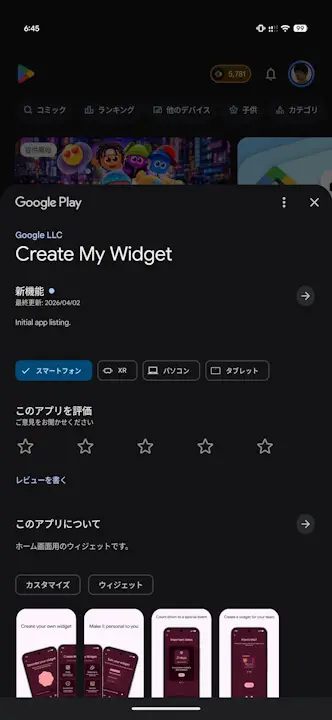
Supported devices for “Create My Widget” include the Pixel 10, Pixel 10 Pro, Pixel 10 Pro XL, Pixel 10 Pro Fold, as well as the Pixel 11, Pixel 11 Pro, Pixel 11 Pro XL, and Pixel 11 Pro Fold, with support coming soon to Google Pixel Watch 4 and Google Pixel Watch 5. However, initial availability is limited to English-language environments in Australia, Canada, India, the UK, and the US. It is not currently available for users in Japan or Japanese-language environments to join as “beta testers.”
“Create My Widget” App Link

Source: Reddit (https://www.reddit.com/r/GooglePixel/comments/1xxv5oh/eager_to_try_create_my_widget_heres_how_to_get_it/)