



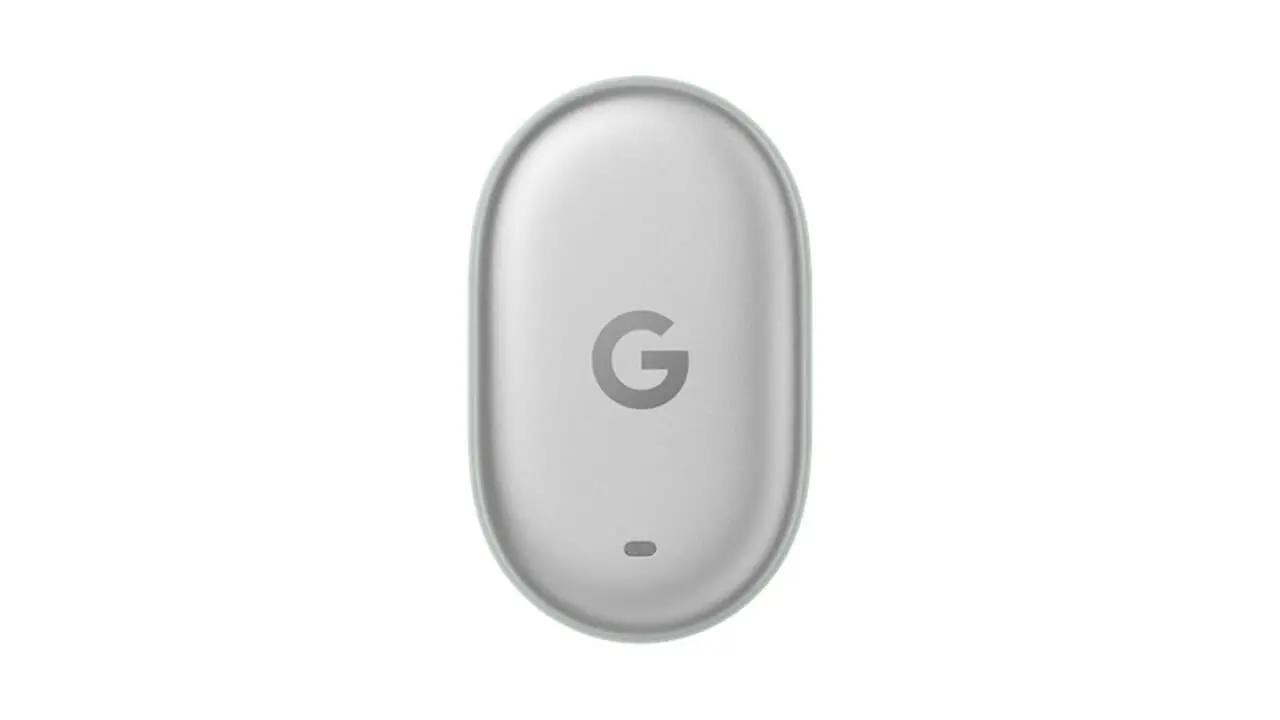

- Google has published the official setup help page, “Set up and connect your Google Pixel Tag,” coinciding with the release of the “Google Pixel Tag” on Thursday, November 12, 2026.
- The page covers not only the initial setup instructions for the “Google Pixel Tag,” but also important usage precautions.
- Materials such as carbon fiber, aluminum suitcases, and RFID-blocking anti-skimming wallets may block the signal of the “Google Pixel Tag.”
Along with the release of the “Google Pixel Tag”—a Bluetooth tracker tag compatible with Google’s device location and sharing service “Find Hub,” which launched on Thursday, November 12, 2026—Google has published the official setup help page titled “Set up and connect your Google Pixel Tag.”
The official setup help page for the “Google Pixel Tag” provides instructions on how to perform the initial setup of the tag, as well as important precautions for its ongoing use.

 jetstream.blog
First, when connecting the “Google Pixel Tag” to an Android device using Fast Pair, you need to completely pull out the plastic insulation tab from the battery contact, unlock your Android device to display the home screen, enable Bluetooth and internet connection, and place the tag nearby. Once ready, a pop-up will appear on the screen. Tapping “Connect,” agreeing to the terms of service, and granting location permission will add the tag to the “Find Hub” app.
If you accidentally close the pop-up, you will need to wait 5 minutes for it to appear again. If you close it a second time, you will have to wait 24 hours for the next prompt. If you want to bypass this waiting time, you can instantly resolve it by toggling Bluetooth off and on, or by restarting your smartphone. Furthermore, if the pop-up itself does not appear, you can connect manually via “Connected devices” in the Android settings or “Add device” in the “Find Hub” app.
Additionally, as an operational precaution, carbon fiber, aluminum suitcases, and RFID-blocking anti-skimming wallets may block the signal of the “Google Pixel Tag.” For example, when packing the tag in checked luggage for air travel, users are advised to place it in an external fabric pocket.
On the other hand, the CR2032 lithium coin cell battery that powers the “Google Pixel Tag” meets all international aviation safety standards and complies with regulations set by the TSA (Transportation Security Administration), FAA (Federal Aviation Administration), and IATA (International Air Transport Association), allowing you to carry it securely in either checked baggage or carry-on luggage.
Source:Google