



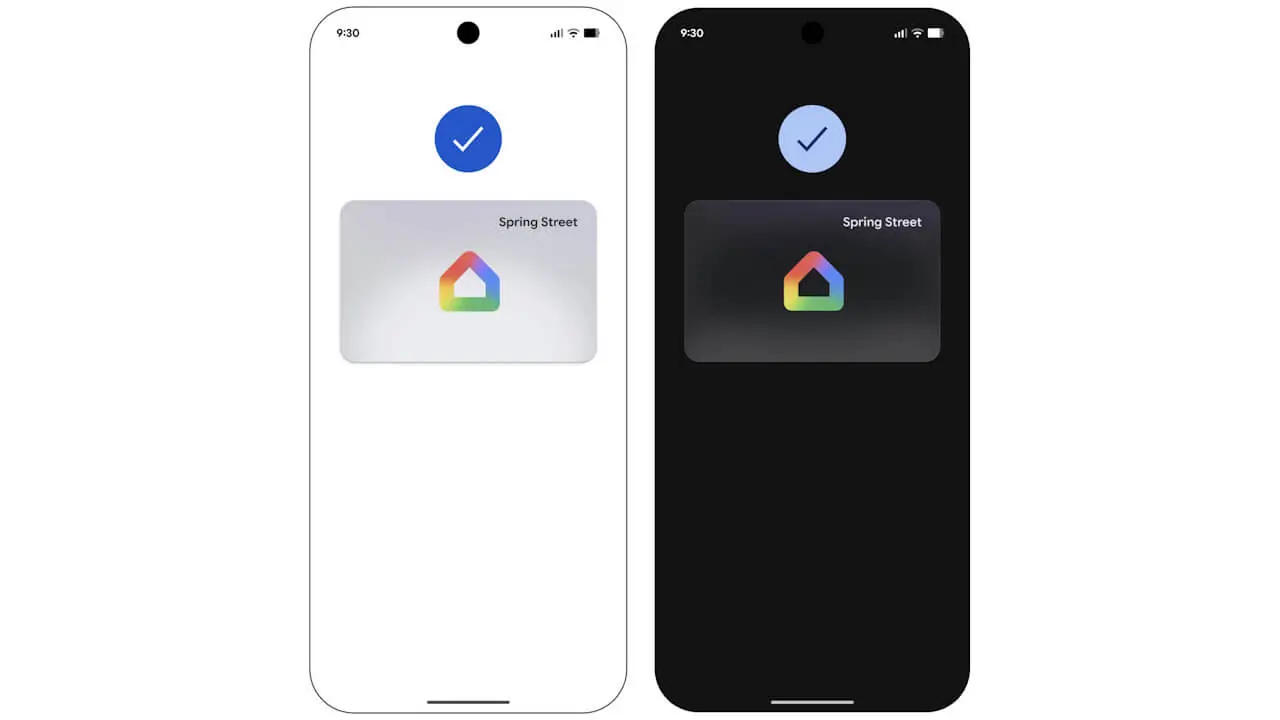

- Google has officially announced “home keys,” a new digital key feature created by integrating the smart home management service “Google Home” with the mobile payment management service for Android, “Google Wallet.”
- Rollout begins first for the “Public Preview” version of the “Google Home” app, with a general rollout to all users expected to follow over the coming weeks.
- By setting up a smart lock that is certified by the smart home standard “Matter” and compatible with the “Aliro” specification within the “Google Home” app, users can add the “home keys” digital key to the “Google Wallet” app with a single tap.
On Wednesday, November 11, 2026 (local time), Google officially announced “home keys,” a new digital key feature resulting from the integration between the smart home management service “Google Home” and the Android mobile payment management service “Google Wallet.”
The integration of digital keys between “Google Home” and “Google Wallet” was first spotted in development through app file analysis in the v4.10.57.1 update of the Android version of the “Google Home” app released in late February 2026. This official announcement and rollout arrives approximately nine months after those initial findings.

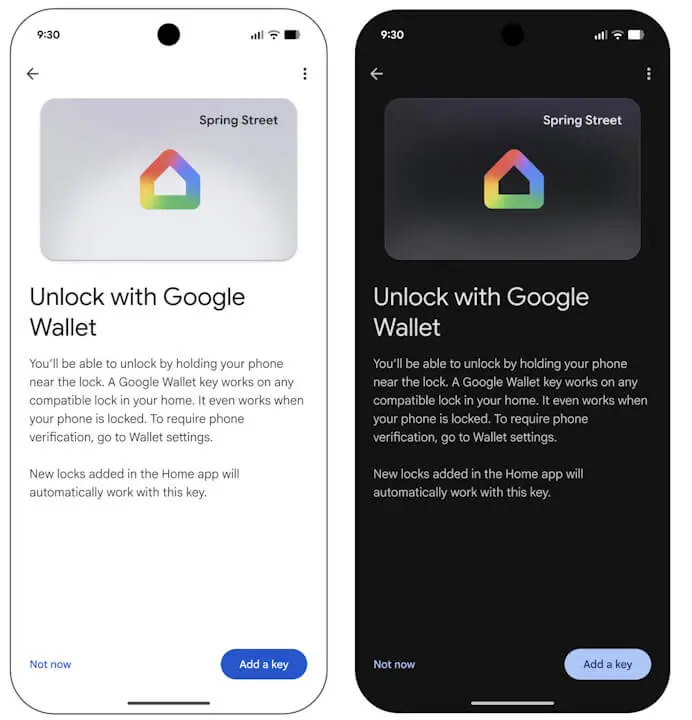
The “home keys” digital key integration will begin rolling out first for the “Public Preview” version of the “Google Home” app, with a broader rollout to general users expected over the coming weeks. Using the feature requires the latest versions of both the Android “Google Home” app and the “Google Wallet” app.
“Home keys” are built upon “Aliro,” an open digital access standard developed by the Connectivity Standards Alliance (CSA). By setting up a smart lock that is certified by the “Matter” smart home standard and compatible with the “Aliro” specification within the “Google Home” app, users will be able to add a “home keys” digital key to the “Google Wallet” app with just a single tap.
“Home keys” added to the “Google Wallet” app feature the following four main characteristics:
| Tap to Unlock | Unlock your door simply by tapping the back of an NFC-compatible Android device running Android 9 or later against the reader of a compatible smart lock. If the lock has been unlocked within the last few hours, tap-to-unlock will work even while the screen remains locked, and settings can also be adjusted in the “Google Wallet” app to require biometric authentication or screen unlock every time. |
|---|---|
| Unlock on Approach | A hands-free automatic unlocking feature that triggers as you approach the door, available when using a compatible smart lock paired with an “Aliro UWB (Ultra-Wideband)” compatible Android device. This can be enabled via the “home keys” settings menu in the “Google Wallet” app (disabled by default). |
| One Key for Your Home | Instead of being tied to individual smart locks, “home keys” are designed to be linked to a “Home” in the “Google Home” app. Multiple “Aliro”-compatible smart locks registered to the same “Home” can be operated collectively with a single “home key” (if you have multiple “Homes,” one key can be added for each). |
| Easy Access for Your Household | Family members added as members to the “Home” in the “Google Home” app can also add their own dedicated “home keys” to the “Google Wallet” app on their respective Android devices. Keys automatically sync across compatible Android devices logged into the same Google Account, while traditional temporary guest passcodes can still be issued and shared for temporary visitors who are not members of the “Home.” |
Requirements for using “home keys” include a “Matter”-certified and “Aliro”-compatible smart lock, as well as a “Matter”-compatible hub product featuring a “Thread Border Router” such as the Nest Hub (2nd gen), Nest Hub Max, Nest Wifi Pro, or Google TV Streamer. At launch, compatible smart locks include the Aqara U400 (supports UWB/NFC), Schlage Sense Pro (supports NFC at launch, with UWB support coming later), and Nuki Keypad 2 NFC.
On the mobile device side, tap-to-unlock is supported on general NFC-compatible Android devices running Android 9 or later. Hands-free automatic unlocking via UWB (Ultra-Wideband) requires an “Aliro UWB”-compatible Android device, starting with the Pixel 10 Pro series (Pixel 10 Pro, Pixel 10 Pro XL, and Pixel 10 Pro Fold) and later. Note that Wear OS smartwatches are not supported at launch.
Google Home App Links


Source: Google