



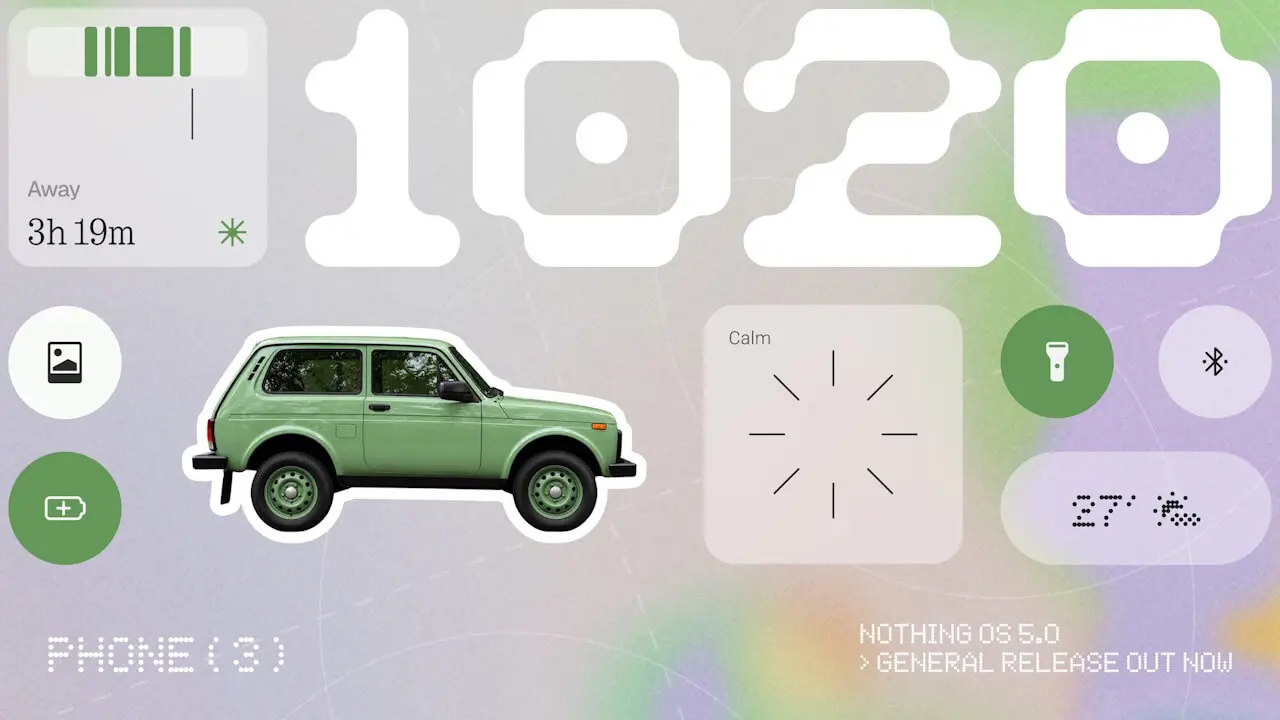

- Nothing has officially released the stable version of its new-generation custom OS, “Nothing OS 5.0,” for the “Phone (3)” as scheduled.
- Following the release of the “Nothing OS 5.0” open beta in late August 2026.
- “Nothing OS 5.0” is Nothing’s custom OS based on the new-generation Android OS, “Android 17.”
On Monday, October 12, 2026, local time, British venture company Nothing Technology (“Nothing”) began rolling out the official stable version of its new-generation custom OS, “Nothing OS 5.0,” for its Android devices, starting with the “Phone (3)” as previously announced.
An open beta version of “Nothing OS 5.0” was released for the “Phone (3)” in late August 2026, and following that open beta phase, the official stable version of “Nothing OS 5.0” is now being rolled out generally. Note that “Nothing OS 5.0” is Nothing’s custom OS based on the new-generation Android OS, “Android 17.”

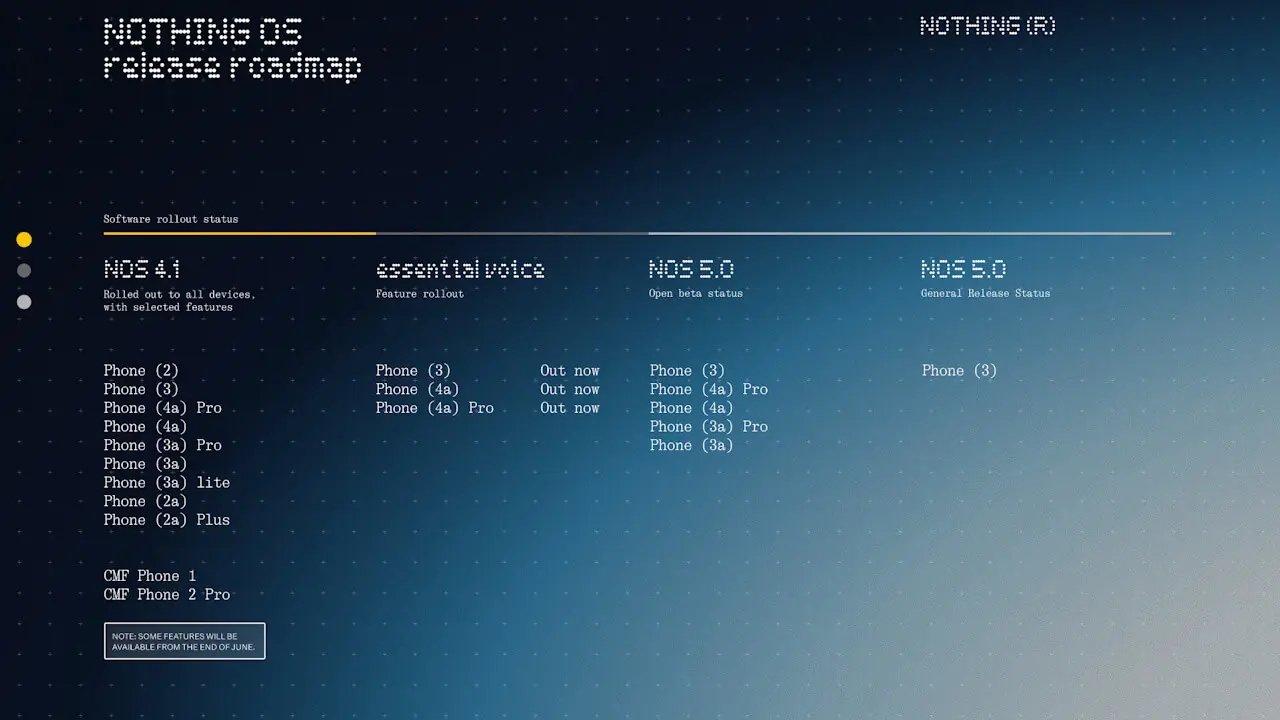
“Nothing OS 5.0” Rollout Schedule
| “Nothing OS 5.0” Open Beta |
|
|---|---|
| “Nothing OS 5.0” Stable Version |
|
Redesigned Interface
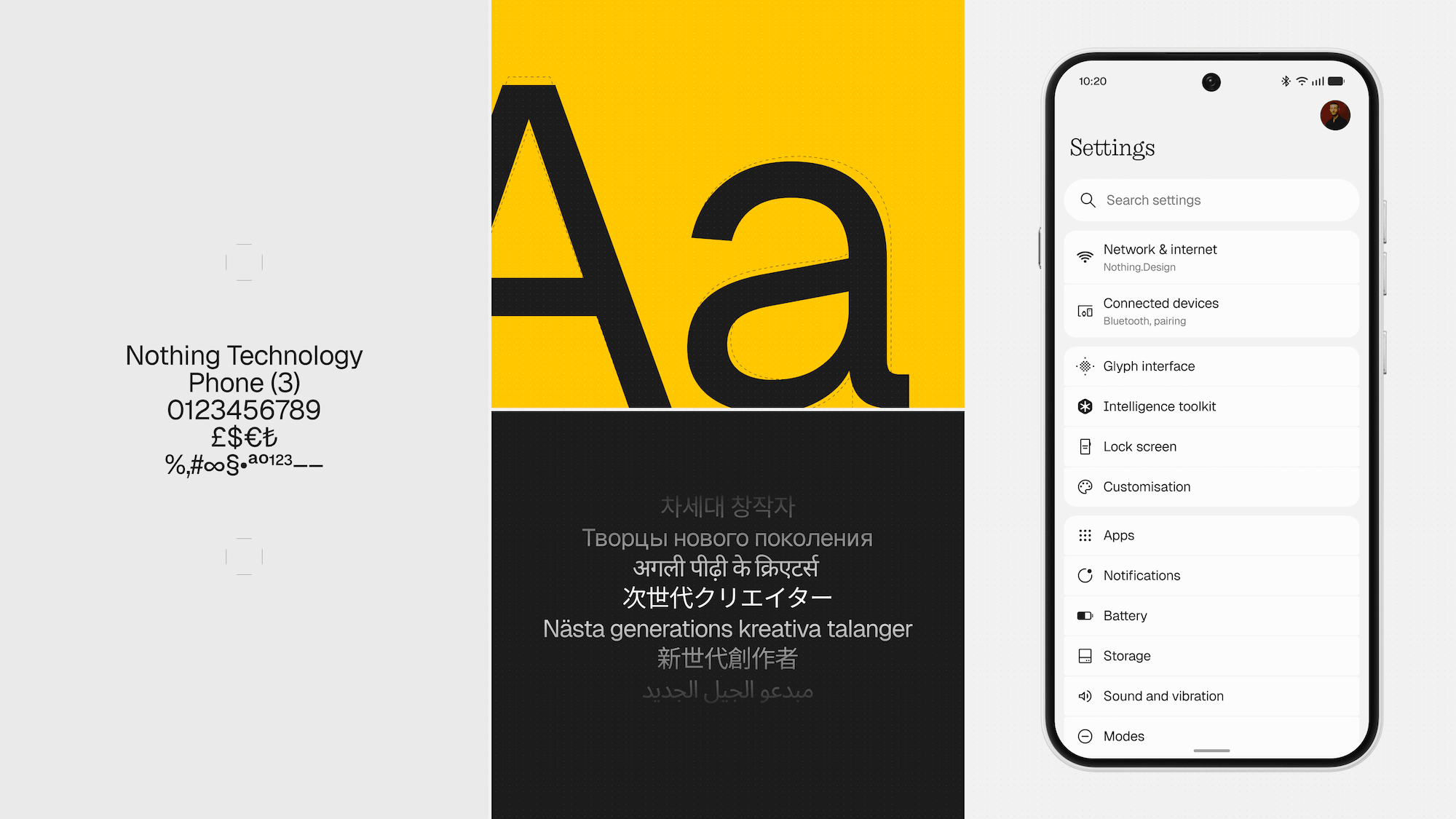
In “Nothing OS 5.0,” the overall design has been revamped, featuring refreshed system-wide typography, icons, whitespace, textures, and motions.
Among the biggest changes is the adoption of the new system typeface, “Geist.” Selected by the design team to enhance legibility while maintaining the distinct personality unique to “Nothing OS,” it plays a role in boosting visual consistency across the entire system, including settings menus, widgets, and menus.
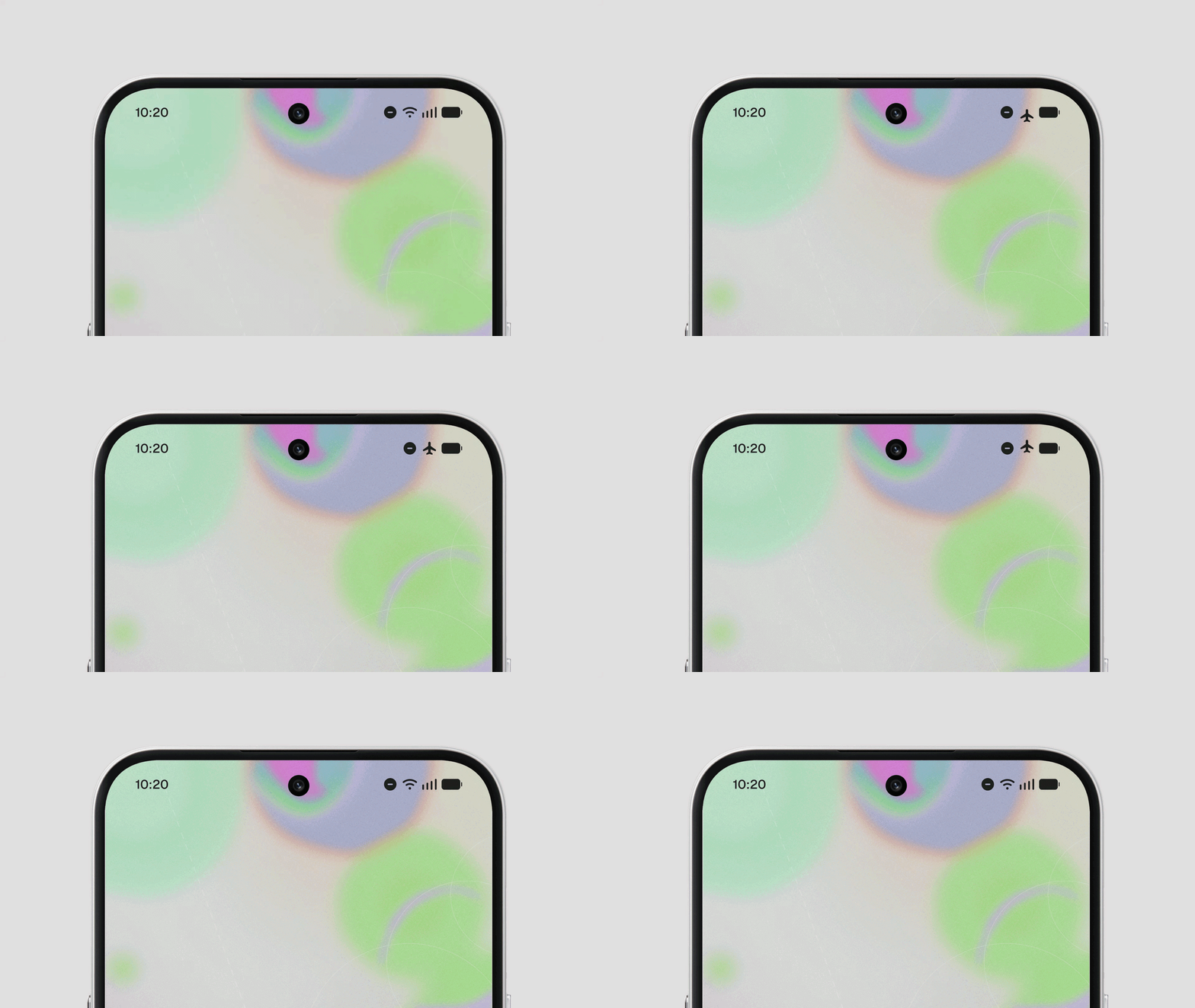
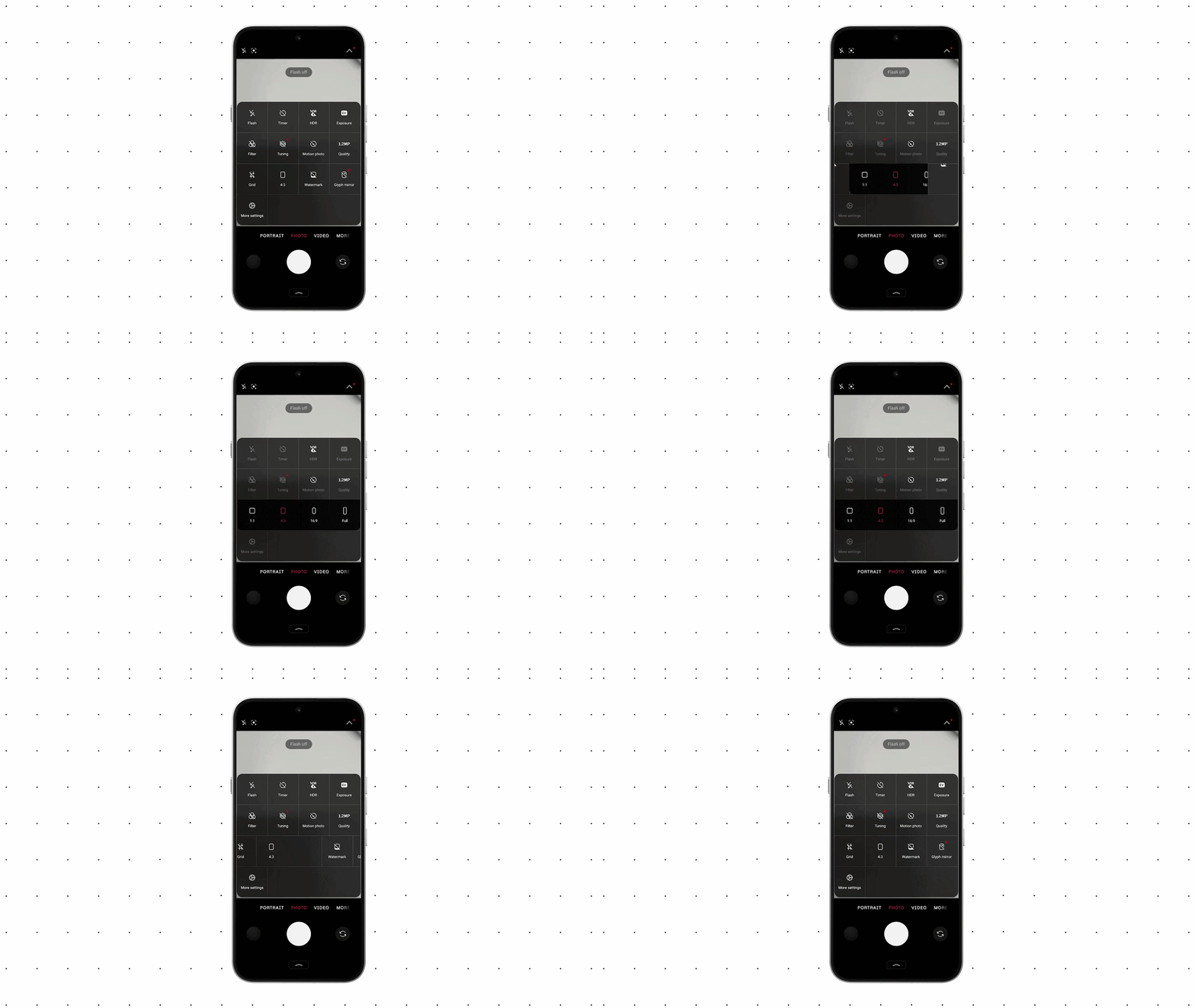
Along with this, the settings menu has been revised with updated icons, whitespace, and corner shapes, grouping frequently used items together to improve visibility and usability. Status bar icons also feature a new design, displaying state changes like signal strength and battery status with more intuitive animations. Additionally, the camera app icon and controls have been overhauled, bringing minor usability improvements such as locking recognition results on-screen when scanning QR codes.
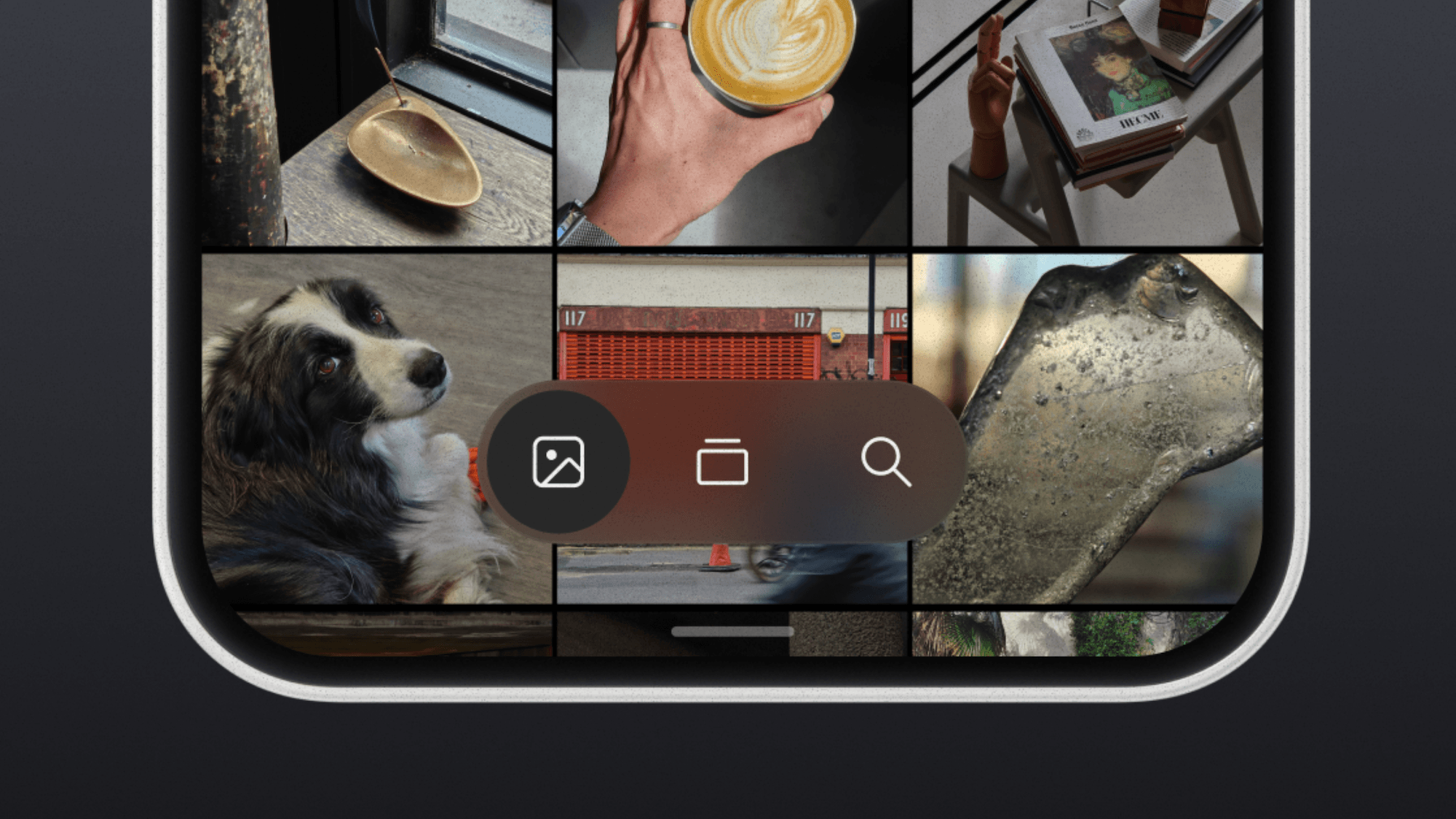
In the “Nothing Gallery” app, photo sorting and filtering features as well as the album view have been redesigned, incorporating a new design language utilizing translucent materials throughout.
Wallpaper-Linked Personalization Features
“Nothing OS 5.0” introduces a new personalization feature where app icon and widget color schemes automatically adjust in sync with the wallpaper’s color tones.
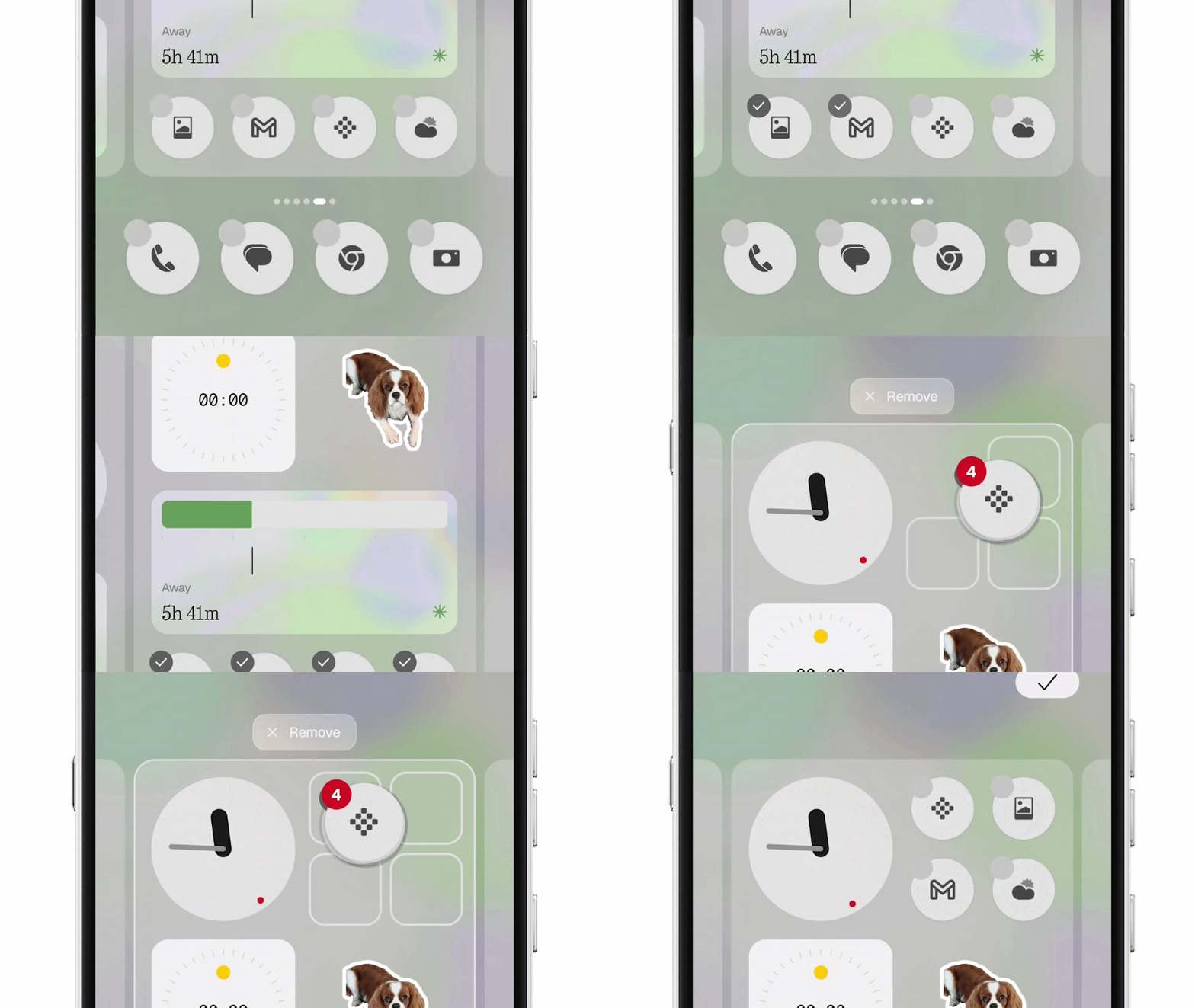
On the lock screen, two new additions have been made: “Gooey,” a new clock face featuring fluid shapes, and “Micrographics,” which displays dates, weather, schedules, and more in a consolidated view. Both support color settings reflecting the wallpaper. On the home screen, a bulk editing feature has been added, allowing users to select multiple icons and widgets together and move them across pages at once, reducing the hassle of layout changes.
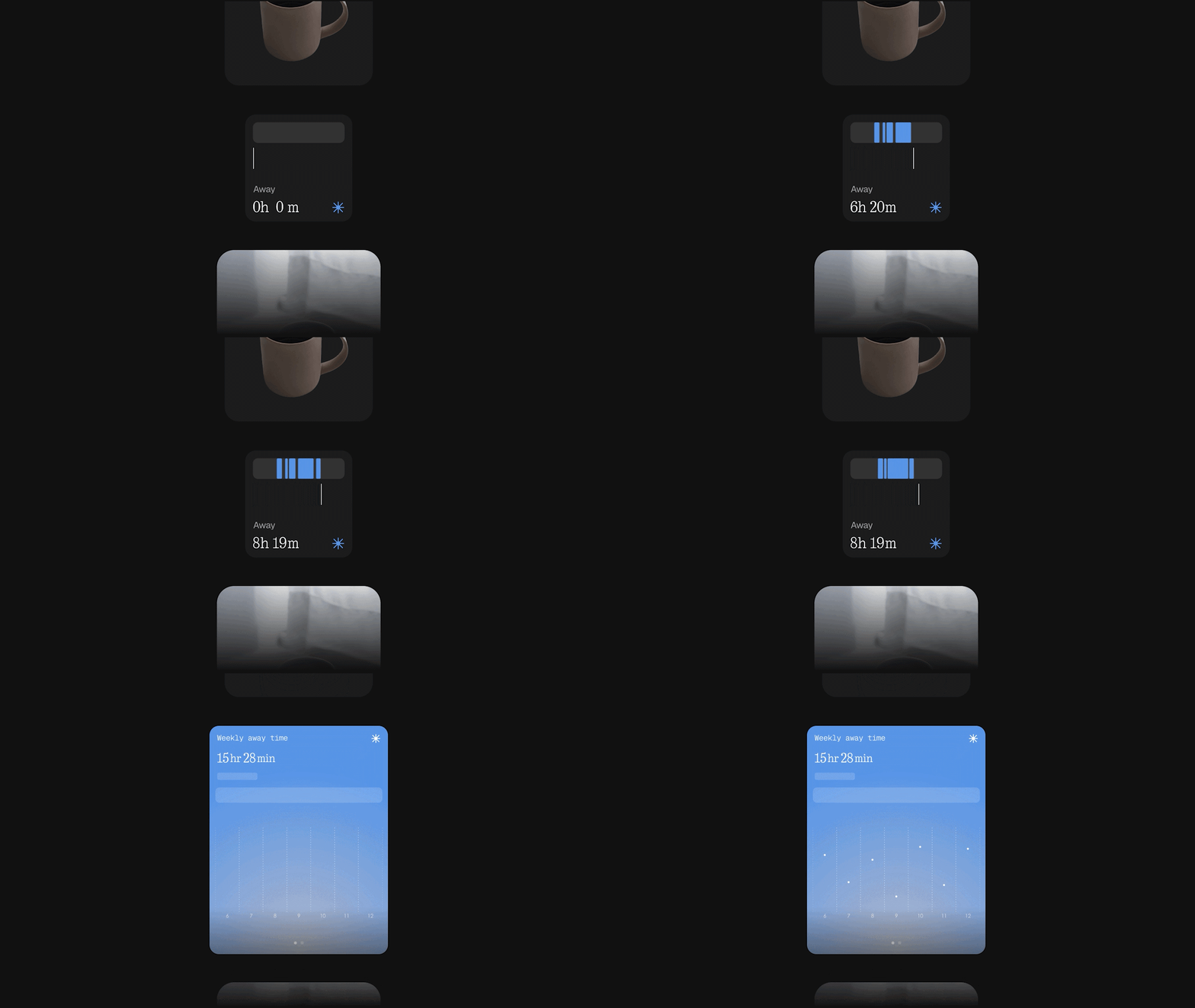
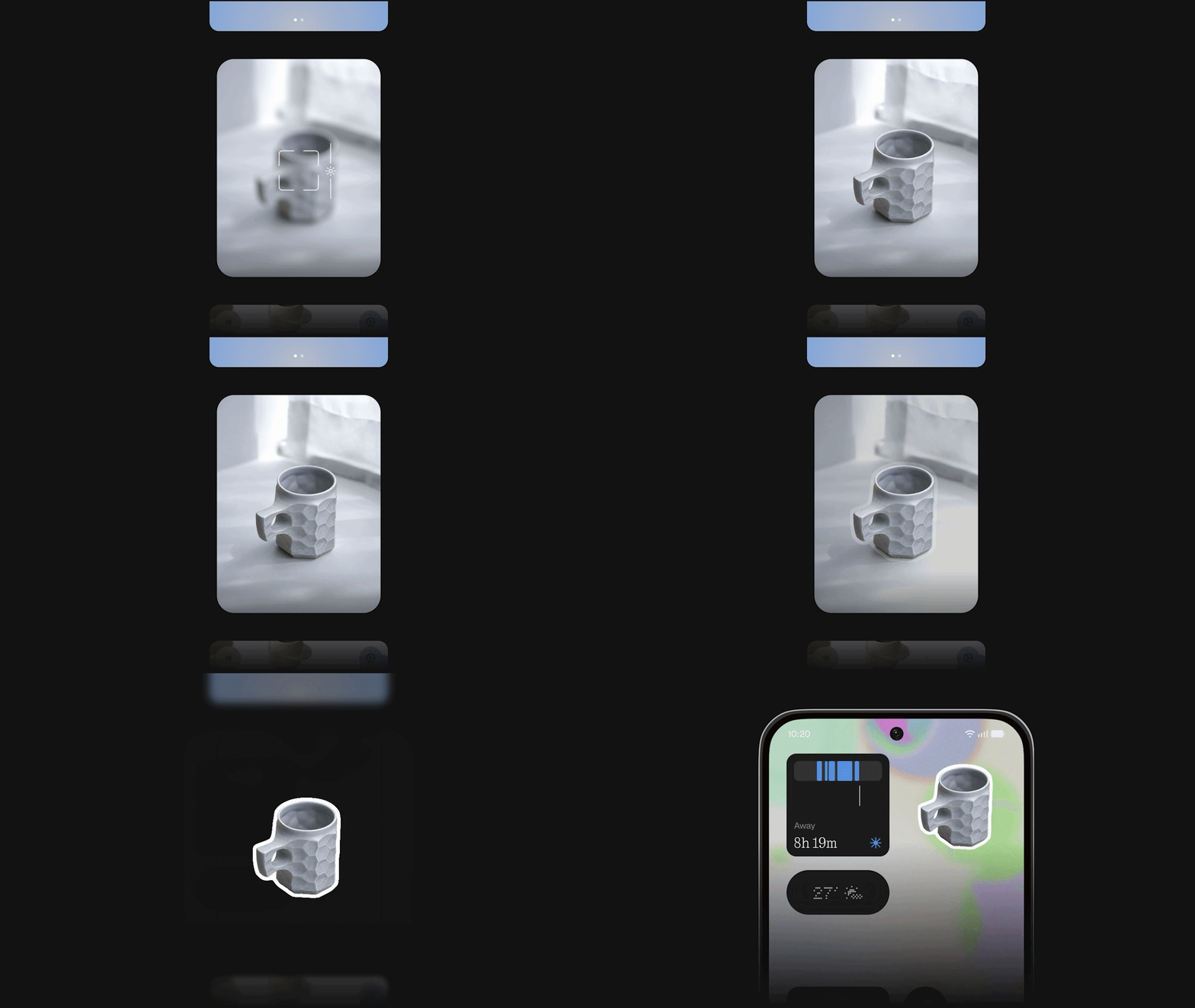
In addition, several new widgets and apps have been added, including “Away Time,” a new widget that visualizes time spent away from operating the smartphone; “Collector,” which displays collections of photos gathered from the camera or “Nothing Gallery” app on the home and lock screens; “Glyph,” a dedicated app to centrally manage Glyph Interface-related functions, sounds, and schedules; and the “Glyph Timer” widget, which lets you launch a timer directly from the home screen.
UI Acceleration
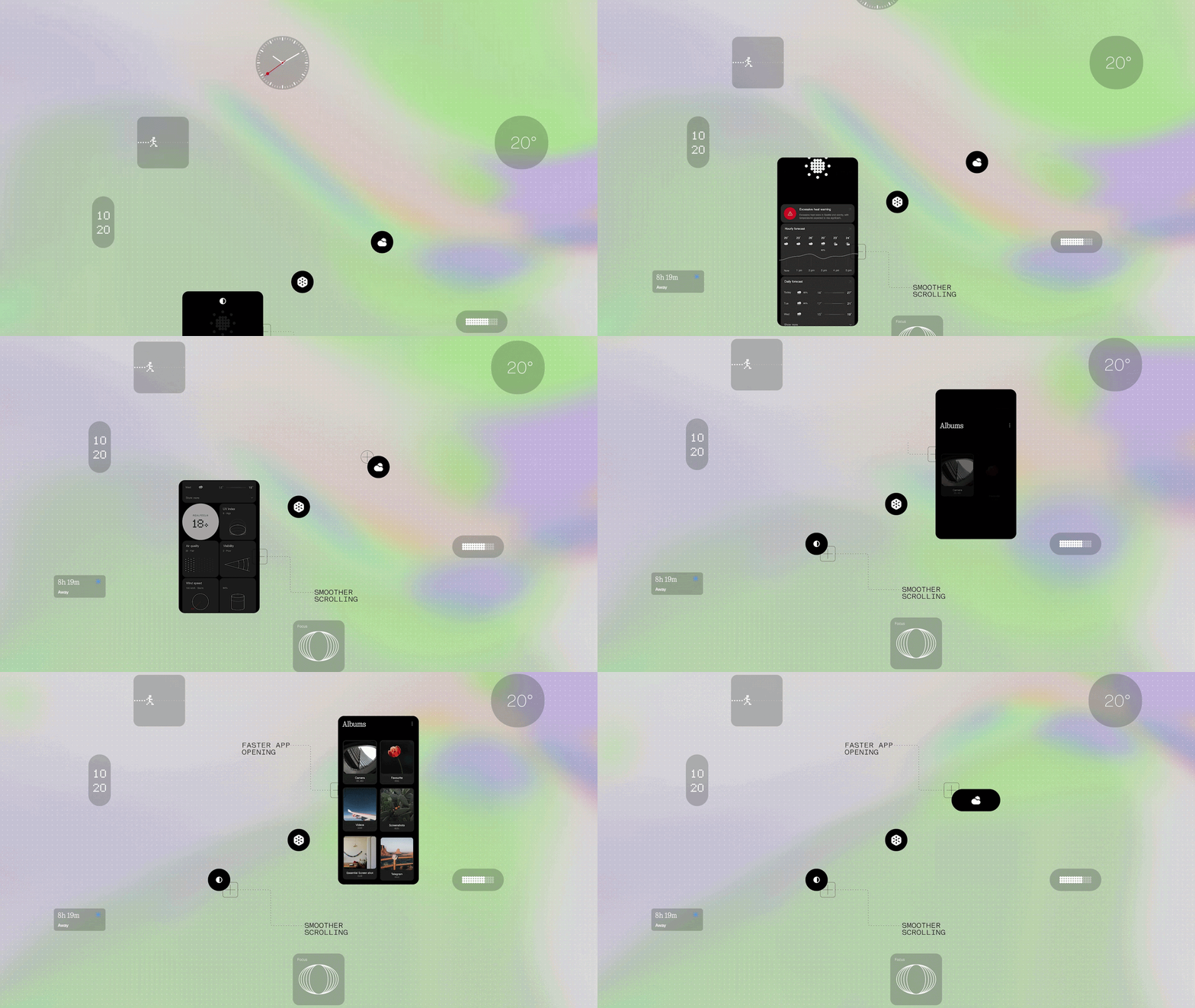
In “Nothing OS 5.0,” the UI has been accelerated by improving responsiveness for everyday operations such as app launching, scrolling, touch response, and multitasking.
Optimizations in background management allocate more resources to active apps while making frequently used apps easier to keep on standby in the background, reducing reload frequency. Furthermore, reversing a gesture mid-action now causes the animation to play in reverse accordingly, achieving smoother and more natural movement across apps, folders, widgets, and the multitasking screen as a whole.
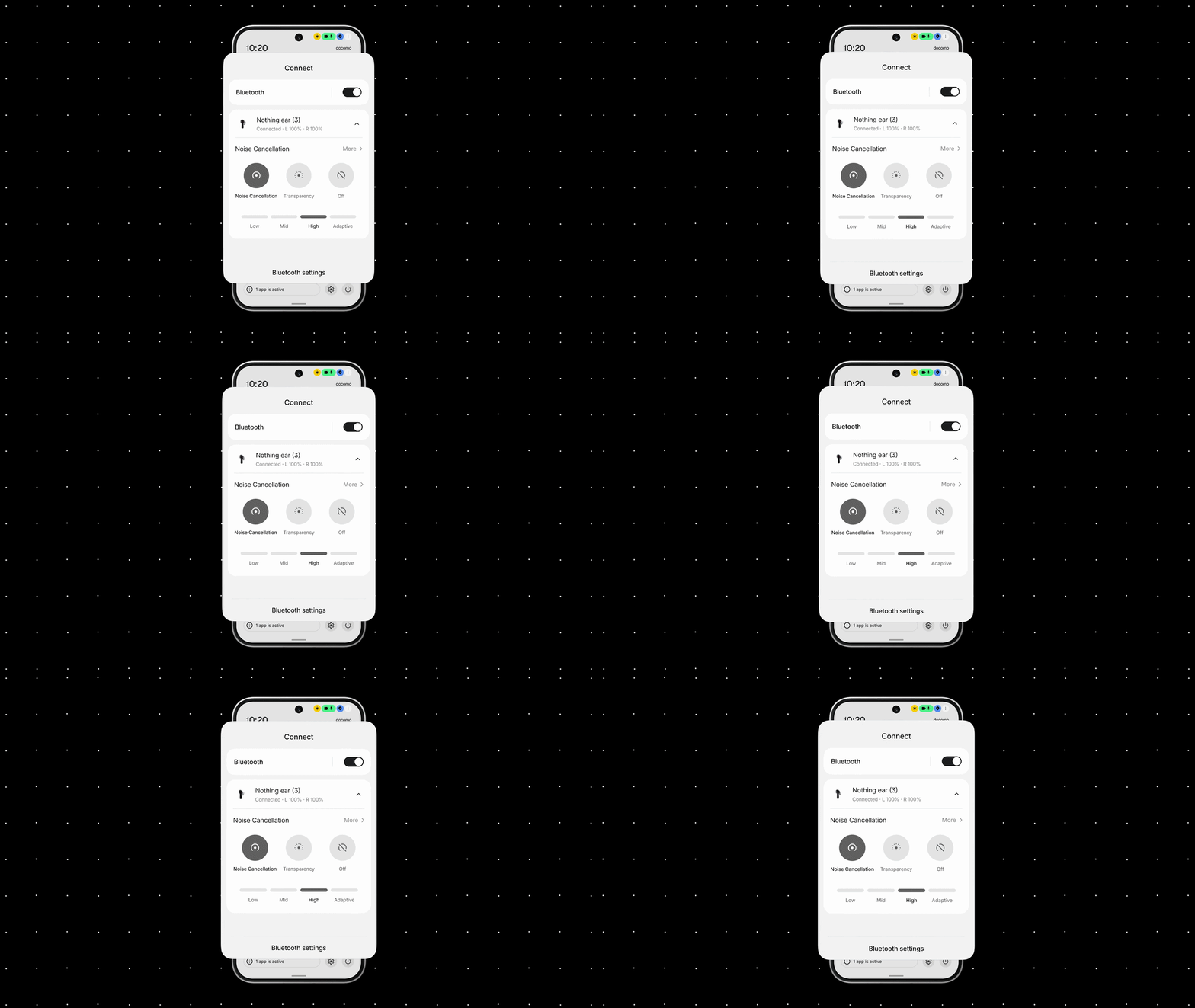
The Bluetooth “Quick Settings Tile” has also been redesigned, allowing users to search for, connect to, or disconnect from nearby devices with a single tap.
“Essential AI” Related Feature Updates
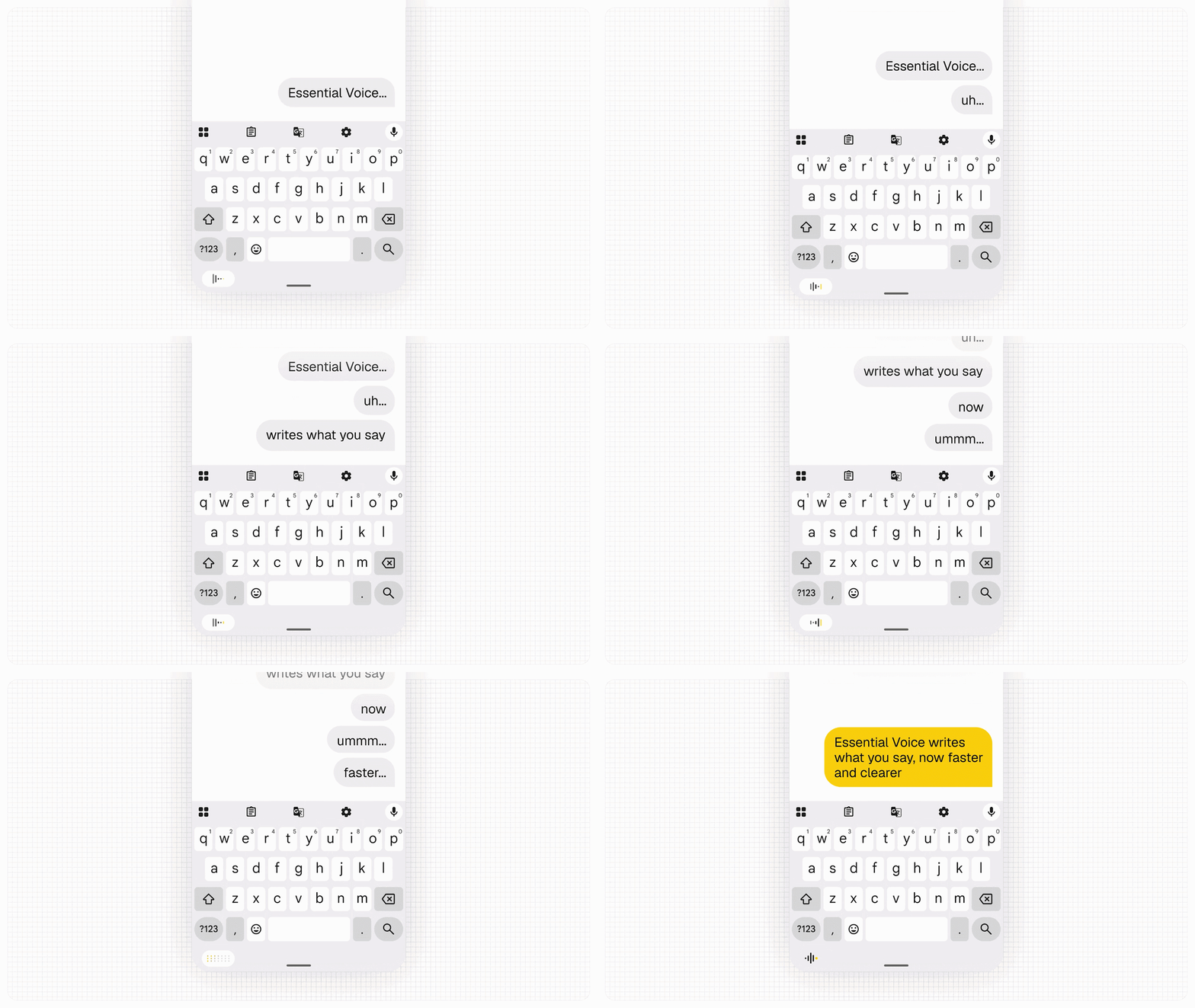
As an update to “Essential AI” features, the processing speed of the voice memo feature “Essential Voice” has been improved, enabling transcriptions to be formatted much more neatly.
It automatically distinguishes between content that should remain as paragraphs and tasks or requirements that should be bulleted, and spoken content is now displayed as text in real time. Additionally, a multilingual “Real-Time Translation” feature is scheduled to be added later this year.
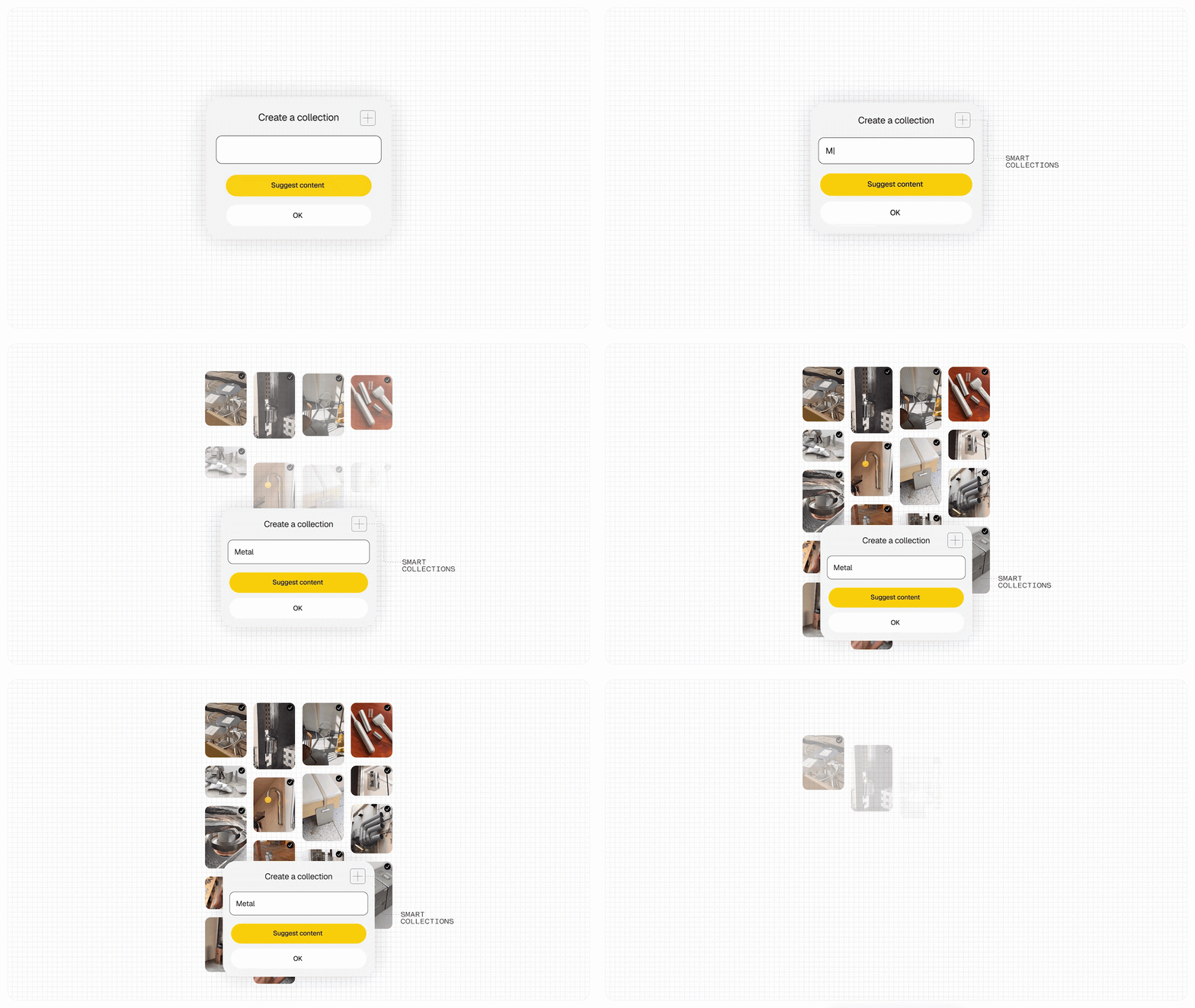
In “Essential Space,” a “Smart Collections” feature has been added to automatically suggest relevant items from existing saved content when creating a new collection, along with a function that proposes creating a new collection if common topics are found across multiple saved items.
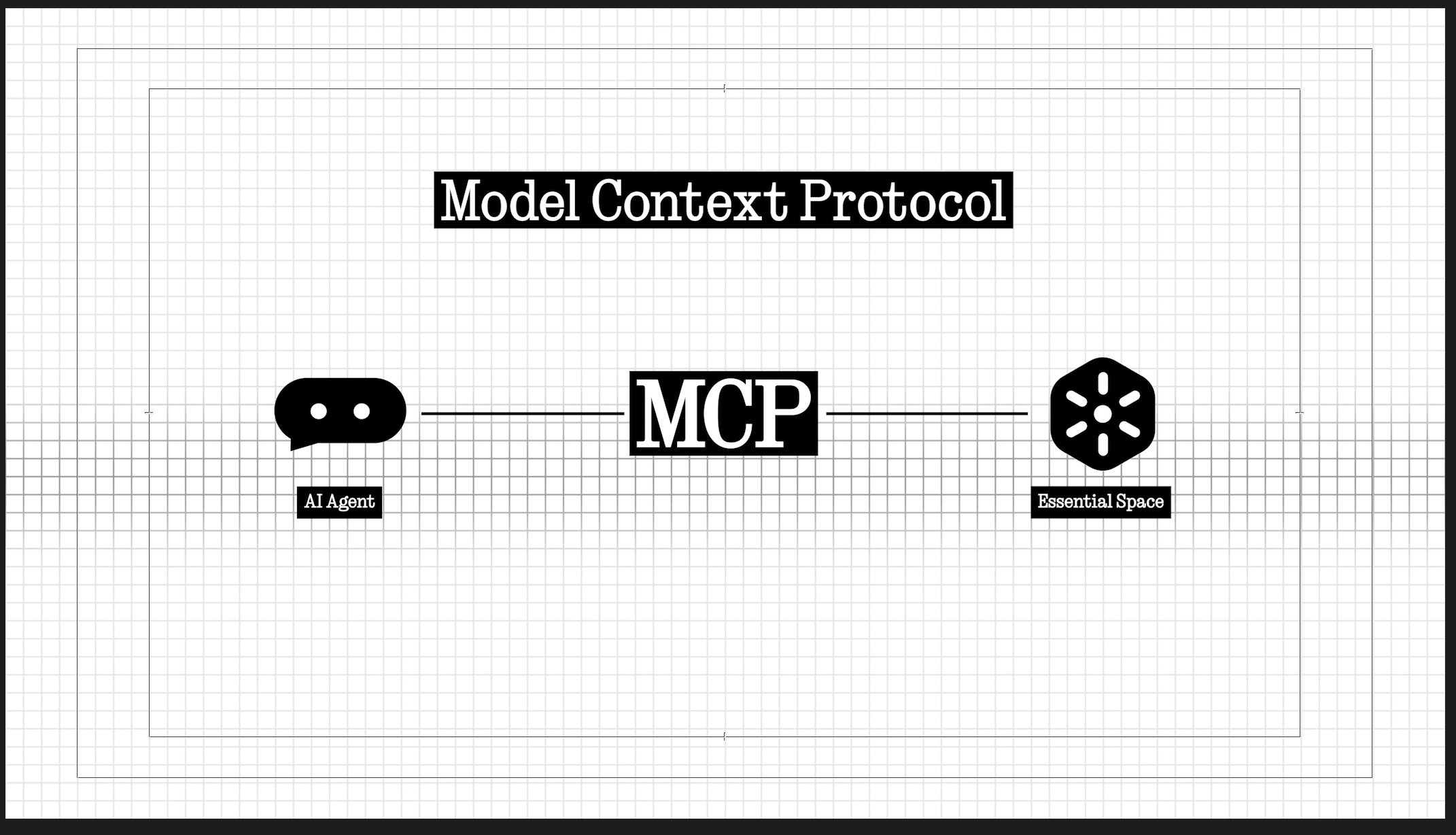
Furthermore, support for the Model Context Protocol (MCP) has been introduced, allowing compatible external AI platforms to search and reference saved content within “Essential Space.” MCP is read-only at the initial release, and the rollout of MCP support via Google Play is scheduled for October 2026.
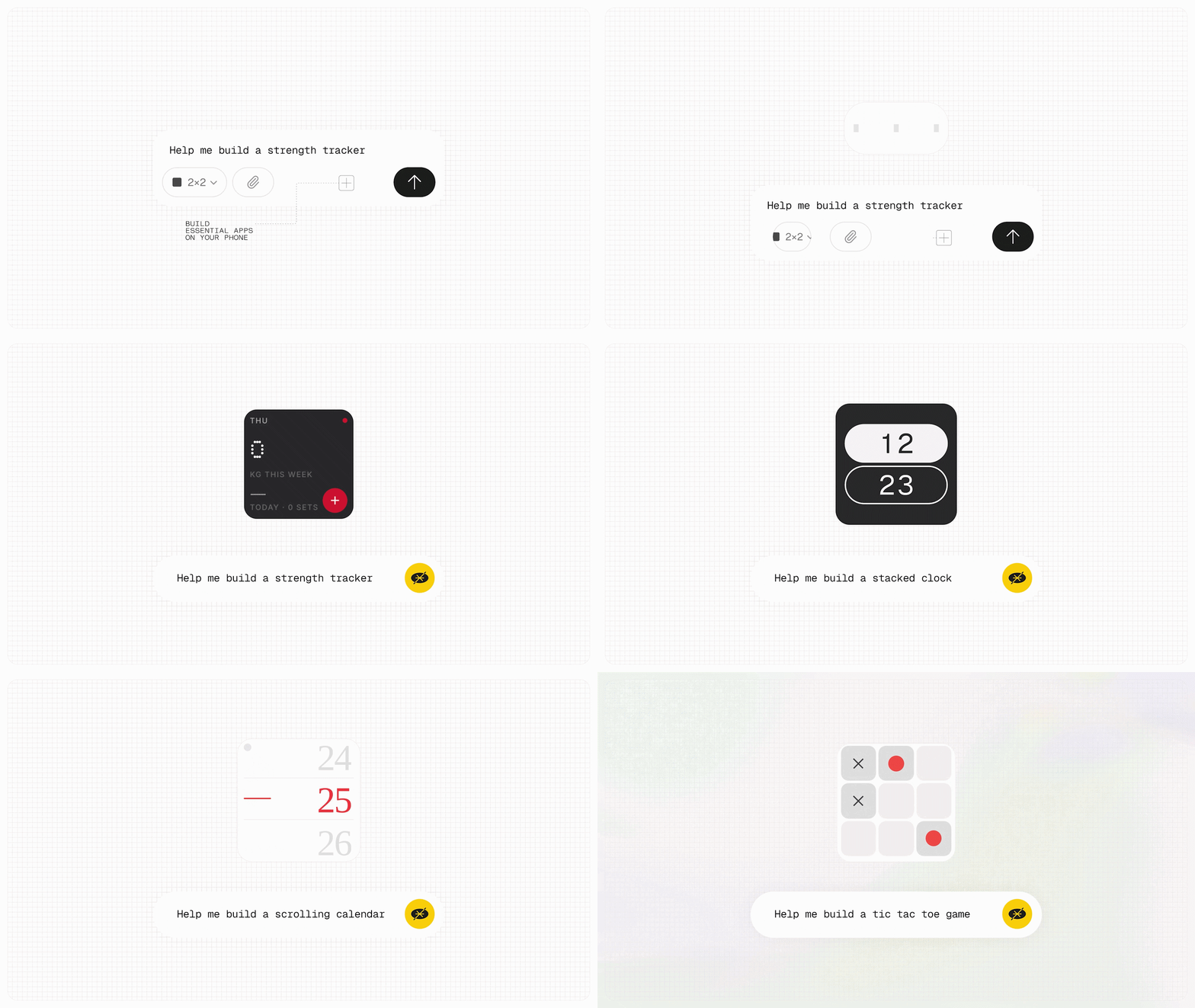
Additionally, the new “Essential Apps Builder” app has been added, allowing users to create “Essential Apps”—which previously could only be created on the web—directly on their smartphones. With the “Essential Apps Builder” app, simply by describing the tool you want to create in natural language, you can generate widgets and tools to place on your home screen without writing any code.
“Android 17” New Features
“Nothing OS 5.0” also rolls out multiple new features implemented in its base next-generation Android OS, “Android 17.”
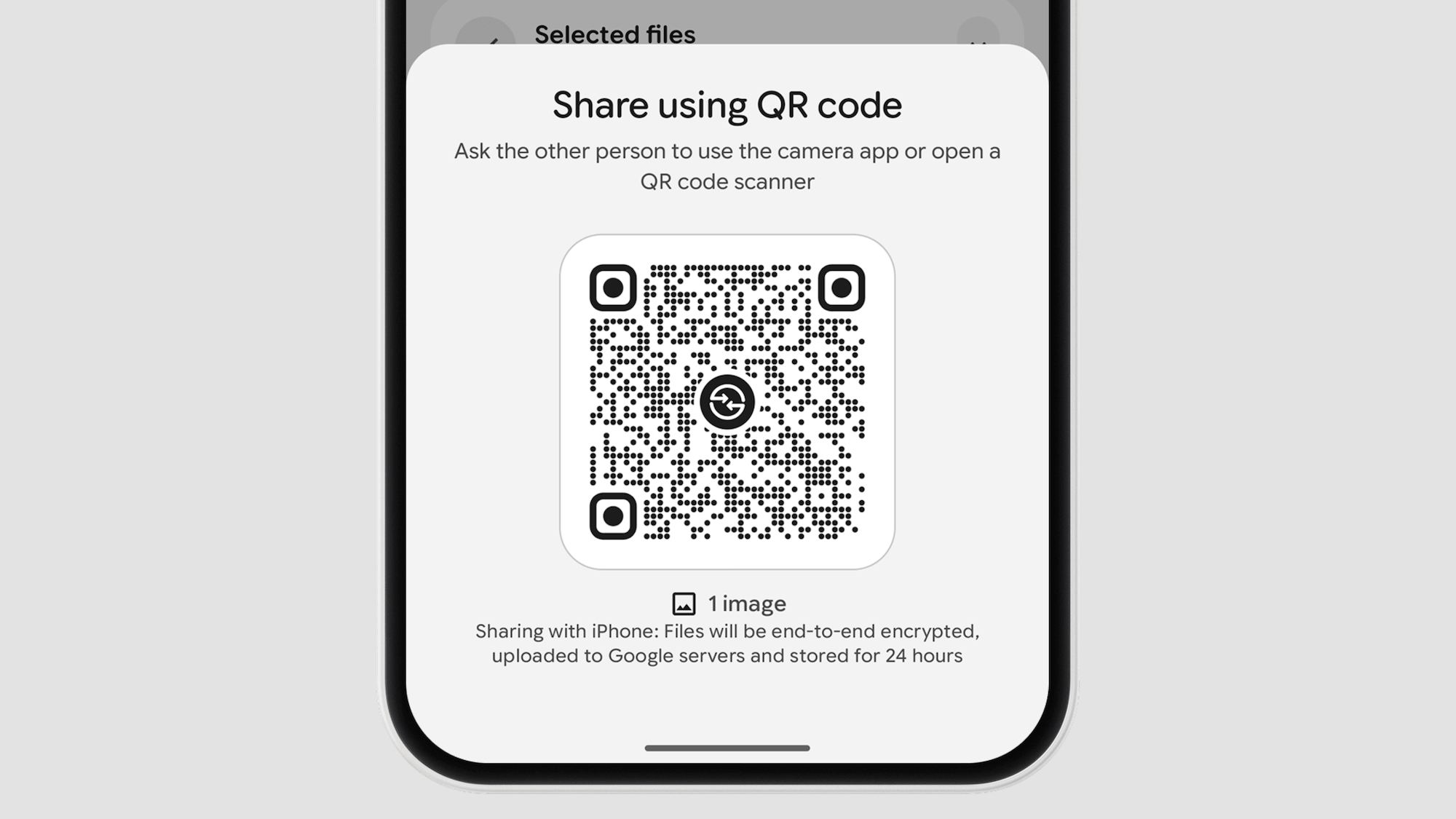
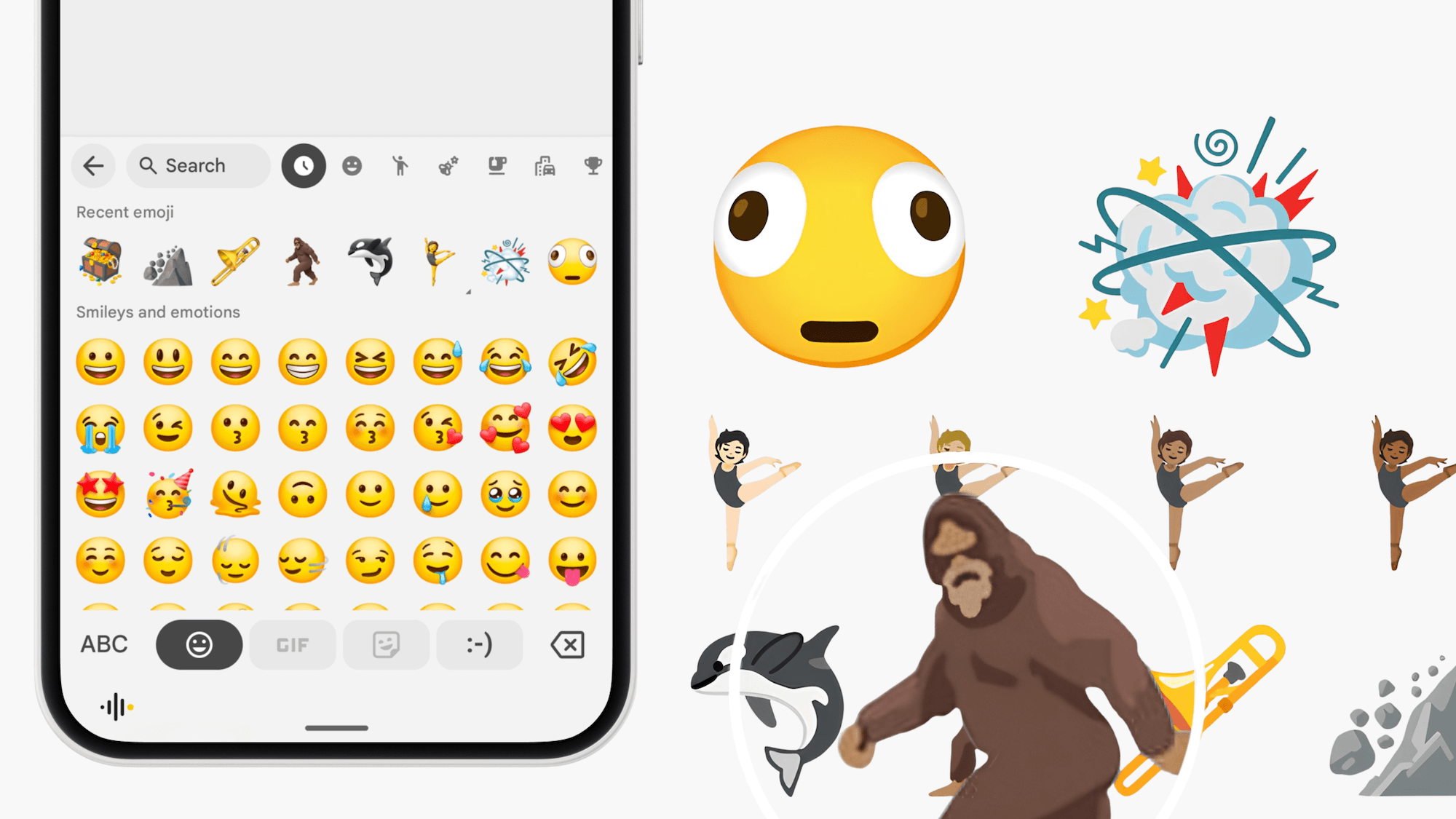
A wide range of improvements have been made, including a “Split Mode” that lets users view the notification panel and Quick Settings tiles separately via left and right swipes; enhanced “Quick Share” functionality for sending and receiving files via QR code and browser regardless of iPhone or Android; a floating control panel for easier operation during screen recording; privacy indicators that color-code location sharing and AI data processing in three colors (green, blue, yellow) on the status bar; “Live Info” for displaying ongoing app progress as a capsule in the status bar; “Noto 3D” emojis featuring three-dimensional styling; an “Extended Dark Theme” to set dark mode applicability per app; “Assistant Volume” adjustable independently from media volume; “HDR Brightness Correction,” which brightens only the highlight portions of HDR photos and videos without raising overall screen brightness; and a revamped “Recent Apps” screen featuring a pill-shaped menu combining actions like “Split Screen” and “App Info” on recent app screens.
Source: Nothing (https://nothing.community/d/63548-nothing-os-50-general-release-is-here)