



- The “Google Messages” app is expected to support video calling in the future.
- An analysis of the APK file for the Android “Google Messages” app v20260924_00_RC00 update confirms the addition of resource codes related to “RCS Video Calling (rcs_video).”
- It is anticipated that the app will support video calling standards in the future, enabling seamless voice and video calls similar to “LINE Calls.”
The “Google Messages” app has firmly established its position as an RCS (Rich Communication Services) client for Android devices.
With “RCS,” you can communicate much like you do on “LINE,” including sending and receiving photos and videos, participating in group chats, and checking read receipts. However, because voice and video calls are not currently supported, you have to use services like “Google Meet” to make voice or video calls.
Nevertheless, it appears that the “Google Messages” app will soon support video calling. We bring you the details in “App Analysis,” our original app file analysis reporting content from our site, “Jetstream.”
「アプリ解析」
当サイトの「アプリ解析」カテゴリで公開している記事では、最新 Android アプリを逆コンパイルして独自に解析し、今後実装される可能性のある新機能や変更点などをお届けします。正式リリース前の新機能や変更となるため開発段階の未確定な情報も含まれますが、Android アプリの今後のアップデート動向をいち早くキャッチできる、ほかにはない当サイトオリジナルコンテンツです。
当サイトオリジナルの「アプリ解析」コンテンツを見逃さないよう、ぜひ Google の「優先ソース」に当サイト「Jetstream 」を登録してください。

As a result of analyzing the APK file of the Android “Google Messages” app v20260924_00_RC00 update released on Monday, September 28, 2026, we confirmed that resource codes related to “RCS Video Calling (rcs_video)” and the “RCS Video Calling” outgoing call screen UI have been added.
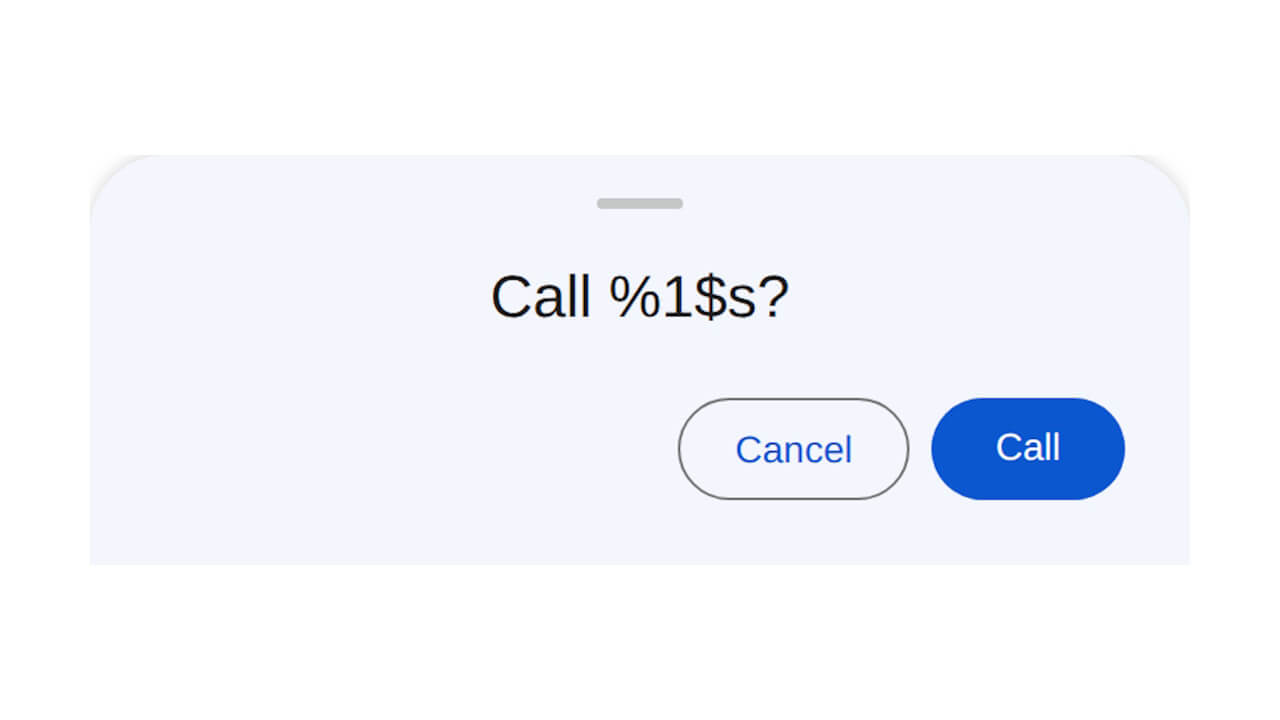
<string name="rcs_video_bottom_sheet_heading">Call?</string>
<string name="rcs_video_bottom_sheet_heading_with_name">Call %1$s?</string>
<string name="rcs_video_bottom_sheet_call_button_text">Call</string>
<string name="rcs_video_bottom_sheet_cancel_button_text">Cancel</string>
<!-- rcs_video_bottom_sheet_heading : 発信しますか? -->
<!-- rcs_video_bottom_sheet_heading_with_name : %1$s さんに発信しますか? -->
<!-- rcs_video_bottom_sheet_call_button_text : 発信 -->
<!-- rcs_video_bottom_sheet_cancel_button_text: キャンセル --><public type="string" name="rcs_video_bottom_sheet_call_button_text" ... />
<public type="string" name="rcs_video_bottom_sheet_cancel_button_text" ... />
<public type="string" name="rcs_video_bottom_sheet_heading" ... />
<public type="string" name="rcs_video_bottom_sheet_heading_with_name" ... /><string name="rcs_video_call_title">Video call</string>
<string name="action_video_call_short_title">Video</string>
<string name="meet_video_call">Meet Video Call</string>
<string name="generic_carrier_video_call">Carrier Video Call</string>
<string name="bottom_sheets_videocalling_meet_setup_heading">Start by setting up Meet</string>
<string name="bottom_sheets_videocalling_meet_setup_body">Finish the setup so you can video call</string>
<string name="bottom_sheets_videocalling_set_up_meet">Set up Meet</string>
<string name="bottom_sheets_videocalling_invite_heading">Invite %1$s to join Meet so you can video chat</string>
<string name="bottom_sheets_videocalling_send_invite">Send invite</string>
<string name="bottom_sheets_videocalling_no_thanks">No thanks</string>Although the Android “Google Messages” app does not yet support “RCS Video Calling,” it is expected to support video calling standards in the future, enabling seamless voice and video calls much like “LINE Calls.”
“Google Messages” App Link