


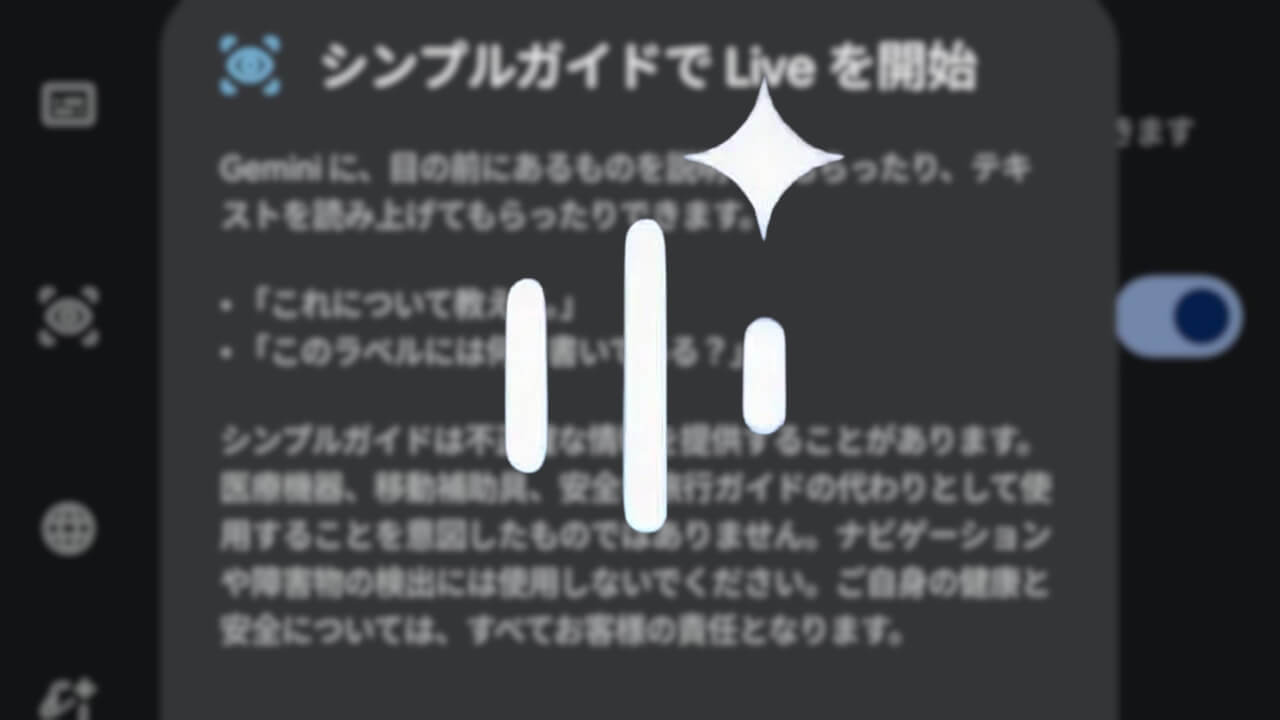
- Android’s Google AI “Gemini” intuitive conversational feature, “Gemini Live,” has rolled out a new feature called “Guided vision.”
- This new “Gemini Live” feature was previously teased as part of the September 2026 edition of “Android Drop,” which introduces new features rolling out to Android devices.
- By sharing your camera during “Gemini Live,” it will now provide audio descriptions of what is right in front of you.
In late September 2026, a new feature called “Guided vision” began rolling out to “Gemini Live,” the intuitive conversational feature of Android’s Google AI “Gemini.”
The “Guided vision” feature was teased for “Gemini Live” as part of the September 2026 edition of “Android Drop,” which showcases new features rolling out to Android devices. By sharing your camera in “Gemini Live,” it can now provide spoken descriptions of what is right in front of you.
 jetstream.blog
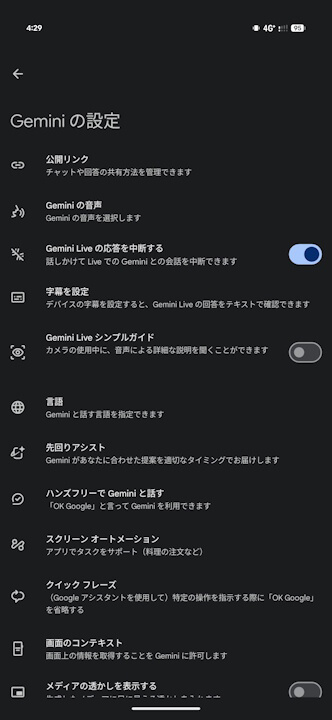
To use “Guided vision,” simply turn it on via “Gemini Settings.” While “Guided vision” is in use, a “Guided vision” icon will appear in the upper-left corner of the “Gemini Live” screen.
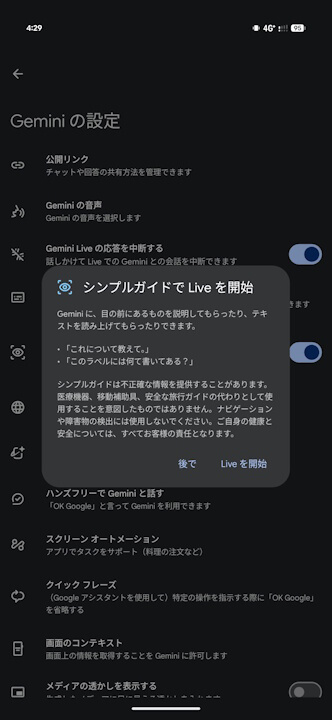
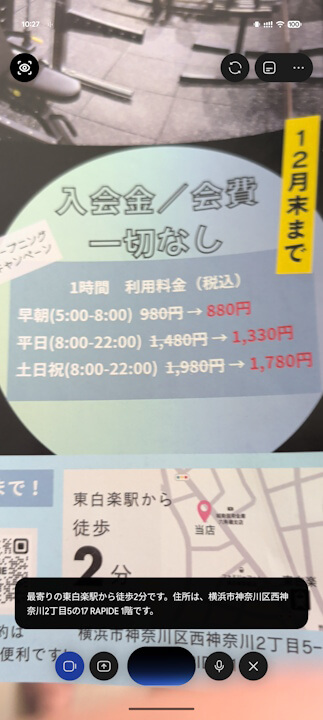
The new “Gemini Live” feature, “Guided vision,” was originally designed for the blind and low-vision community. For example, it helps users read small food labels in front of the camera, order from menus in dimly lit restaurants, or identify household items.
Additionally, if the camera is pointing off-center, audio feedback will guide you to adjust the camera, pan across the space, or center the subject to ensure you get the answers you need. “Guided vision” is rolling out sequentially for Android devices running Android 9.0 Pie or later.
“Gemini” App Link