



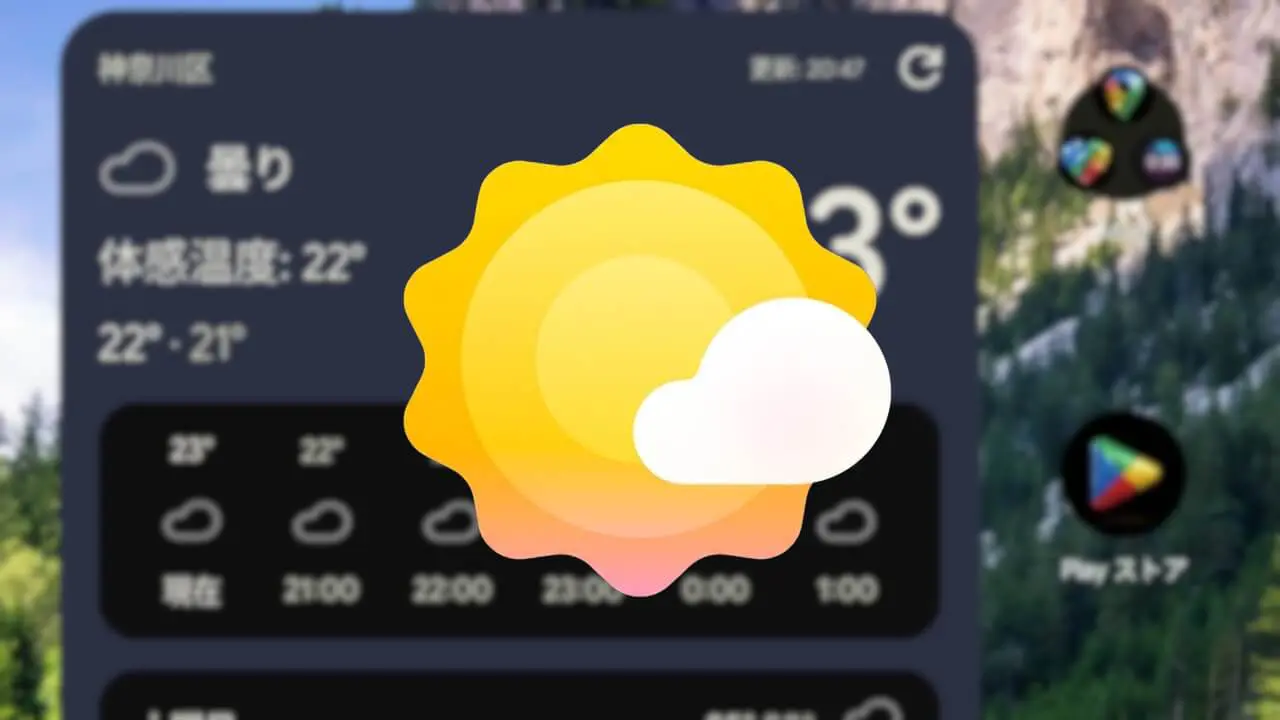

- The widget for “Pixel Weather,” a dedicated weather app for Google Pixel, now supports one-tap updates with app version v1.1.20260716.979549101.release, rolled out around Thursday, September 17, 2026.
- A new “↻ (Refresh)” button has been added to the top right of the “Weather Forecast” widget, allowing users to quickly update the forecast by tapping it.
- The last updated time is also displayed.
The widget for “Pixel Weather,” a dedicated weather app for Google Pixel, now supports one-tap updates starting with app version v1.1.20260716.979549101.release, which was rolled out around Thursday, September 17, 2026.
The “Pixel Weather” app includes both “Weather Forecast (5×3)” and “Current Weather (2×2)” widgets, and it is the “Weather Forecast” widget that now supports one-tap updates. A new “↻ (Refresh)” button has been added to the top right corner of the widget, allowing users to quickly update the weather forecast with a single tap.
Previously, users had to open the “Pixel Weather” app and perform a pull-down gesture to update the weather, but having the “Weather Forecast” widget placed on the home screen now makes quick updates possible. Additionally, the update time is now displayed on the “Weather Forecast” widget.
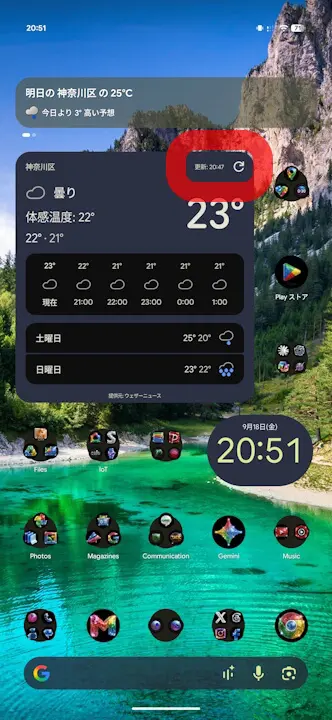
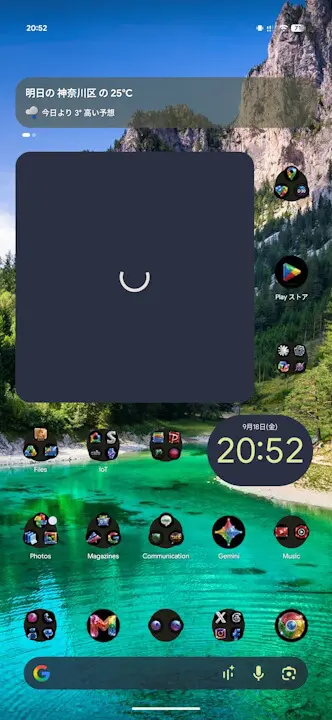
The addition of the “↻ (Refresh)” button to the “Weather Forecast” widget is quite a subtle new feature, which was discovered through our “App Teardown.”
<string name="_0_resource_name_obfuscated_res_0x7f1303c4">Refresh weather data</string>
<string name="_0_resource_name_obfuscated_res_0x7f130452">Updating…</string>
<string name="_0_resource_name_obfuscated_res_0x7f1303c4">天気データを更新</string>
<string name="_0_resource_name_obfuscated_res_0x7f130452">更新しています…</string>“Pixel Weather” App Link
