



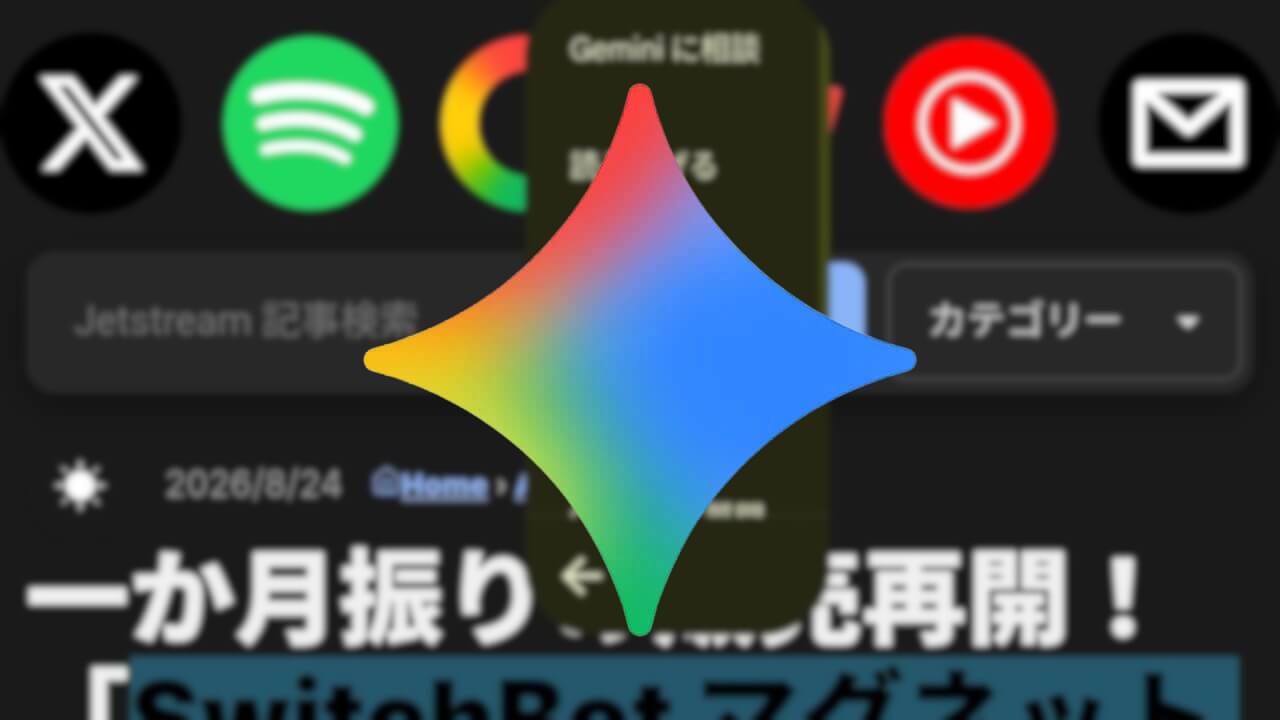

- A new feature called “Ask Gemini”—something that seemed like it should exist but didn’t—has been rolled out to the Android version of the “Google” app.
- When you select text on a web page or elsewhere, you can use the context menu that appears to paste the selected text directly into the prompt field in the “Gemini” app.
- Internally, this feature is defined as “assistant_robin_smart_text_select.”
A long-awaited yet surprisingly missing new feature has started rolling out to the Android version of the Google search app, the “Google” app.
This long-overdue new feature in the Android “Google” app is “Ask Gemini,” which has newly appeared in the context menu that shows up when you select text on a web page or elsewhere. By selecting “Ask Gemini” for the chosen text, you can now paste it directly into the prompt input field of the “Gemini” app.
While options like “Ask Claude,” “Ask Copilot,” and “Ask ChatGPT” have been available in the same context menu for a while, “Ask Gemini” has finally been added as well. Although it is a very simple and straightforward feature, it might actually be more useful and widely desired than launching the “Gemini” app via “Circle to Search” or by long-pressing the power button.
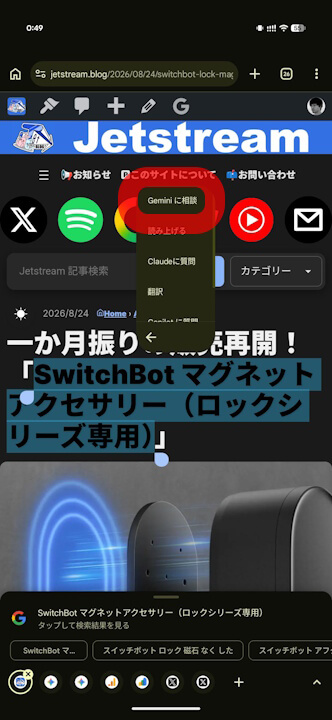
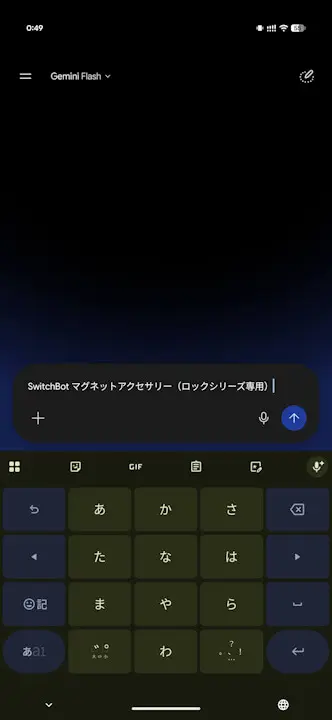
As a side note, the new context menu feature “Ask Gemini” in the Android “Google” app introduced here is defined internally within the app as “assistant_robin_smart_text_select.” To go a bit further, the internal codename for “Gemini” within the app is “robin.”
<activity-alias
    android:label="@string/assistant_robin_smart_text_select"
    android:icon="@mipmap/assistant_robin_ic_activity"
    android:name="com.google.android.apps.search.assistant.surfaces.voice.robin.launcher.ProcessTextGatewayActivity"
    android:enabled="false"
    android:exported="true"
    android:targetActivity="com.google.apps.tiktok.nav.gateway.GatewayActivity">
    <intent-filter
        android:label="@string/assistant_robin_smart_text_select"
        android:priority="1000">
        <action android:name="android.intent.action.PROCESS_TEXT"/>
        <category android:name="android.intent.category.DEFAULT"/>
        <data android:mimeType="text/plain"/>
        <data android:mimeType="text/html"/>
    </intent-filter>
</activity-alias>
Google App Link
