




- In mid-July 2026, a toggle switch to turn “Ask Photos” ON/OFF was rolled out in the Google Photos app for Android (v7.83) and iOS (v7.84).
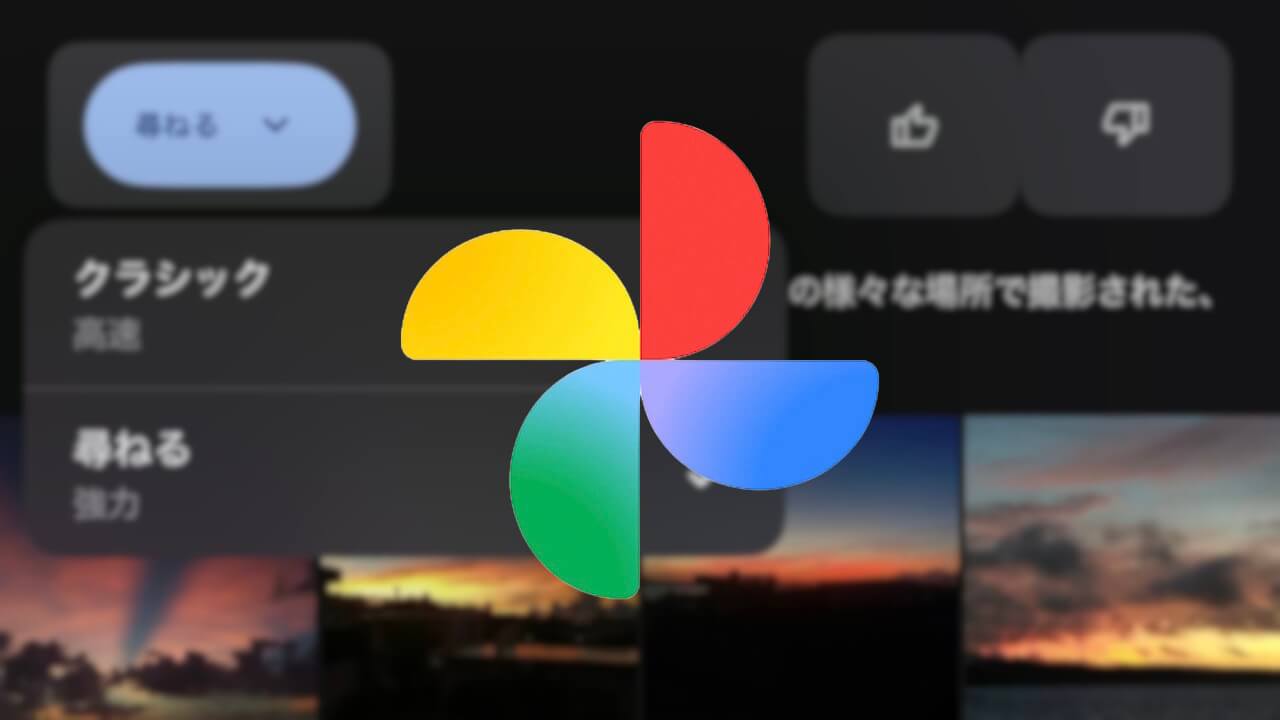
- For the iOS version of the Google Photos app, the previous selection setting between “Classic (Fast)” and “Ask (Powerful)” has been replaced by the “Ask Photos” ON/OFF toggle switch.
- This feature is designed for users who want to use the traditional keyword-based search that provides instant results, in addition to the AI-powered “Ask Photos” search function.
In mid-March 2026, Shimrit ben-yair (@shimritby), the head of the online photo library service “Google Photos,” announced the introduction of a toggle switch to easily turn “Ask Photos,” the Google AI “Gemini”-integrated search feature, ON or OFF within the app.
Subsequently, in late May 2026, the iOS version of the Google Photos app introduced a selection setting of “Classic (Fast)” vs. “Ask (Powerful)” for “Ask Photos” instead of a simple toggle. However, in mid-July 2026, a standard “Ask Photos” ON/OFF toggle switch began rolling out in the Google Photos app for Android (v7.83) and iOS (v7.84).
For the iOS version of the Google Photos app, this marks a specification change from the previous “Classic (Fast)”/”Ask (Powerful)” selection setting to the “Ask Photos” ON/OFF toggle switch.
 jetstream.blog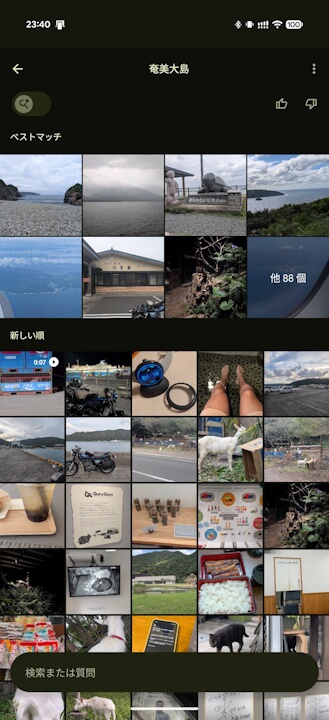
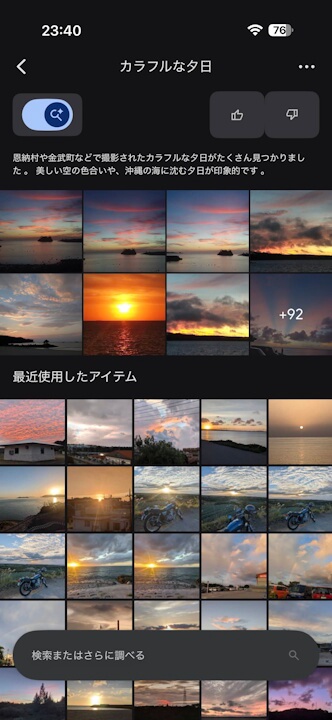
The “Ask Photos” toggle switch now rolling out to the Android and iOS versions of the Google Photos app is intended for users who want to use the traditional, fast-result keyword search in addition to the AI-powered “Ask Photos” feature. With the toggle OFF, users can utilize standard keyword search, while toggling it ON enables the “Ask Photos” search functionality.
“Google Photos” App Links

